About the Game
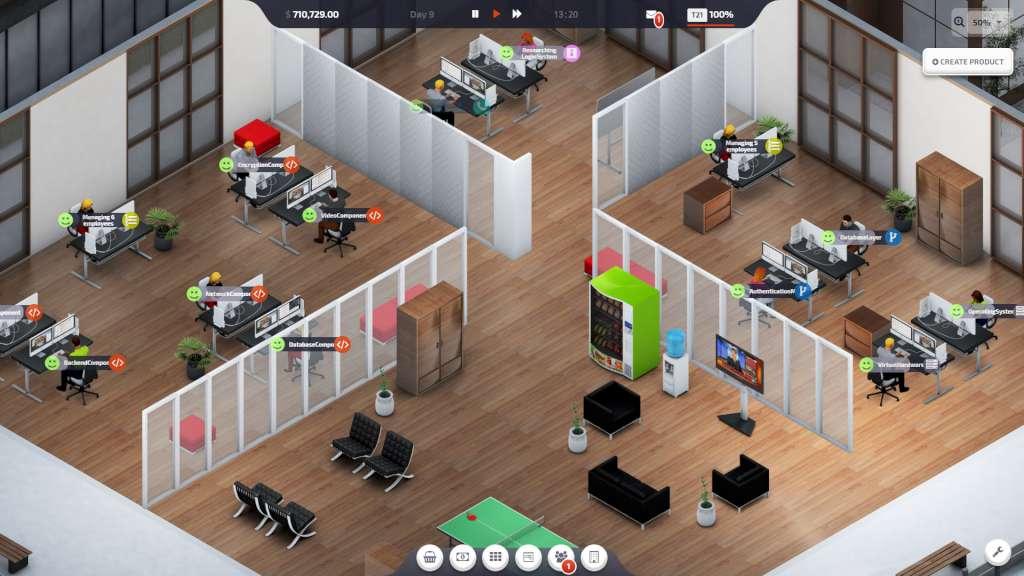
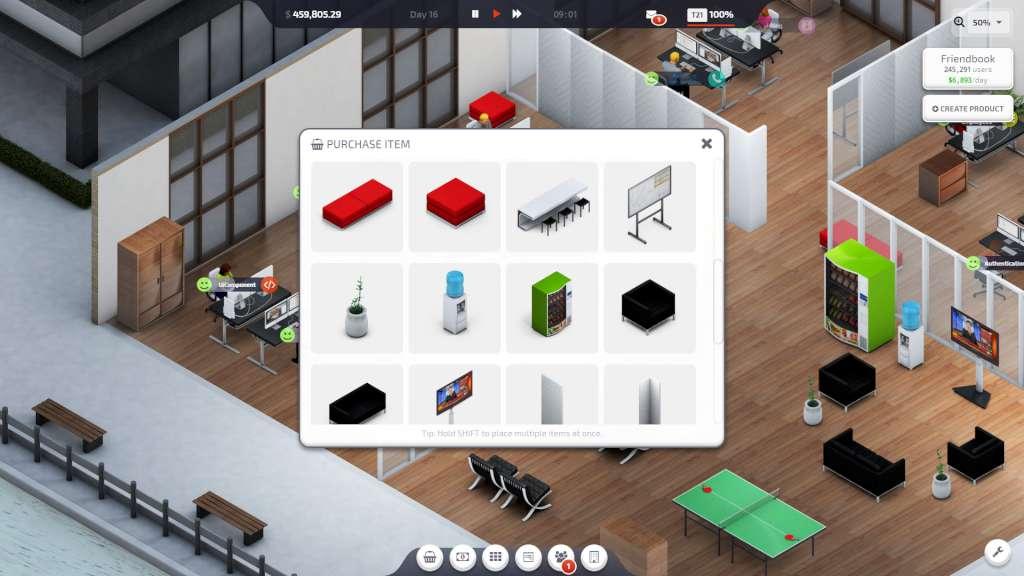
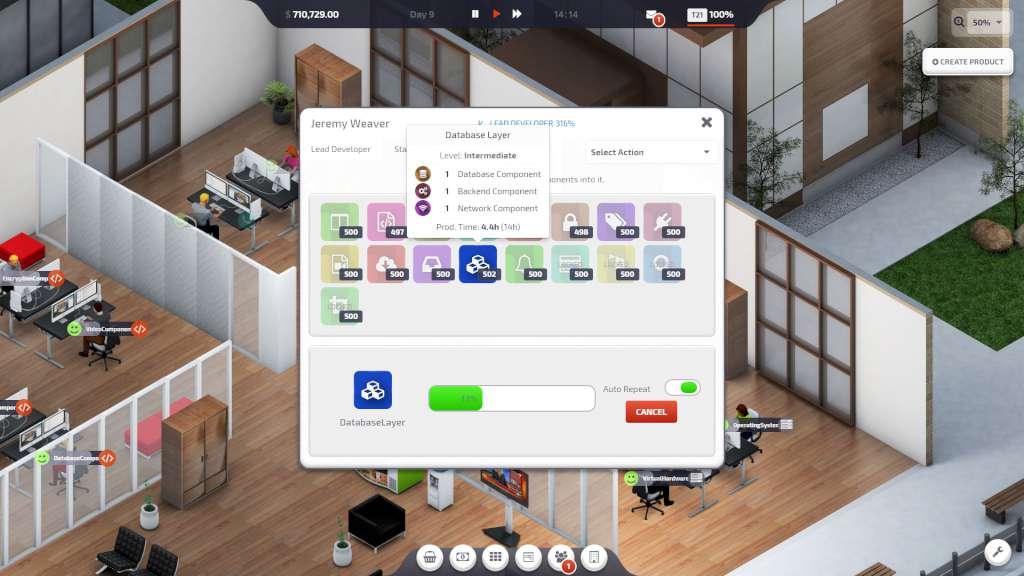
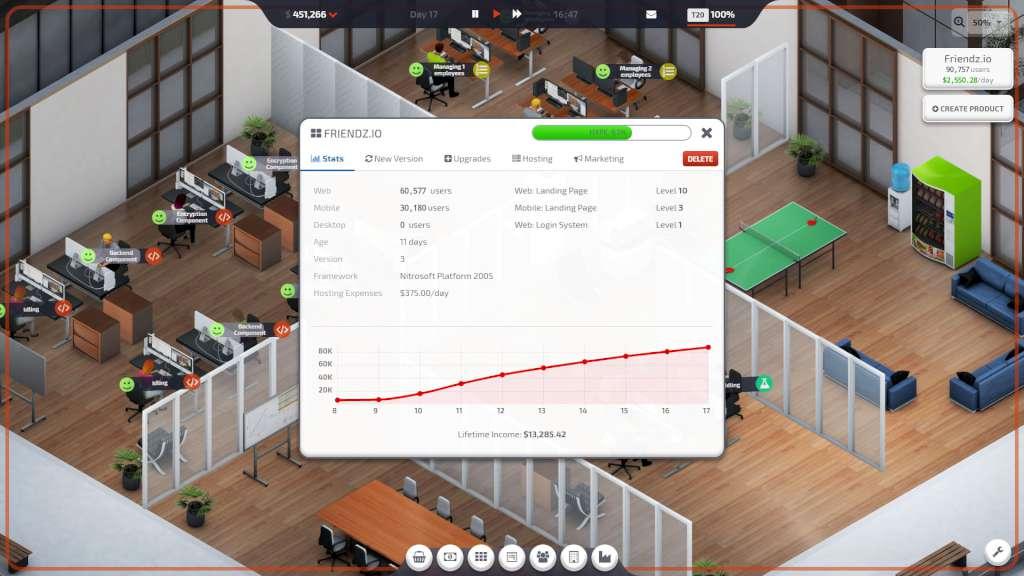
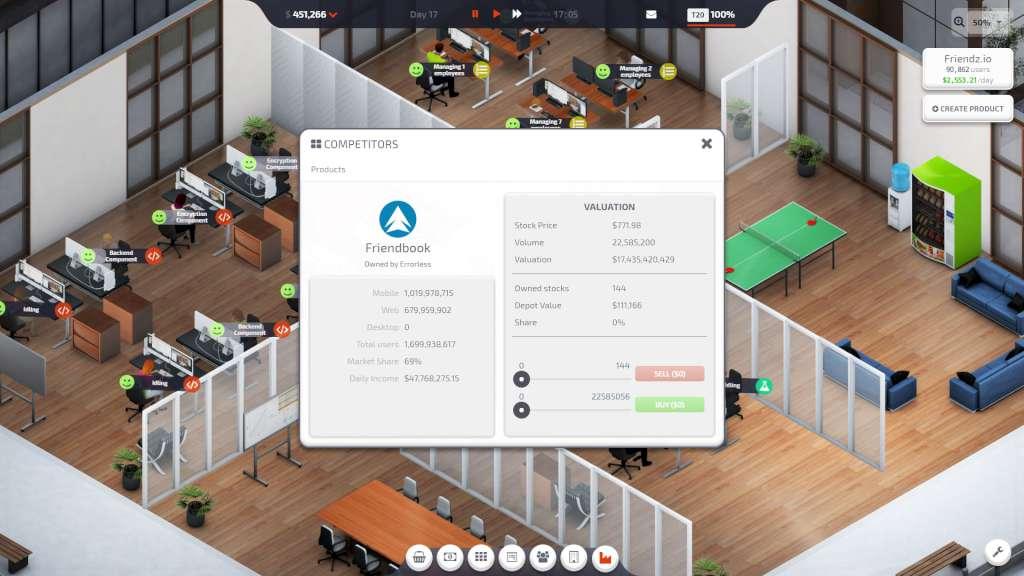
Startup Company is a business simulation sandbox game. You’re the CEO of a small startup and are eager to grow your company. With a small investment, you set out to build an amazing website to compete against the largest tech giants in the world and dream of becoming the most valuable company in history.Your company’s success depends on your ability to run and manage a website. You’ll have to continously develop and improve features, while increasing hosting capacity and effectively run marketing campaigns.The city offers you offices in all sizes and shapes. It’s up to you to select the most suitable. It’s your job to organize and decorate the office while keeping your employees happy.Your employees are a vital part of your success. As you grow, you’ll have to continue recruiting more people. Over time, your employees will start demanding more of you and the company. It’s your job to keep them happy, before your competitors sends them a job offer they can’t reject!There’s no website without stable and reliable servers. As your website attracts more traffic, you have to move from virtual servers to your own fully featured hosting center.The goal is obvious: becoming the biggest website in the industry. It’s up to you if you want to buy and merge your competitors or simply outrun them till they go out of business!
Screenshots
Details
| Platform | Steam |
| Release Date | 10 Apr 2020 |
| Region | Region Free |
| Type | Digital CD Key |
| Delivery | ⚡ Instant |
| Languages | English, French, German, Spanish, Portuguese - Brazil + more |
Why CDKeysIsland
⚡ Instant Delivery
Get your game key immediately after purchase via email. No waiting, no delays.
🔑 100% Genuine Key
We sell only legitimate digital keys. No accounts, no grey market tricks.
🛡️ Lifetime Warranty
Every key comes with a lifetime warranty. If it doesn't work, we fix it — always.
🏴☠️ Permanent Ownership
Your key is yours forever with no restrictions, subscriptions or expiry dates.
Startup Company PC Steam Account
- Download and install Steam on your PC
- Sign in to your Steam account (or create one for free)
- Click "Add a Game" in the bottom-left corner → "Activate a Product on Steam"
- Enter your unique key from the Orders page
- Game is added to your library — ready to download!