About the Game
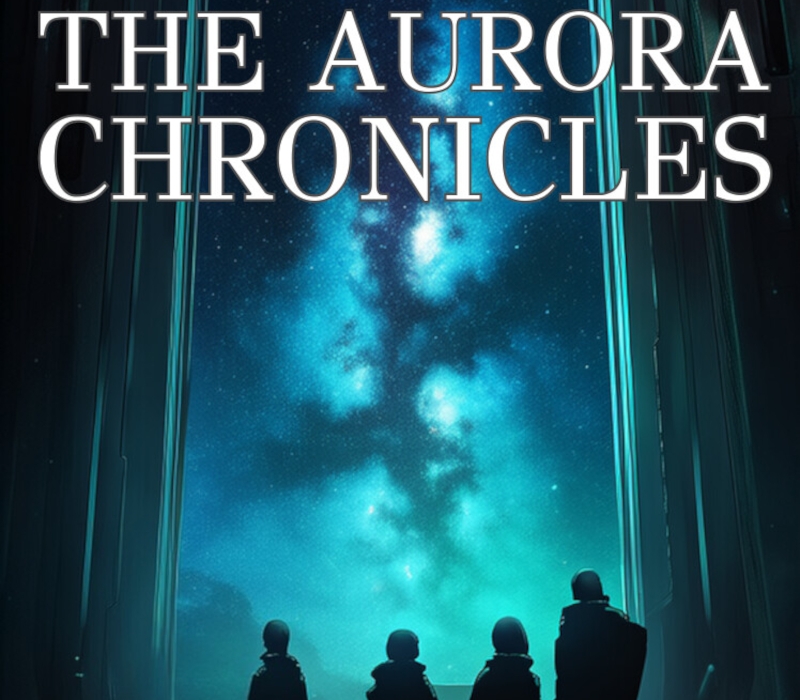
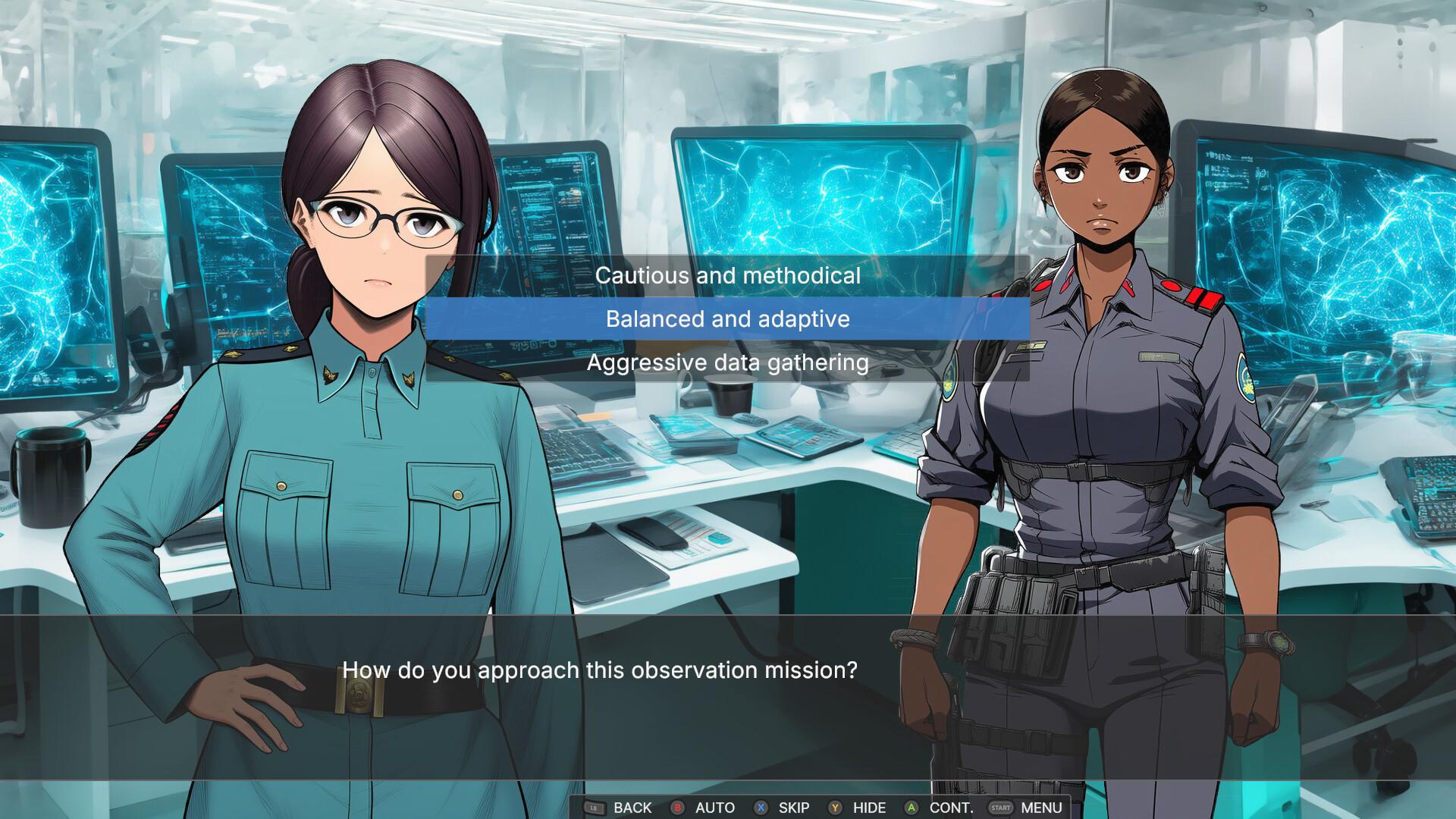
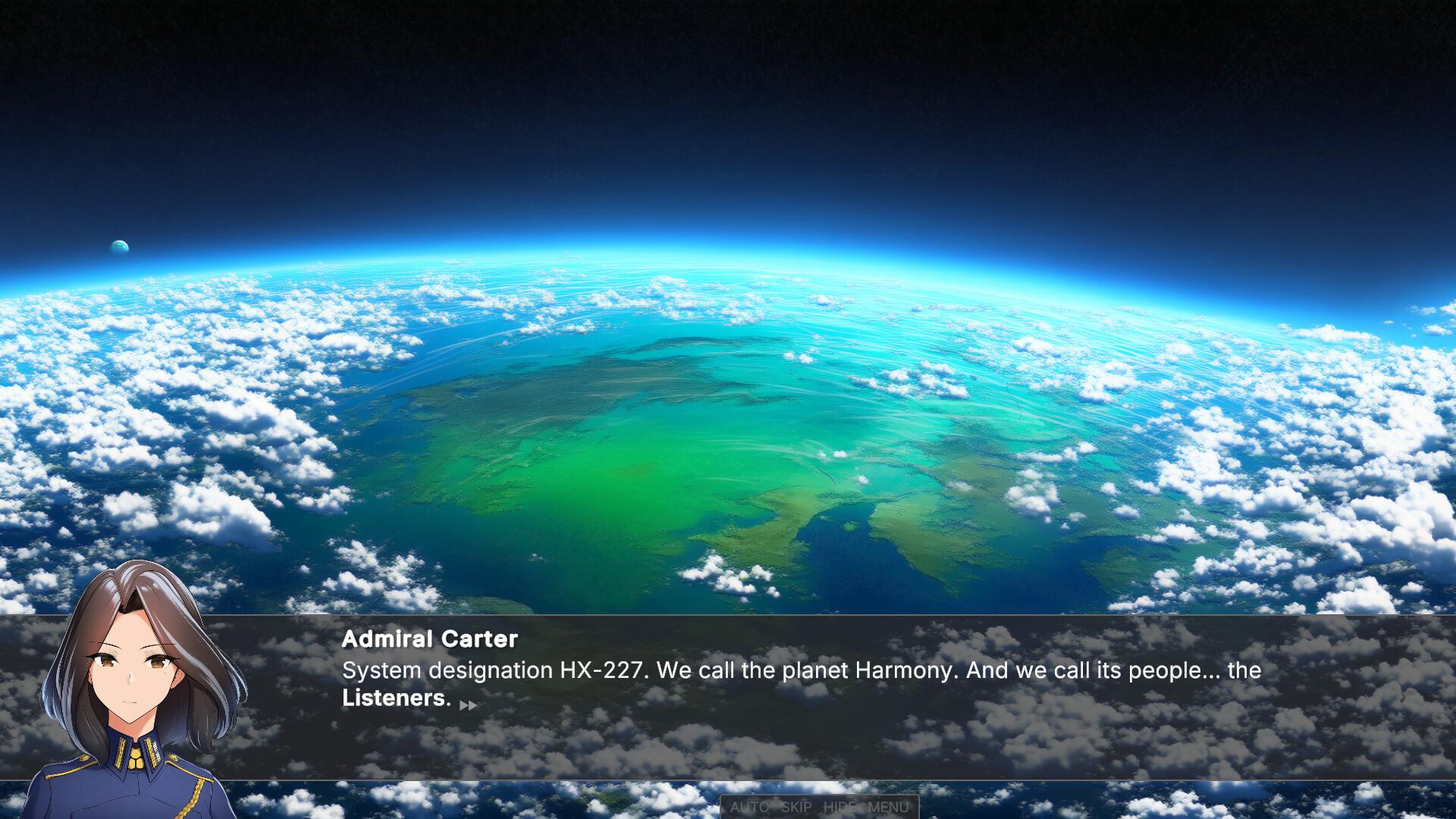
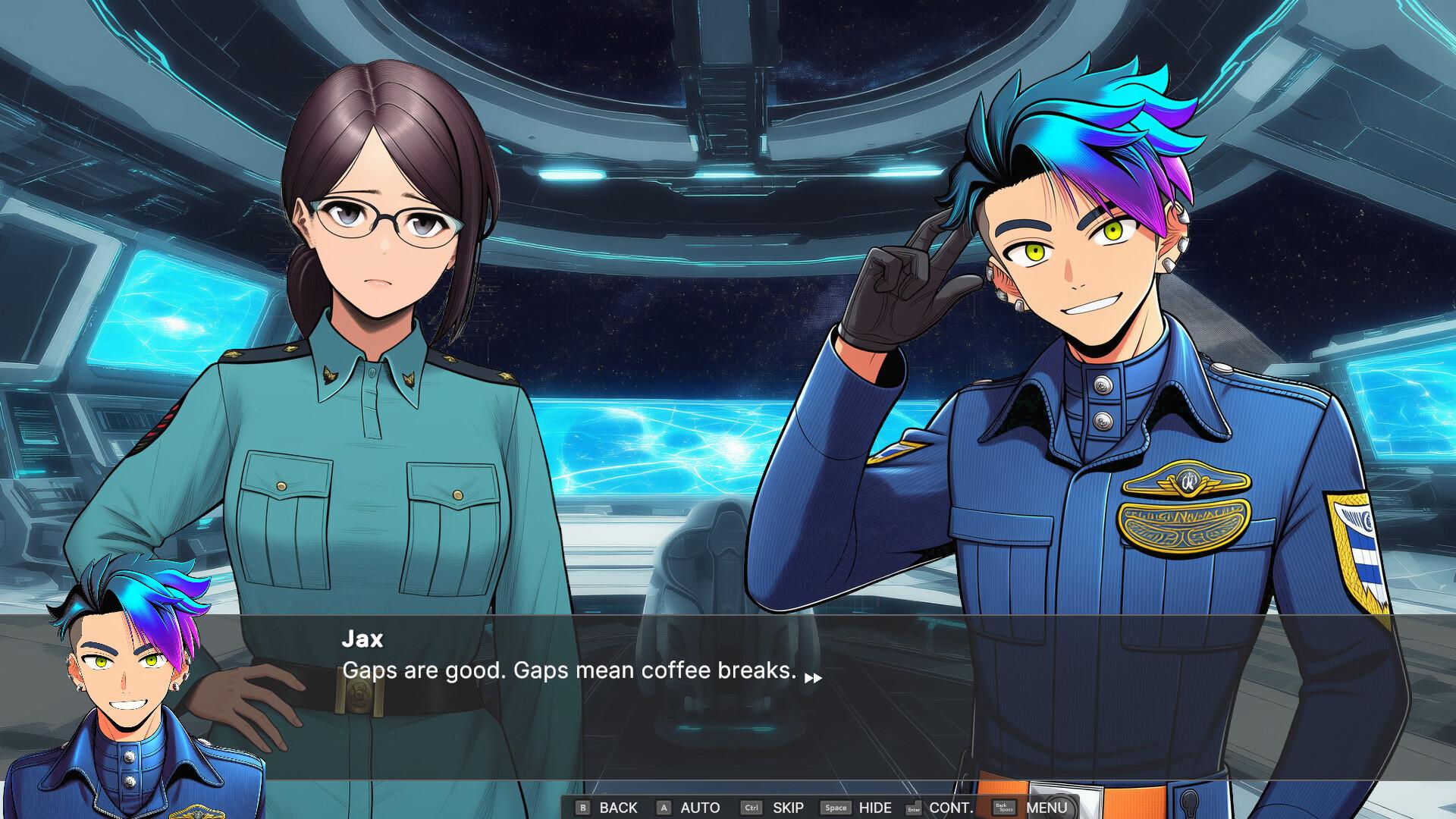
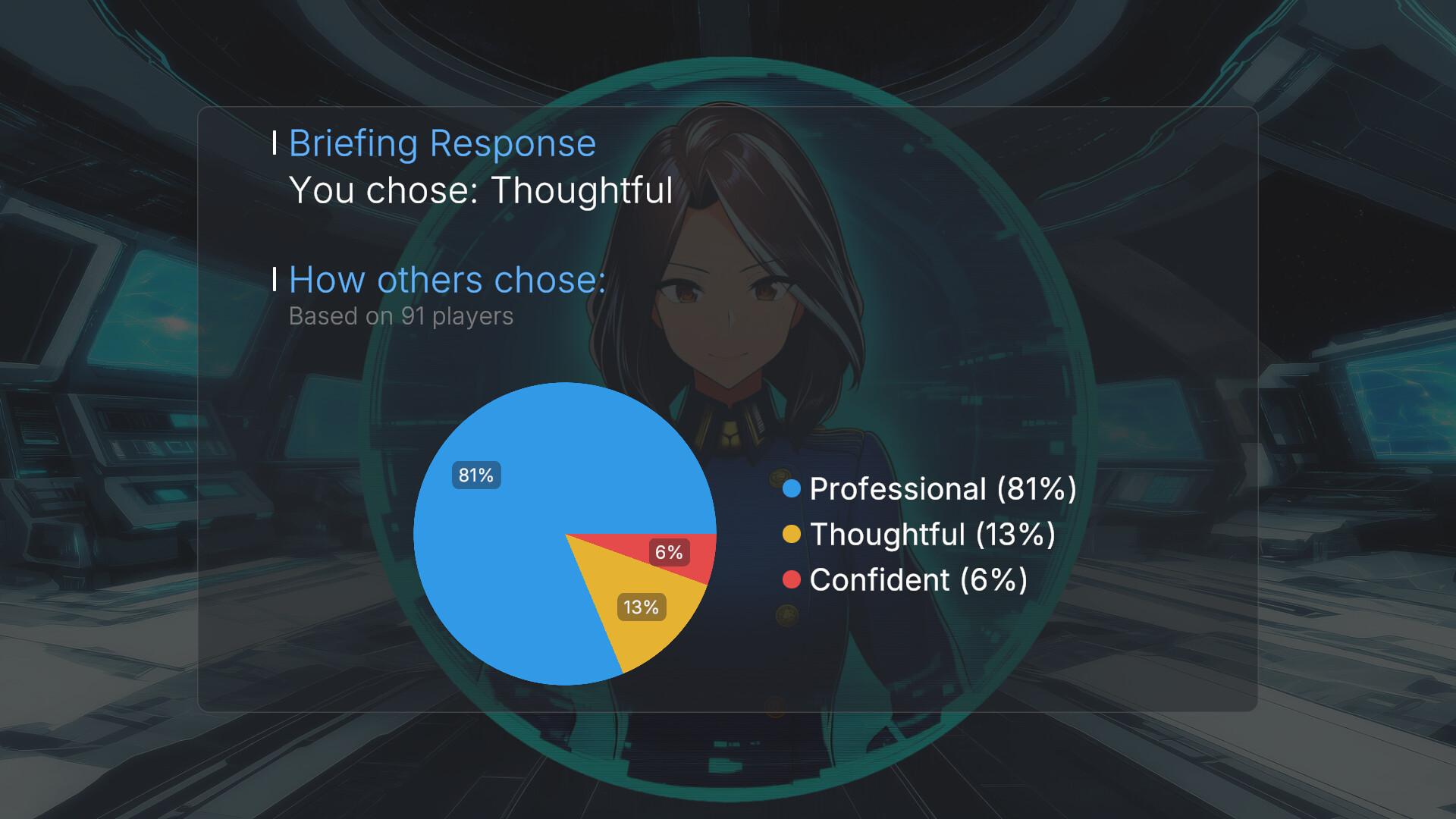
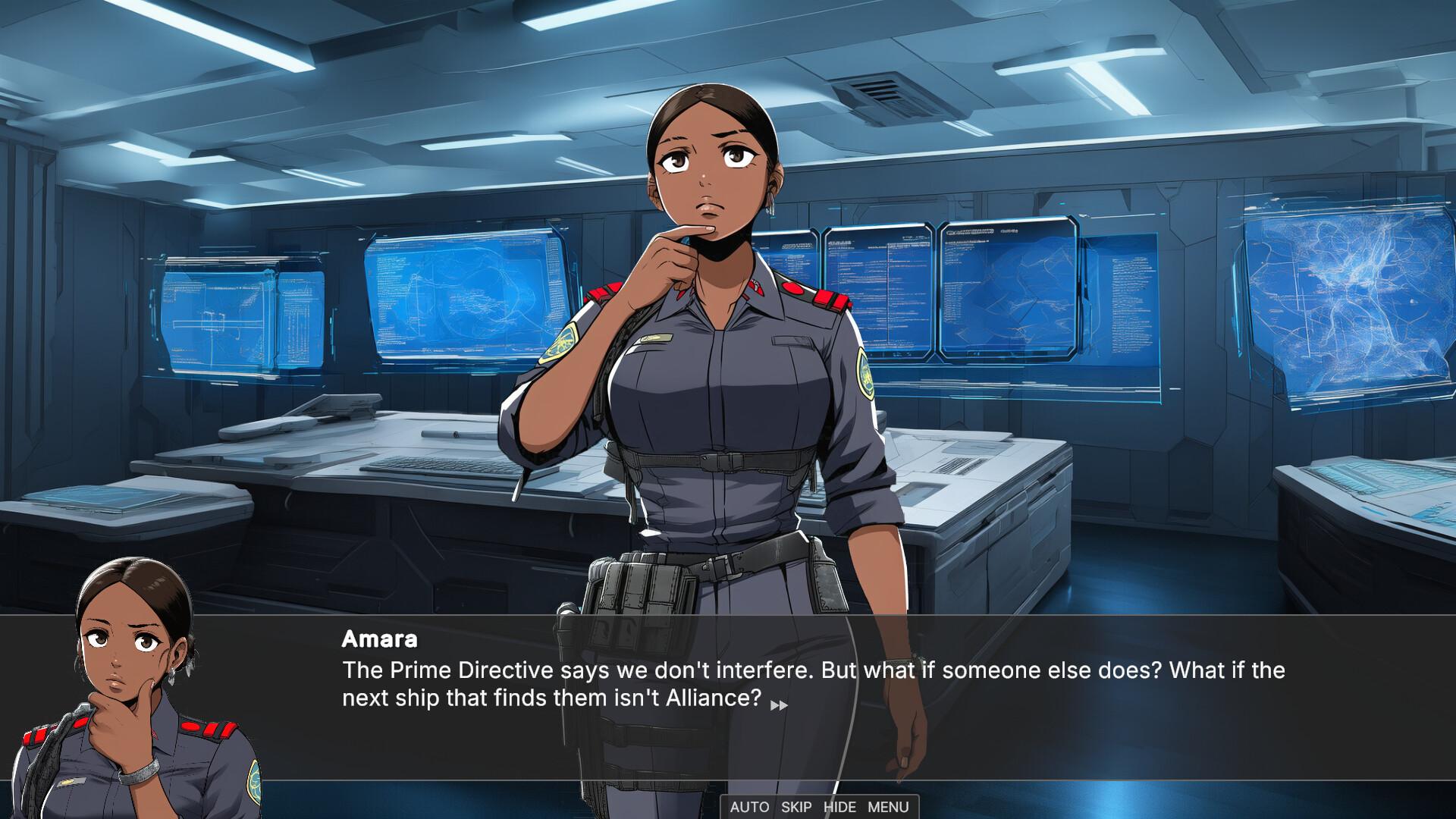
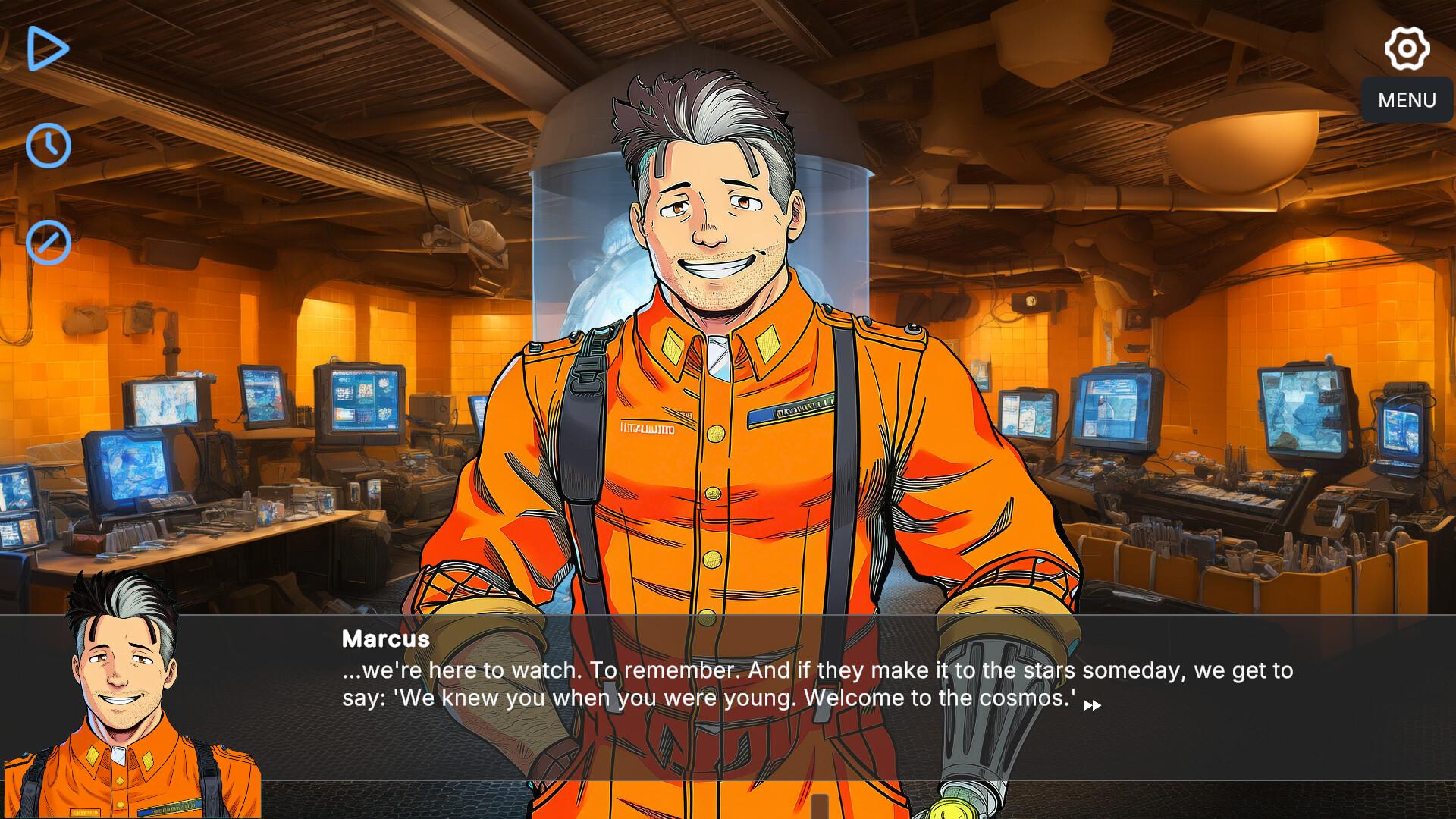
A crew of four. Mysteries at the edge of known space. A utopia that might be more fragile than it appears. The Aurora Chronicles is an episodic sci-fi visual novel where your choices shape relationships, uncover buried secrets, and test whether hope can survive what you discover. Can optimism survive truth?You are the Commander of the FRV Aurora, a Frontier Response Vessel dispatched to investigate incidents on humanity's expanding edge. The United Earth Alliance has built a utopia—150 years of peace, cooperation, and exploration. But something is wrong on the frontier. And the more you investigate, the less certain anything becomes. Your Crew. Your Choices.Four specialists. Four perspectives. Every decision shapes your relationships with Kira, Marcus, Amara, and Jax—and their trust will determine what they share, what they hide, and who stands with you when it matters most. X-Files Meets Star TrekInvestigate impossible phenomena in humanity's optimistic future. Each case challenges what the crew believes is possible—and what's supposed to exist at all. Episodic MysteryEach episode delivers a complete investigation while building toward something larger. Some cases stand alone. Others connect to a pattern you'll spend the season unraveling. Multiple EndingsYour philosophy matters. The ending you reach reflects not just your choices, but your worldview.
Screenshots
Details
| Platform | Steam |
| Release Date | 01 May 2026 |
| Region | Region Free |
| Type | Digital CD Key |
| Delivery | ⚡ Instant |
| Languages | English, French, Japanese |
Why CDKeysIsland
⚡ Instant Delivery
Get your game key immediately after purchase via email. No waiting, no delays.
🔑 100% Genuine Key
We sell only legitimate digital keys. No accounts, no grey market tricks.
🛡️ Lifetime Warranty
Every key comes with a lifetime warranty. If it doesn't work, we fix it — always.
🏴☠️ Permanent Ownership
Your key is yours forever with no restrictions, subscriptions or expiry dates.
The Aurora Chronicles PC Steam CD Key
How to Activate
- Download and install Steam on your PC
- Sign in to your Steam account (or create one for free)
- Click "Add a Game" in the bottom-left corner → "Activate a Product on Steam"
- Enter your unique key from the Orders page
- Game is added to your library — ready to download!