About the Game
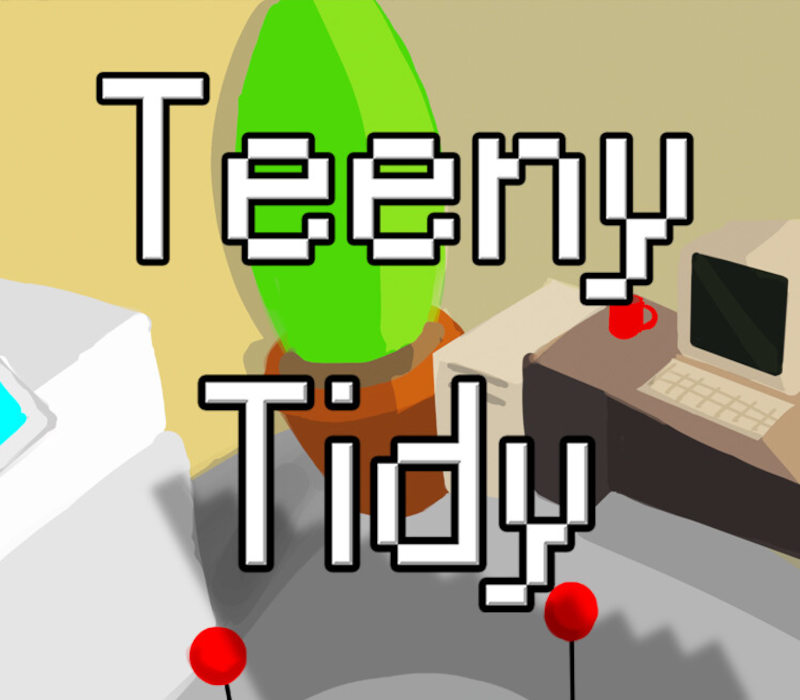
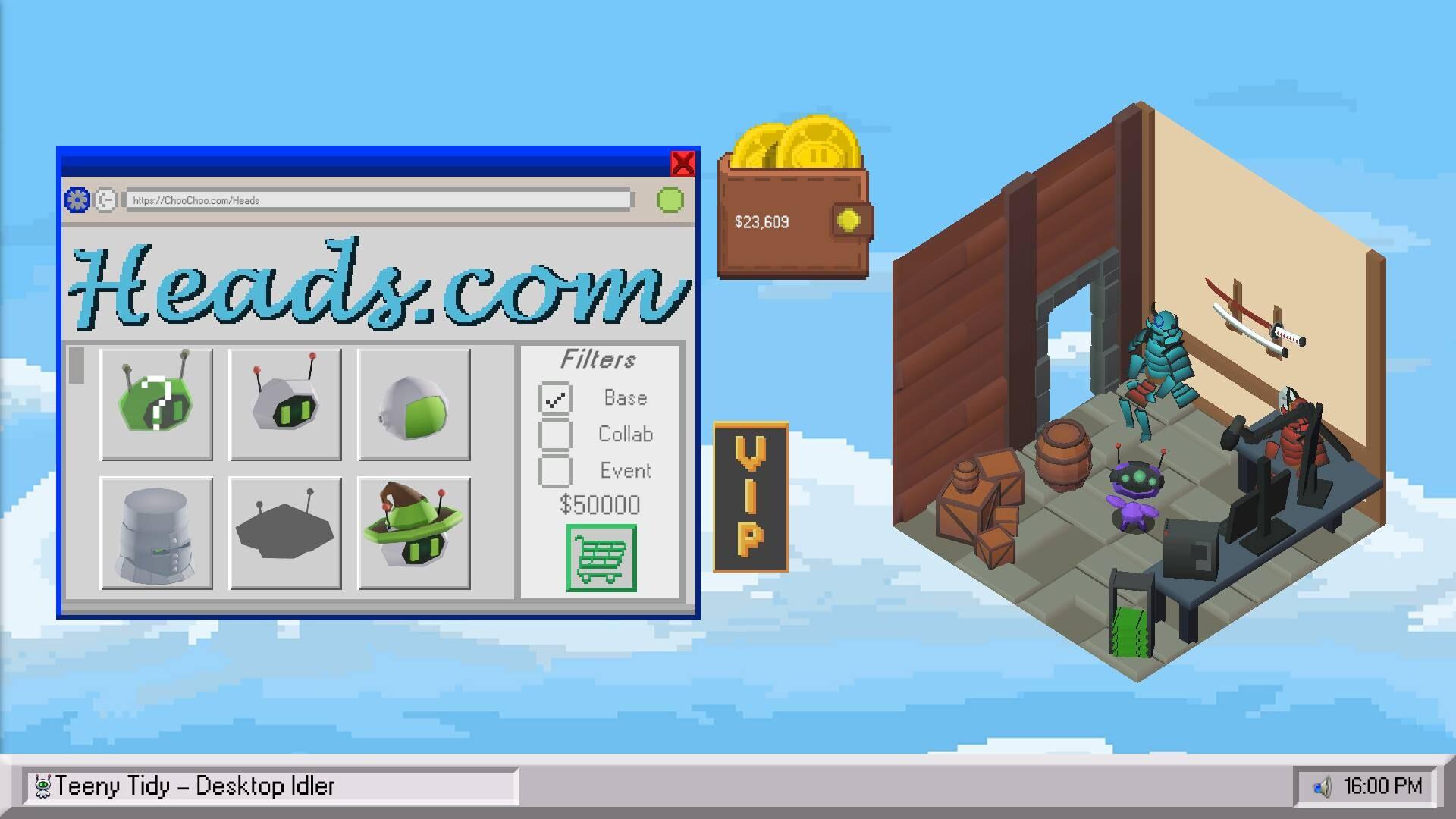
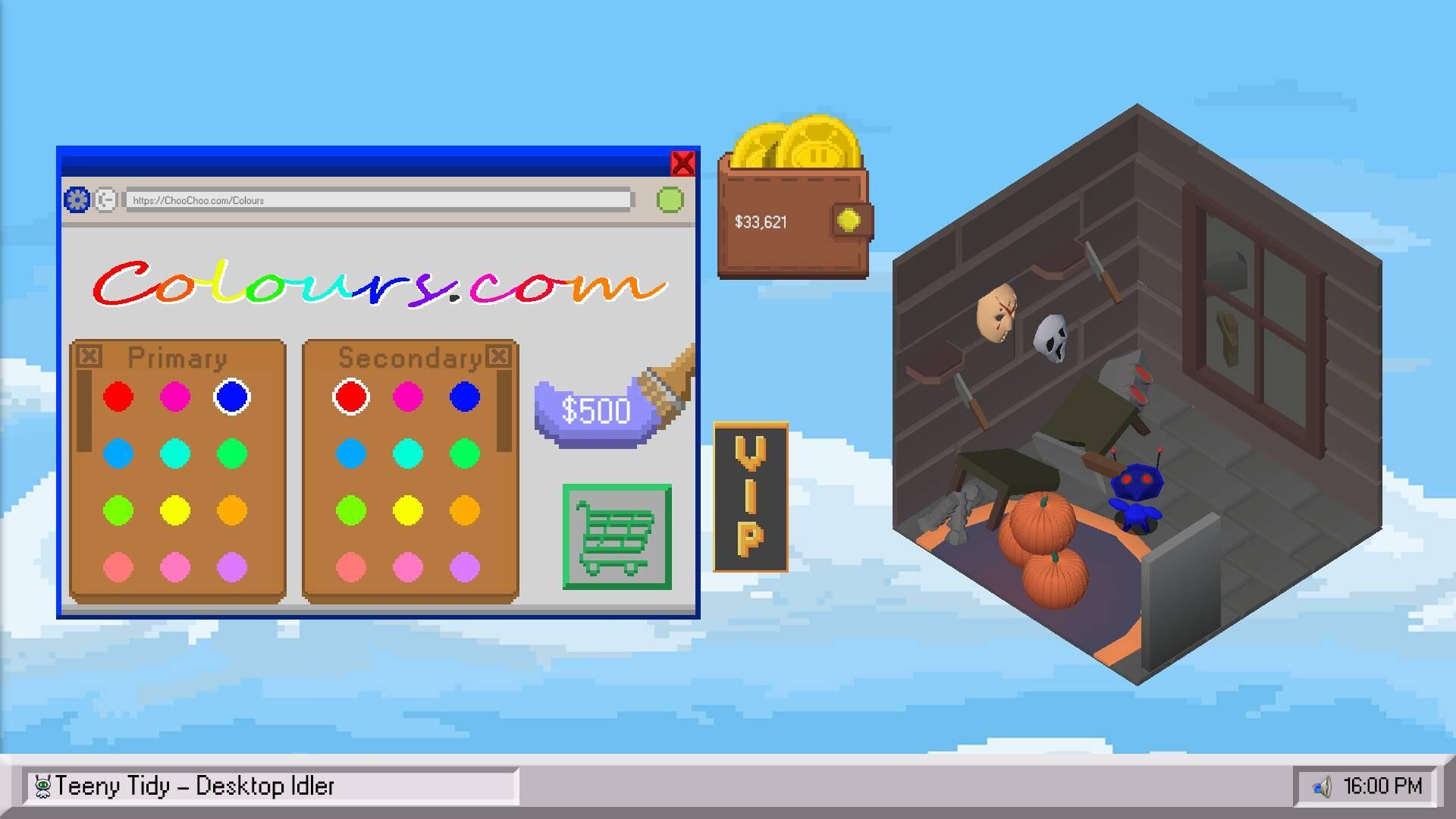
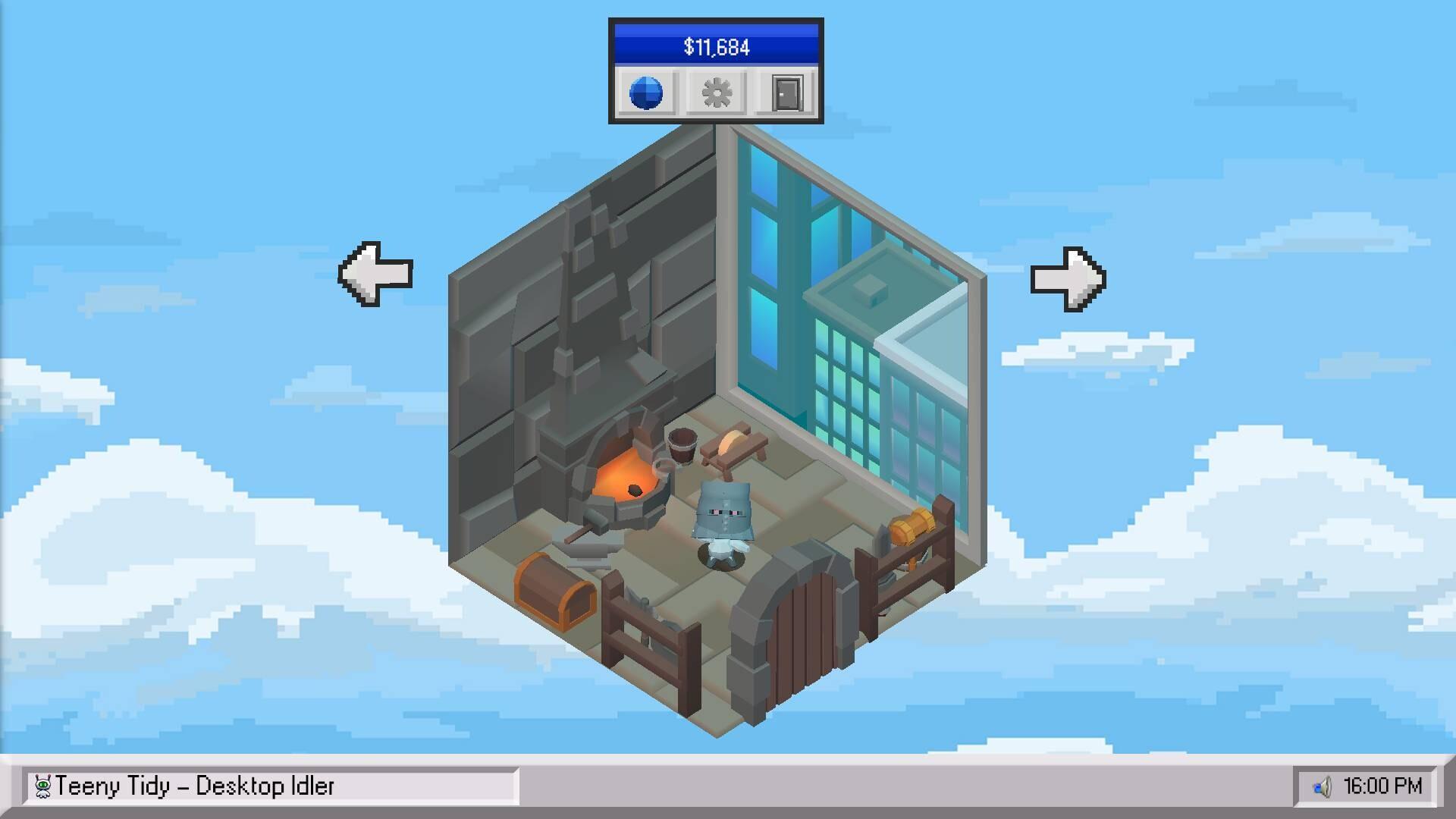
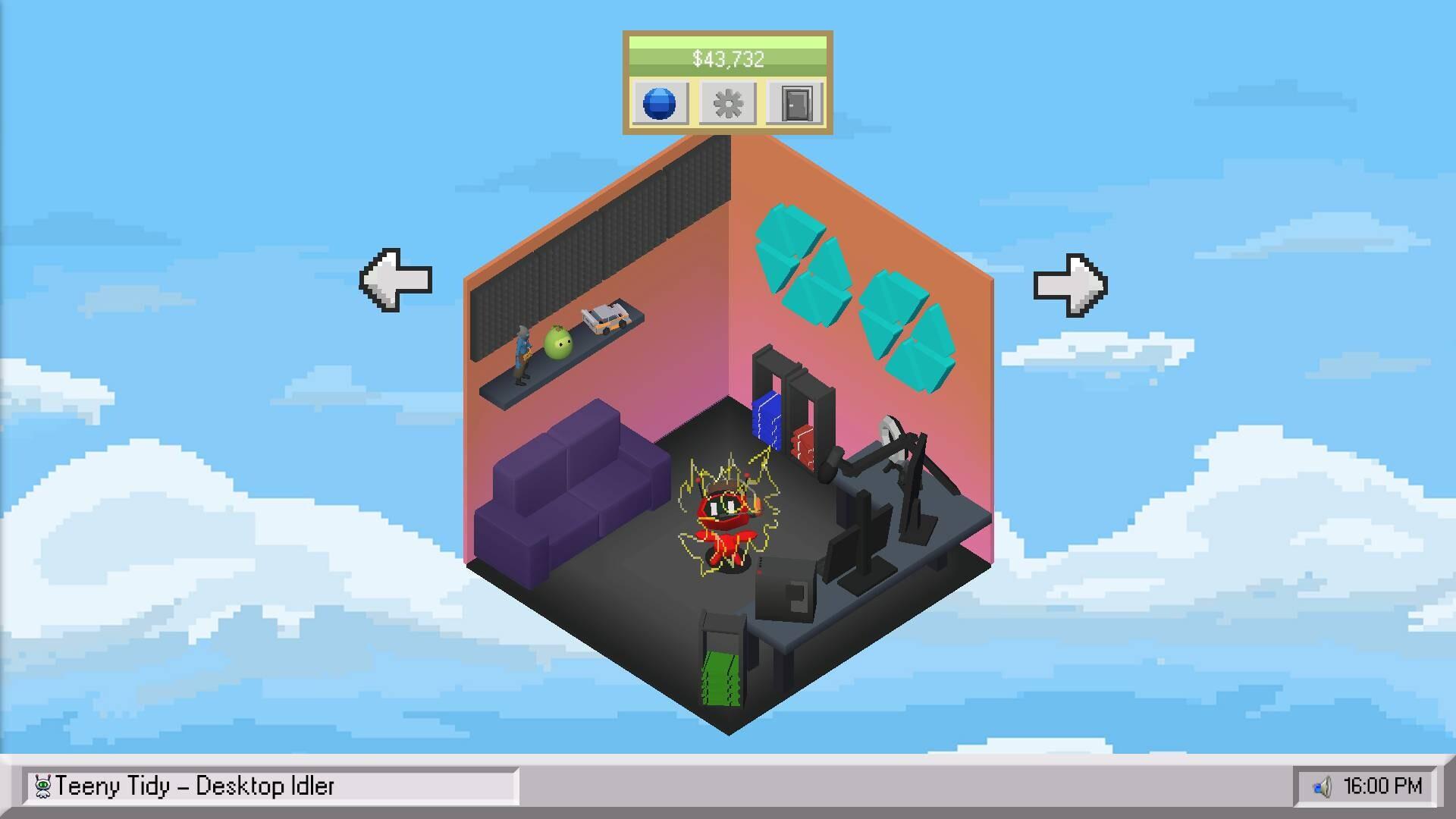
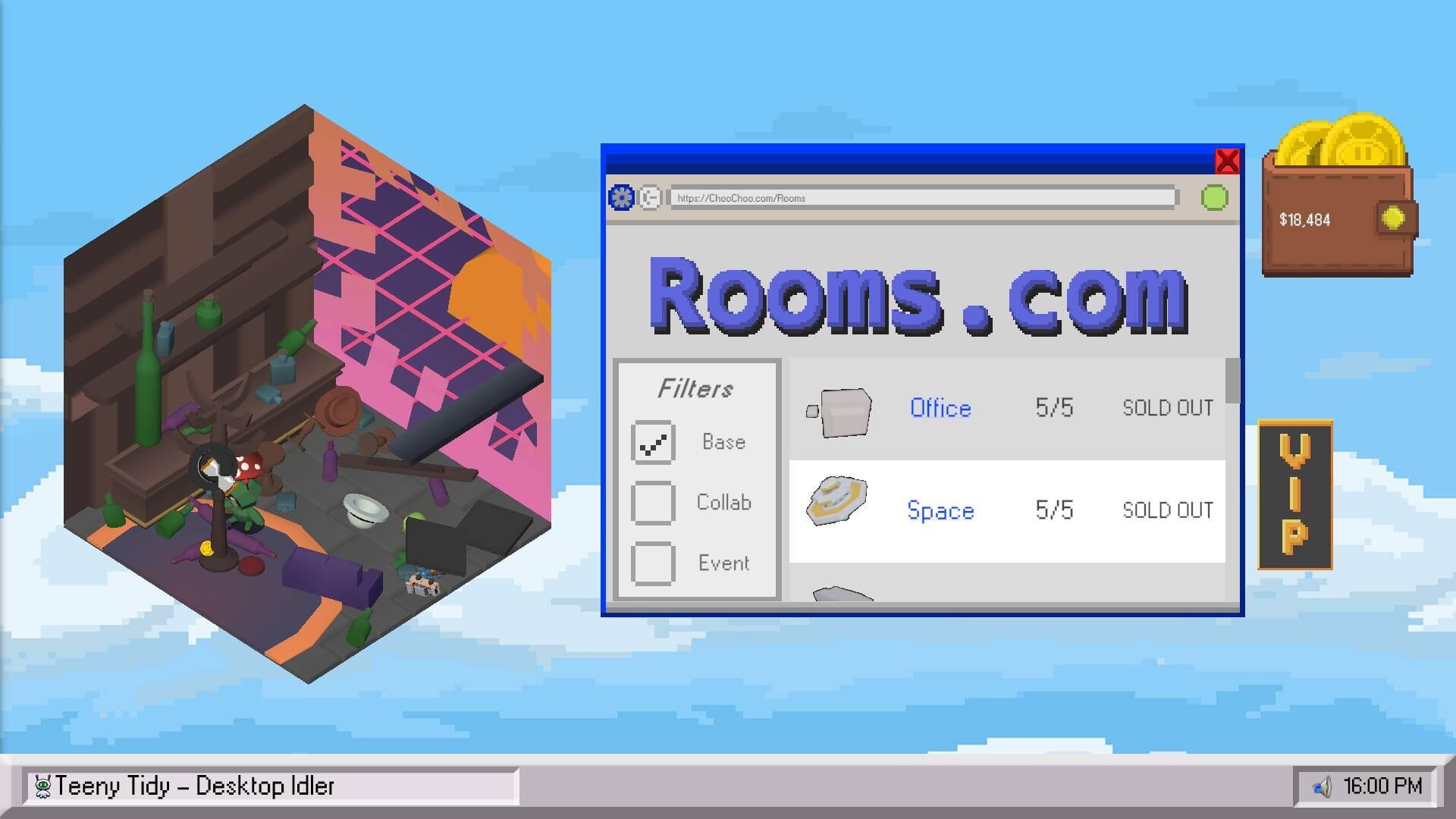
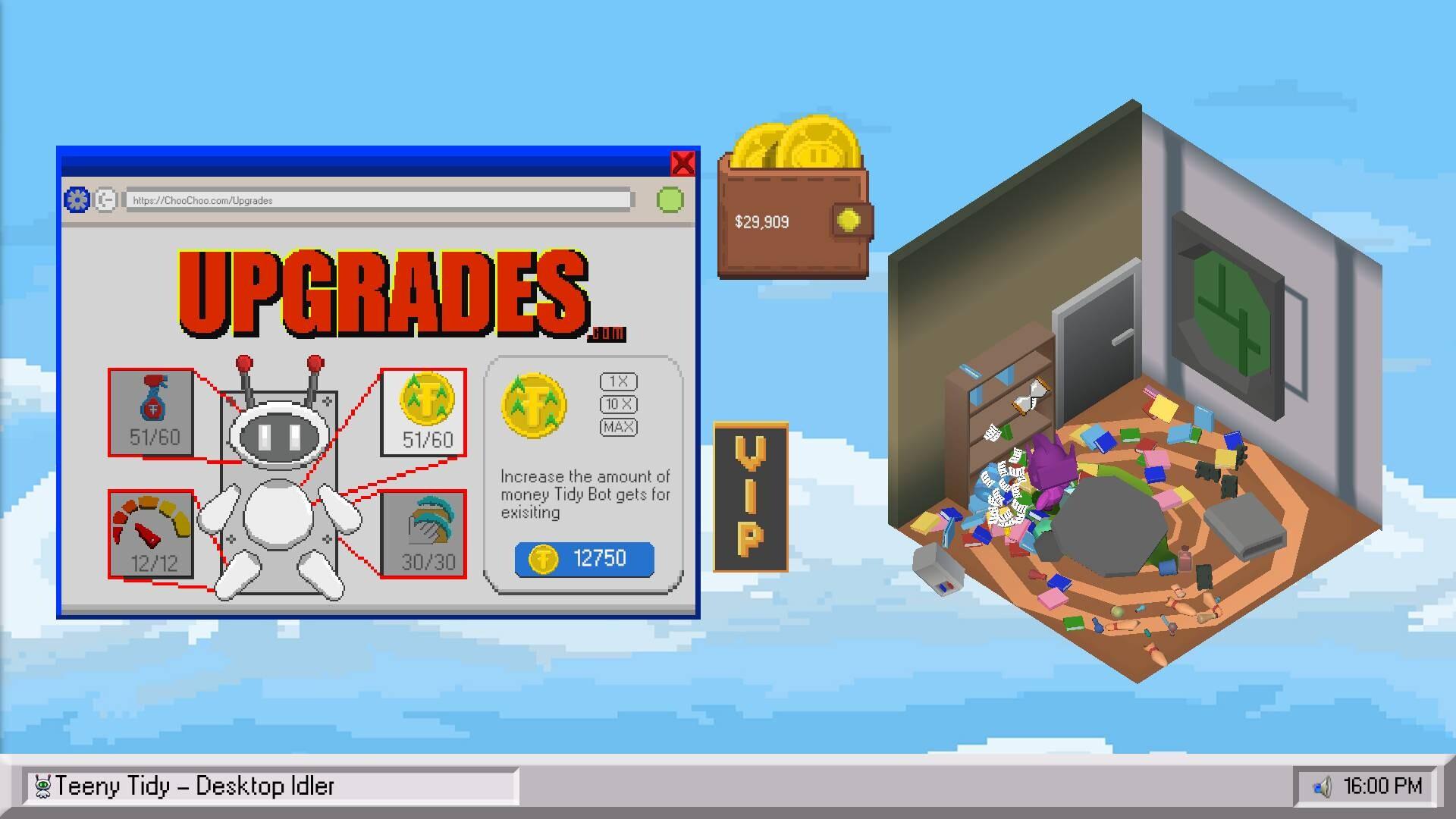
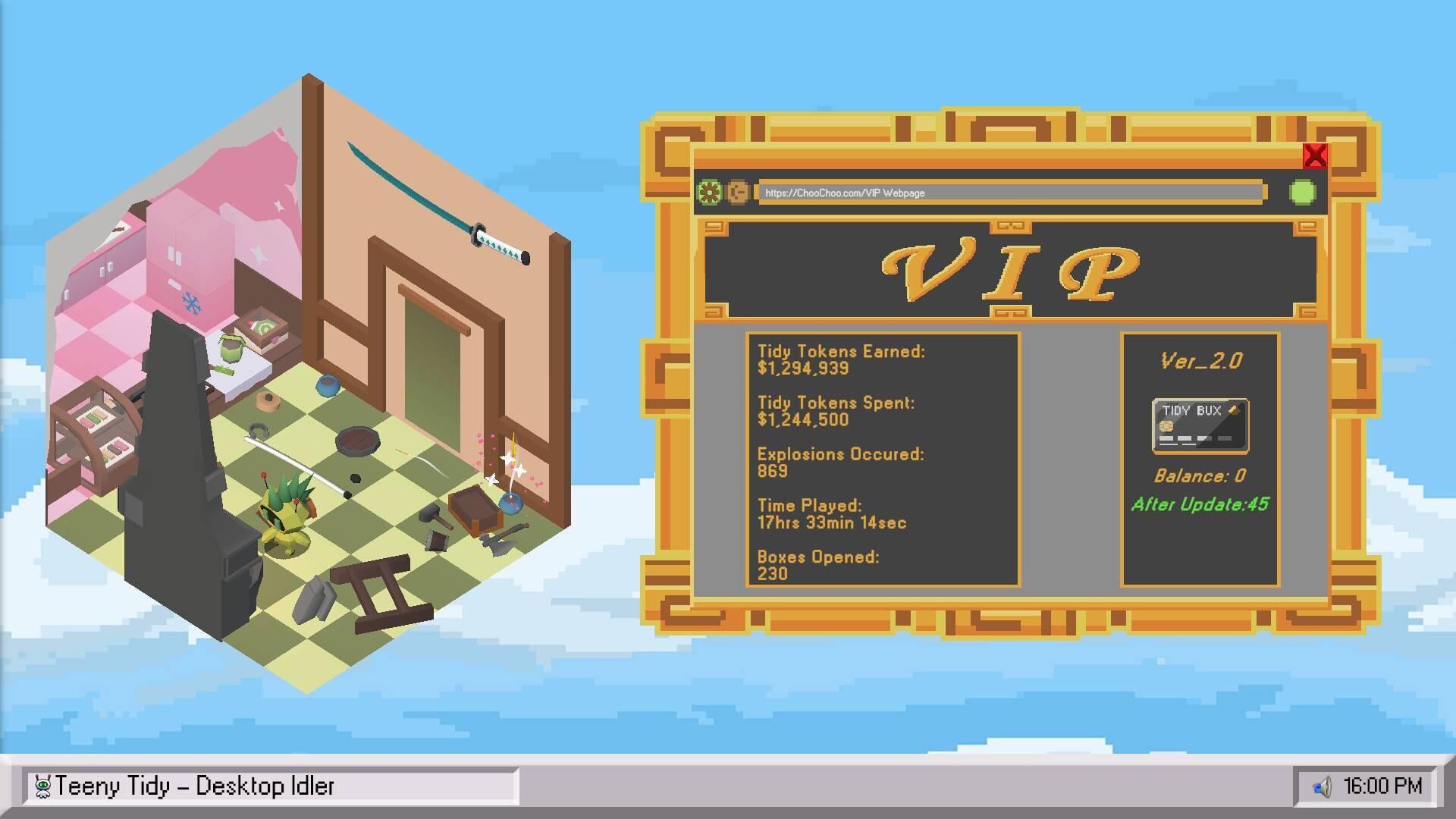
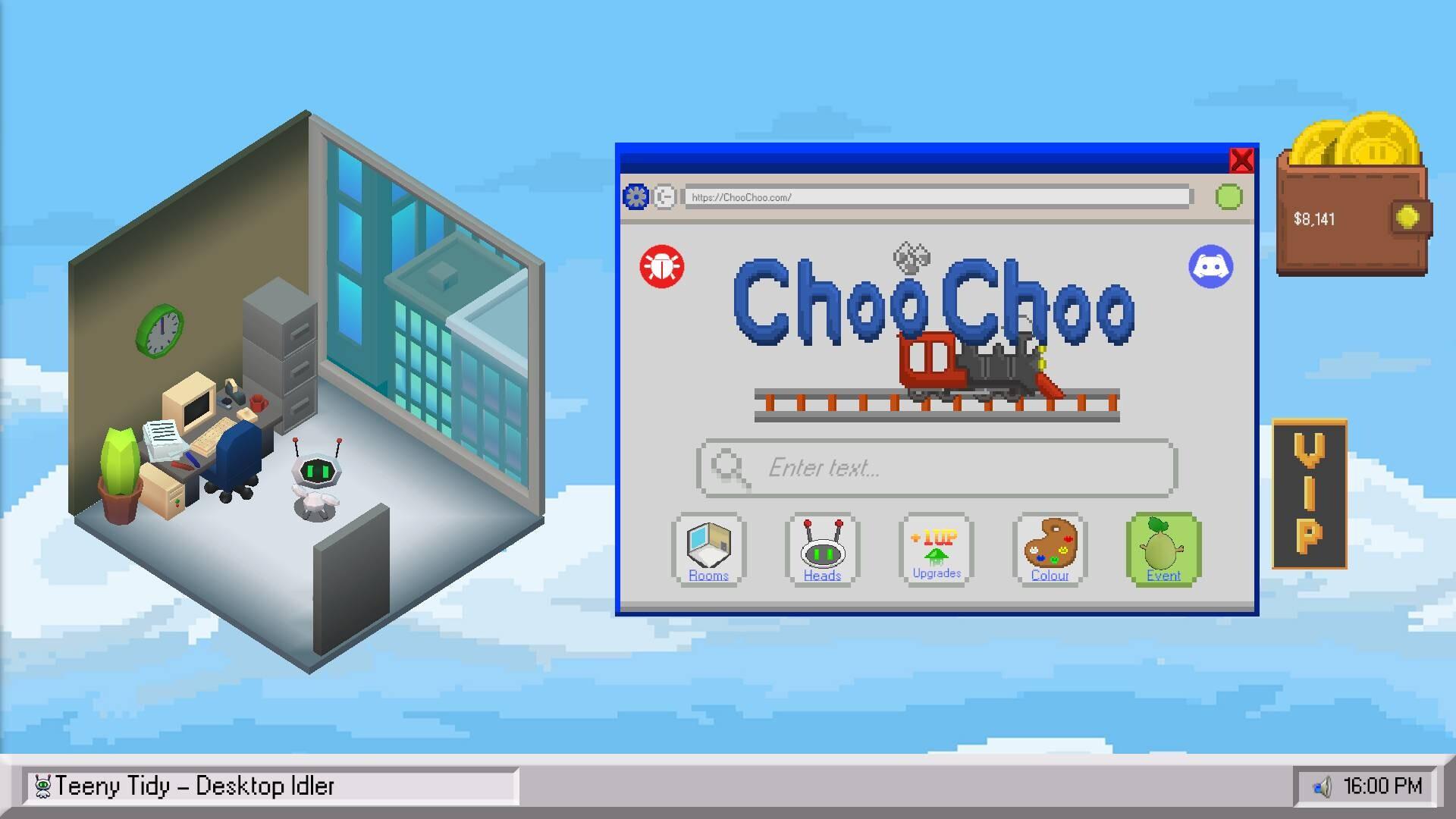
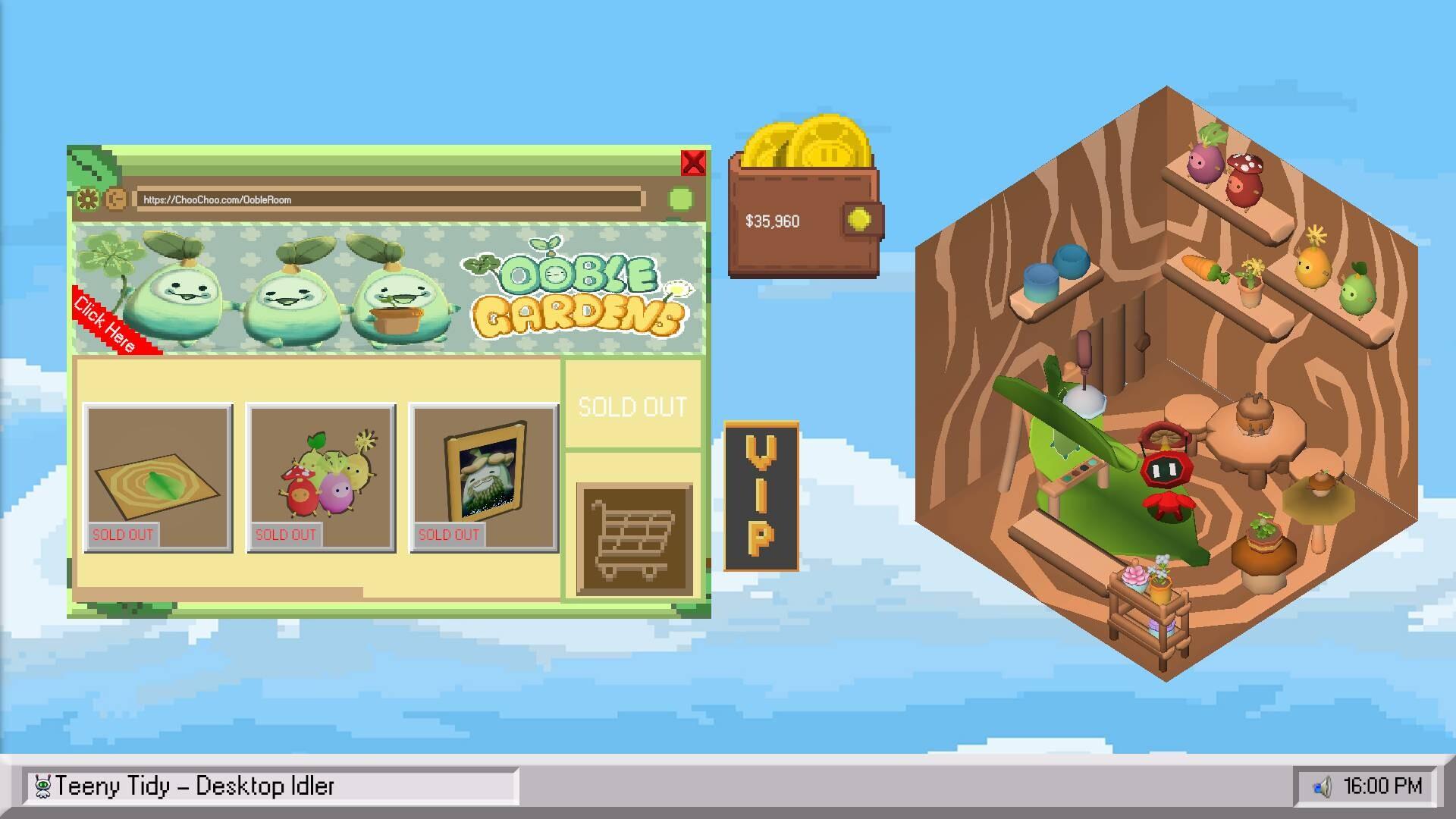
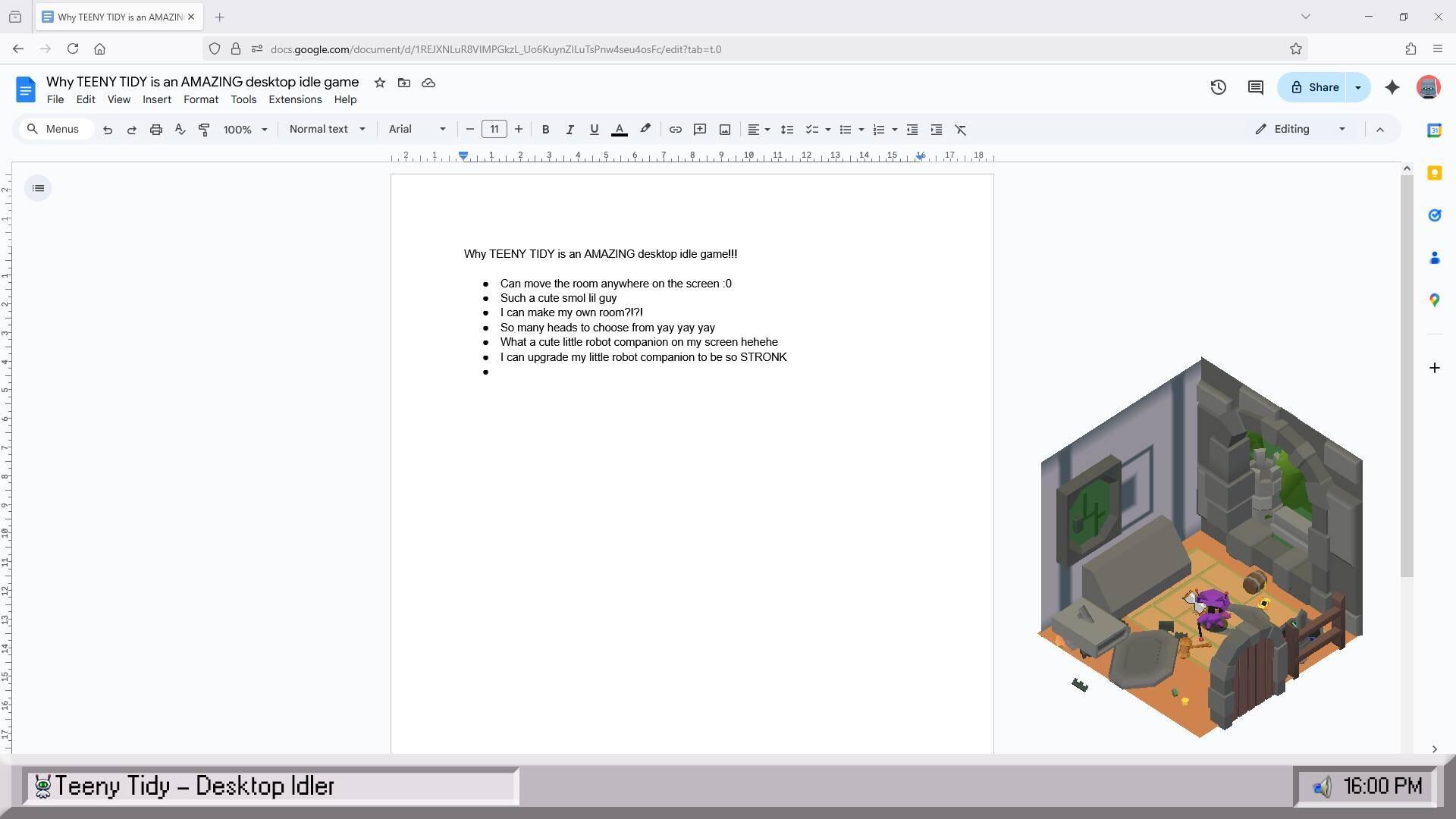
A cosy desktop idle game you can place anywhere on your screen! Oversee a tiny robot that keeps your room spotless while you work, focus, or unwind. Unlock various upgrades and hats for each iteration of your tidy robot. Transform your space as you unlock countless decorations to uniquely personalise your room. Clean While you work, Tidy Bot will clean your tiny room on your desktop. Whilst Tidy Bot cleans, you will earn Tidy Tokens that can be used to customize your room, Tidy Bot's head and color, and also to upgrade Tidy Bot to improve cleaning speed, tokens earned, and much more. Customize Unlock new rooms, heads, and colors for Tidy Bot. With over 10 rooms, 40 heads, and many colors to choose from, you can create your very own unique little room. Can you get every head? Loot Boxes Wonder what your Tidy Tokens can be used for? To open mystery boxes, of course! Enjoy a fun reveal animation as your room, head, or color rolls in. Repeat Once your room is finished cleaning, Tidy Bot will proceed to power down and play a fun little reset animation. On which, Tidy Bot will start the cycle of cleaning the room and earning you more Tidy Tokens! VIP And that's not all, you can also update Tidy Bots software! By doing so, you can upgrade different stats that are permanent each update. Also, with every software update Tidy Bot goes through, you can earn Tidy Bux!
Screenshots
Details
| Platform | Steam |
| Release Date | 23 Oct 2025 |
| Region | Region Free |
| Type | Digital CD Key |
| Delivery | ⚡ Instant |
| Languages | English |
Why CDKeysIsland
⚡ Instant Delivery
Get your game key immediately after purchase via email. No waiting, no delays.
🔑 100% Genuine Key
We sell only legitimate digital keys. No accounts, no grey market tricks.
🛡️ Lifetime Warranty
Every key comes with a lifetime warranty. If it doesn't work, we fix it — always.
🏴☠️ Permanent Ownership
Your key is yours forever with no restrictions, subscriptions or expiry dates.
Teeny Tidy PC Steam CD Key
How to Activate
- Download and install Steam on your PC
- Sign in to your Steam account (or create one for free)
- Click "Add a Game" in the bottom-left corner → "Activate a Product on Steam"
- Enter your unique key from the Orders page
- Game is added to your library — ready to download!