
About the Game
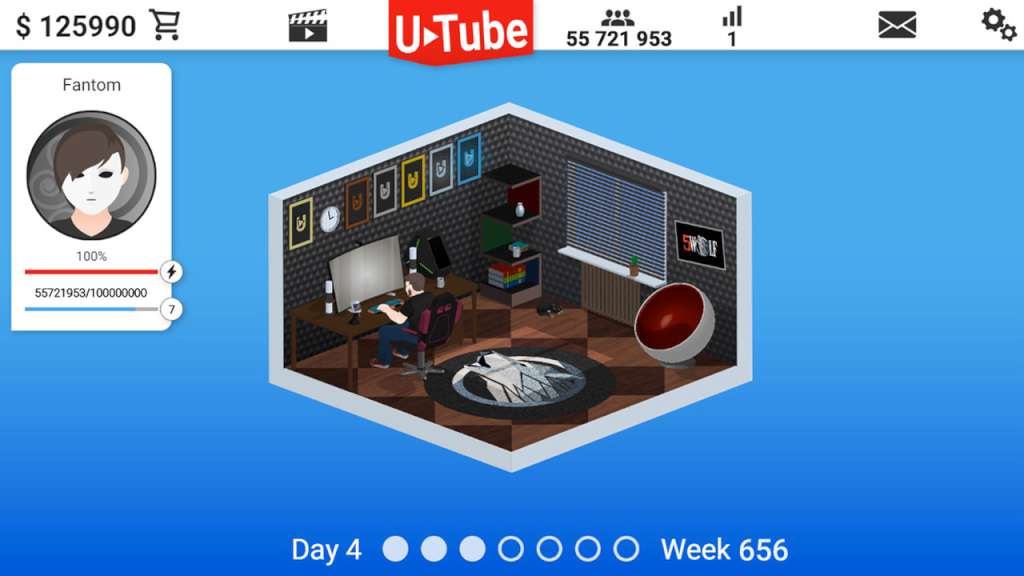
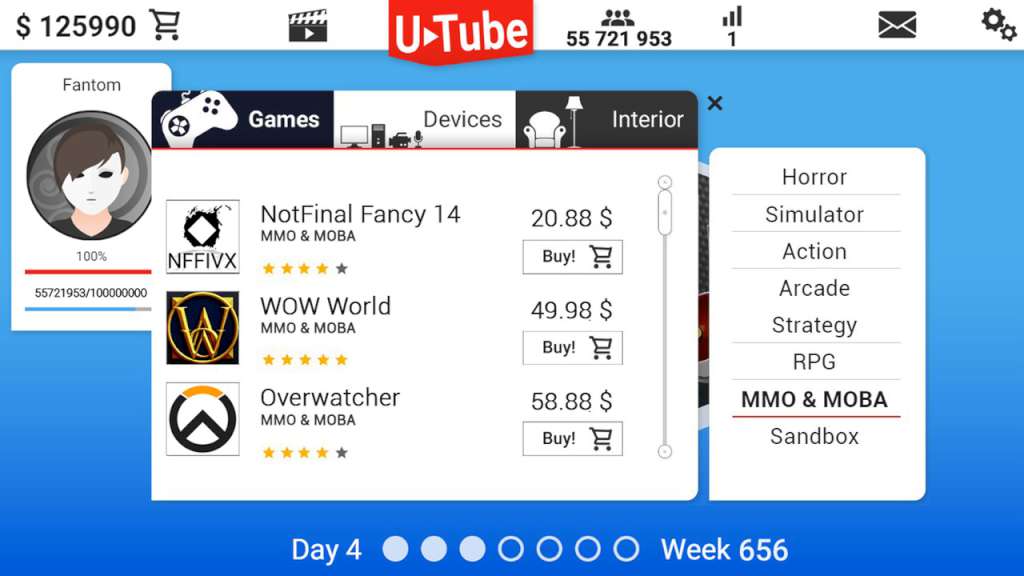
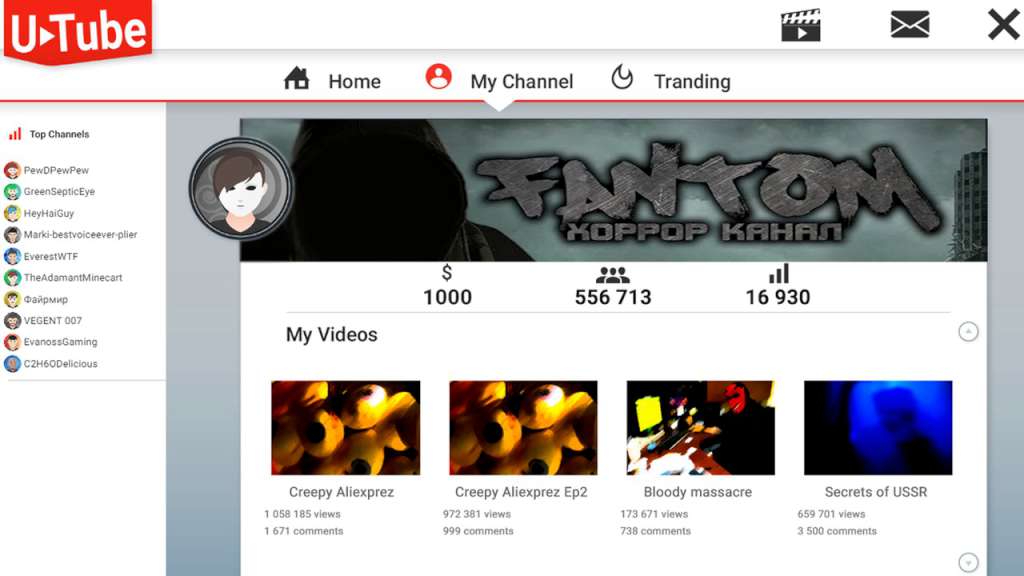
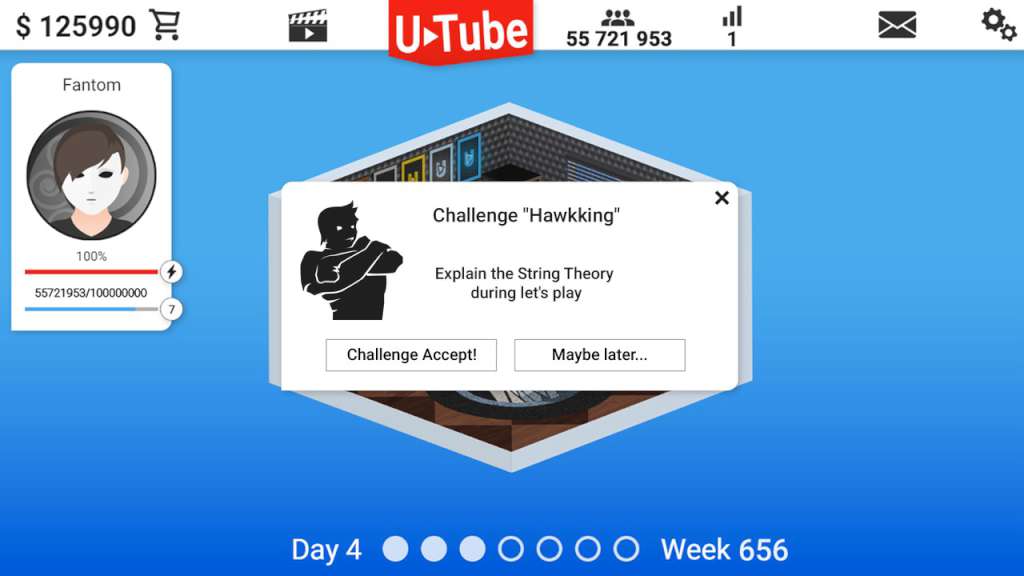
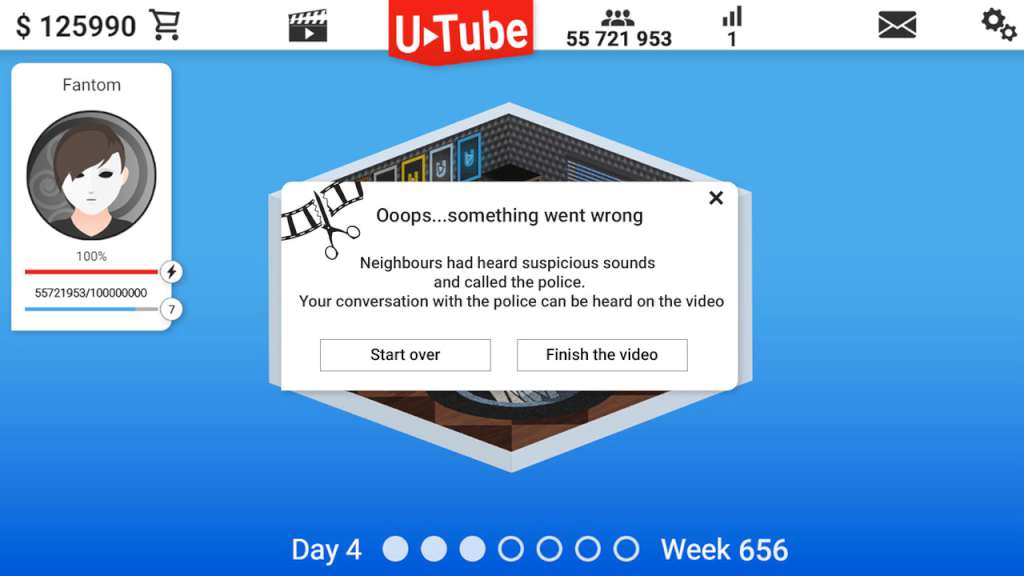
Video Blogger Story Steam CD Key Platform: Steam Release Date: 13/06/2016 Product Description In the Video Blogger Story, you will be able to play the role of a video-blogger, starting from the bottom and finishing at the top of world rates! Your character will become more and more experienced during the game. Features Recreate yourself or your favorite blogger. Give your character not only similar appearance, but also any combination of characteristics. Try various combinations of characteristics and emotions for video capturing. Find the best choice for a variety of genres. Make let's plays of 170+ games. Get feedback from the audience and learn how spectators will react to a particular characteristic. Choose your own approach to the production of videos: fast and frequent or slow, but qualitatively. Decide what is more important at the moment – high income from advertising or audience loyalty. Make high quality videos and get into the Up and Coming. Encounter with both positive and negative events. Take the challenge and learn how it will affect the channel’s popularity. See how negative reaction of audience can affect the motivation and quality of filming. Find your own way to the TOP10. System Requirements OS: Windows 7 x64 Processor: Core 2 Duo Memory: 4 GB RAM Graphics: NVIDIA GT/s 4xx or Equivalent DirectX: Version 9.0 Storage: 350 MB available space Sound Card: Integrated Audio
Screenshots
Details
| Platform | Steam |
| Region | Region Free |
| Type | Digital CD Key |
| Delivery | ⚡ Instant |
| Languages | English, Russian |
Why CDKeysIsland
⚡ Instant Delivery
Get your game key immediately after purchase via email. No waiting, no delays.
🔑 100% Genuine Key
We sell only legitimate digital keys. No accounts, no grey market tricks.
🛡️ Lifetime Warranty
Every key comes with a lifetime warranty. If it doesn't work, we fix it — always.
🏴☠️ Permanent Ownership
Your key is yours forever with no restrictions, subscriptions or expiry dates.
Video Blogger Story Steam CD Key
- Download and install Steam on your PC
- Sign in to your Steam account (or create one for free)
- Click "Add a Game" in the bottom-left corner → "Activate a Product on Steam"
- Enter your unique key from the Orders page
- Game is added to your library — ready to download!