

About the Game
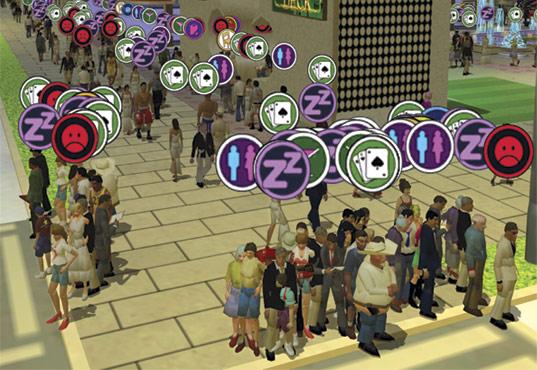
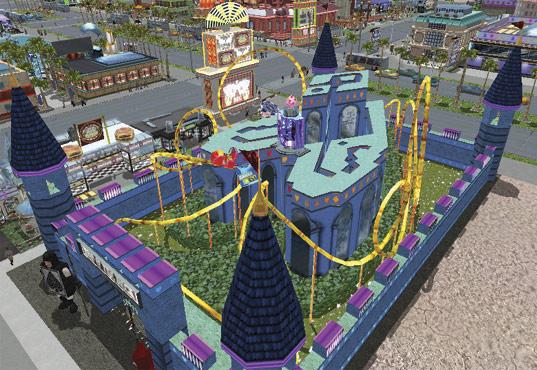
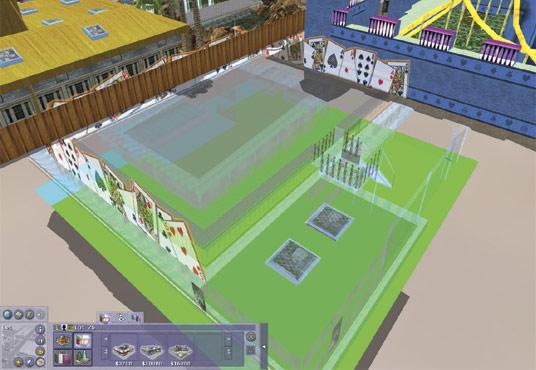
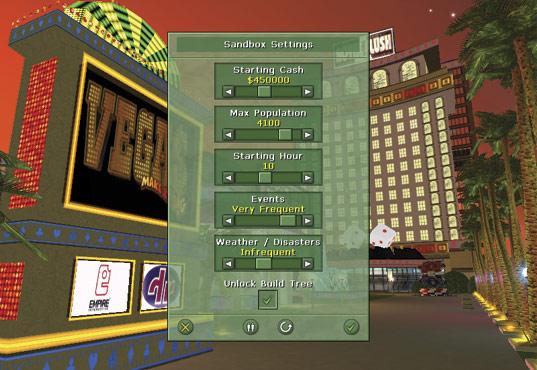
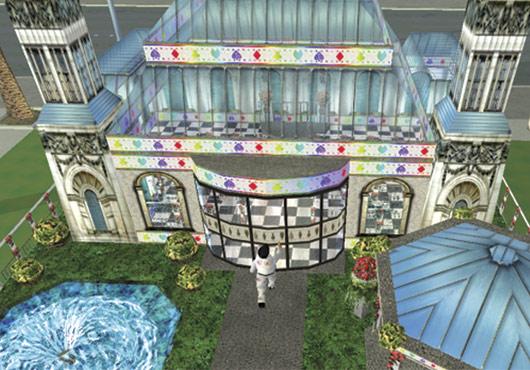
Vegas: Make It Big Steam Gift Platform: Steam Release Date: 22 Dec 2006 Product Description Develop a state-of-the art Las Vegas resort complex, using all the money and management skill you can. Customers on the living, breathing Las Vegas boulevard are Notoriously hard to satisfy - can you win the hearts and wallets of Vegas? Amazing real-time 3D graphics show off your resort to the max. Experience grand panoramic views, or get up close and personal to fine-tune the inside and outside of your perfect Vegas paradise. Features Fulfill the needs of 5000+ individual guests 500+ vehicles include cars, taxis, limos and helicopters 10 resort styles, inspired by amazing cultures and themes Relaxed attractions provide a welcome break Create a wedding chapel on the spur of the moment Breathtaking rides and attractions User friendly controls make resort construction simple Fully customizable - adjust goals, competition and difficulty Develop not just the outside of your resort, but the inside too Hire and fire staff, based on true-to-life skills and qualities Adjust the stakes in your favor and Make It Big! System Requirements Minimum: Pentium® III 600MHz, Windows® 98, 16MB 3D graphics card, 192MB of RAM. 500MB of free hard disc space. DirectX® 9.0, mouse, keyboard. Recommended: Pentium® III 800MHz, 32MB 3D graphics card, 256MB of RAM, 8x CD drive speed, mouse with wheel.
Screenshots
Details
| Platform | Steam |
| Region | Region Free |
| Type | Digital CD Key |
| Delivery | ⚡ Instant |
| Languages | English |
Why CDKeysIsland
⚡ Instant Delivery
Get your game key immediately after purchase via email. No waiting, no delays.
🔑 100% Genuine Key
We sell only legitimate digital keys. No accounts, no grey market tricks.
🛡️ Lifetime Warranty
Every key comes with a lifetime warranty. If it doesn't work, we fix it — always.
🏴☠️ Permanent Ownership
Your key is yours forever with no restrictions, subscriptions or expiry dates.
Vegas: Make It Big Steam Gift
- Download and install Steam on your PC
- Sign in to your Steam account (or create one for free)
- Click "Add a Game" in the bottom-left corner → "Activate a Product on Steam"
- Enter your unique key from the Orders page
- Game is added to your library — ready to download!