



About the Game
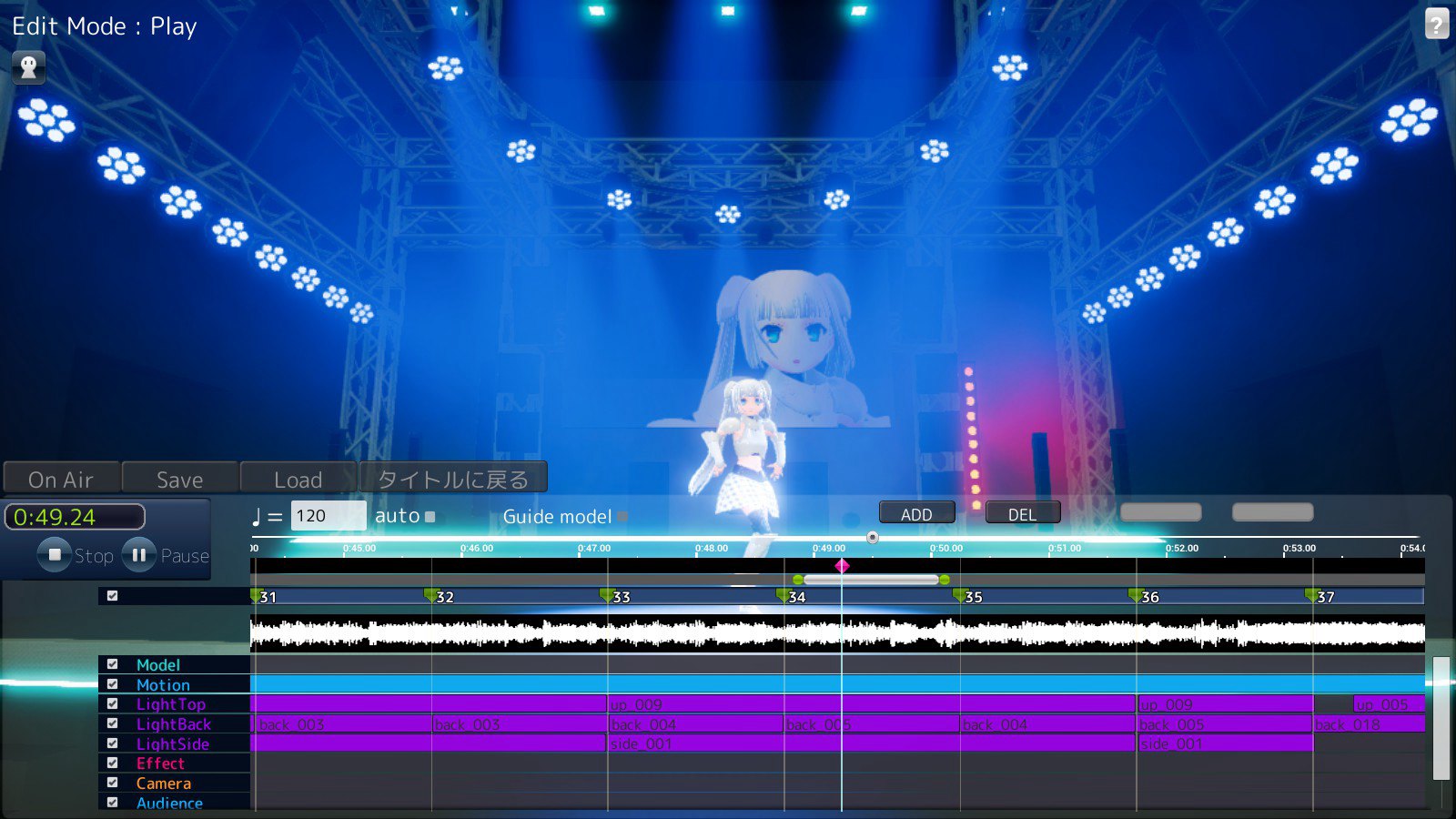
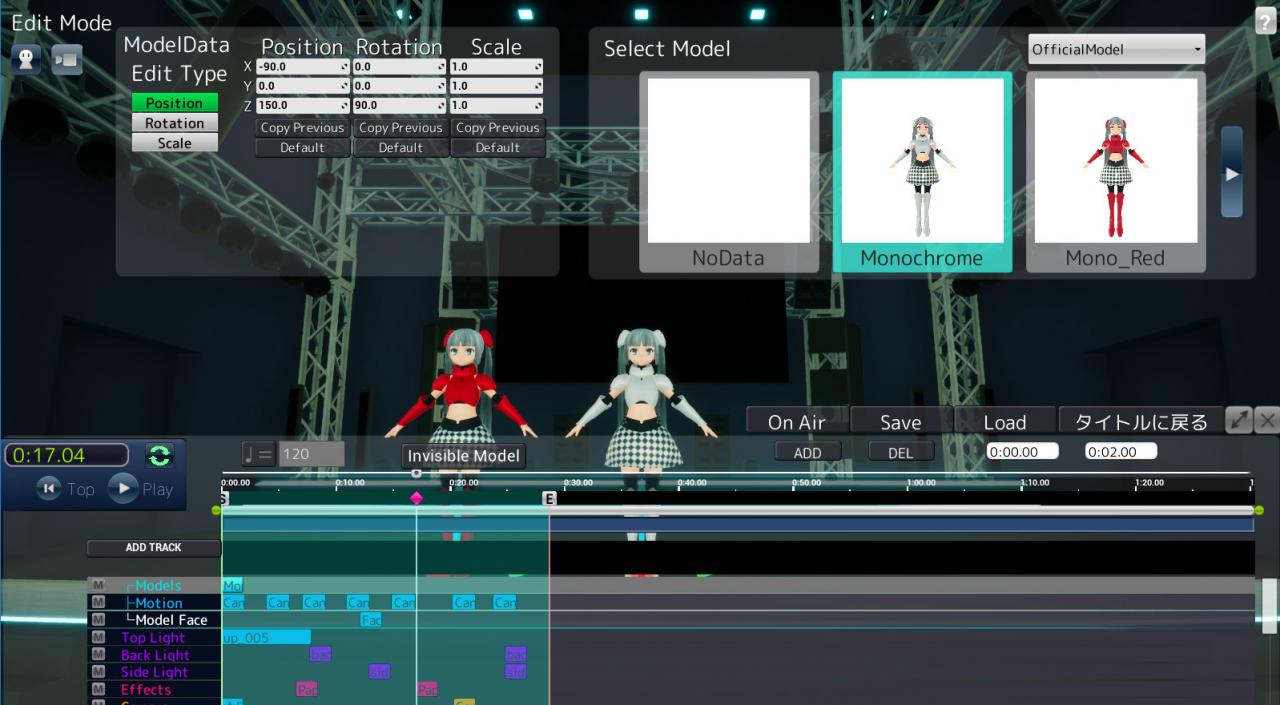
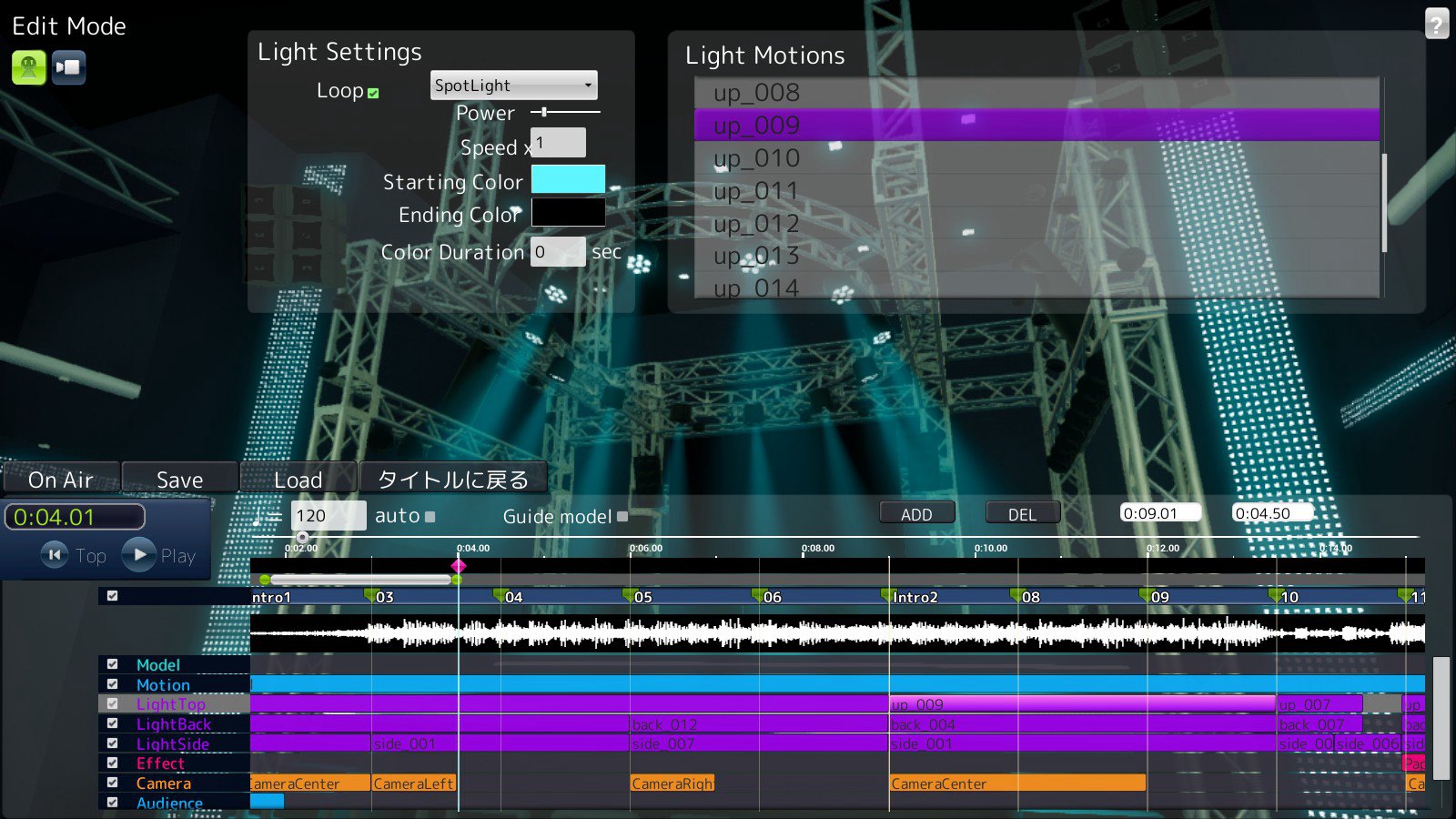
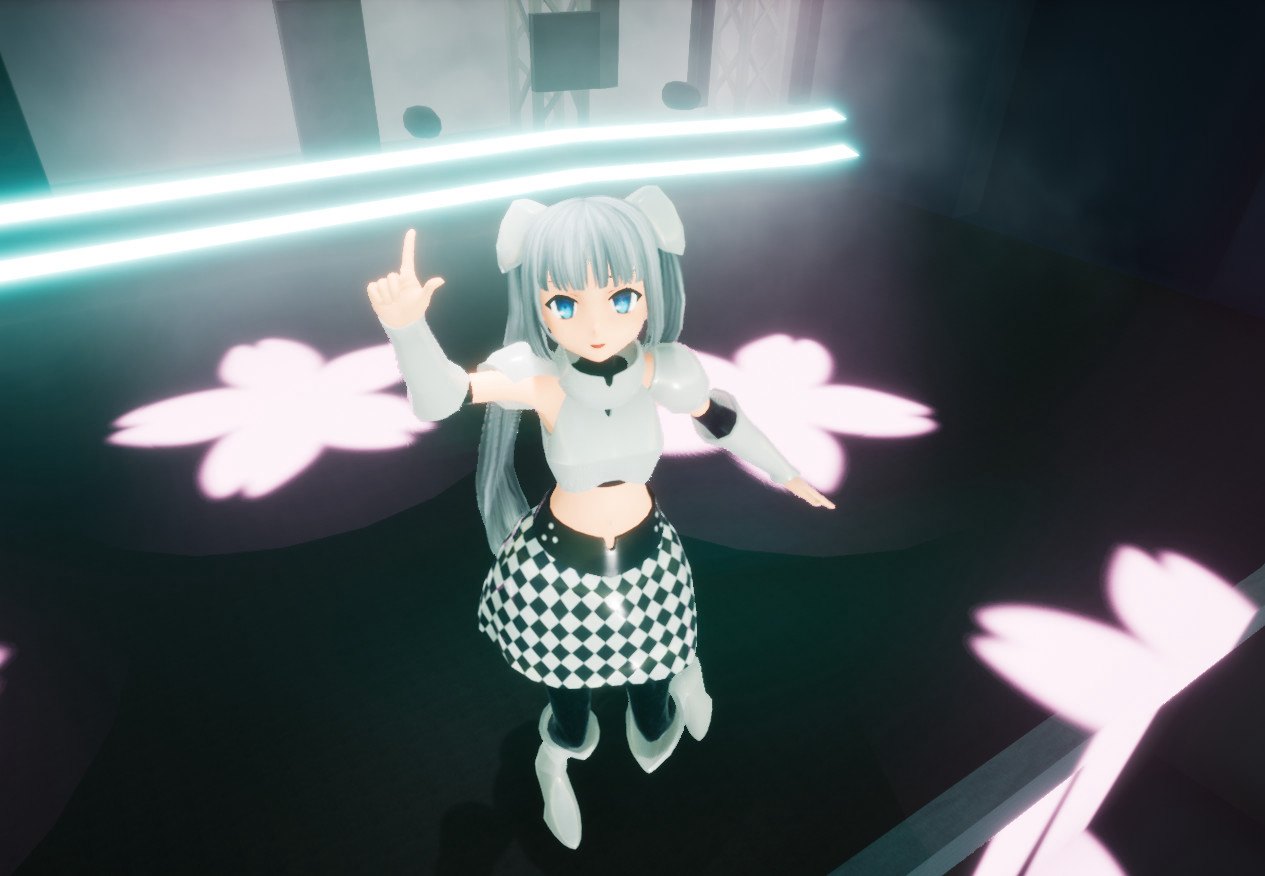
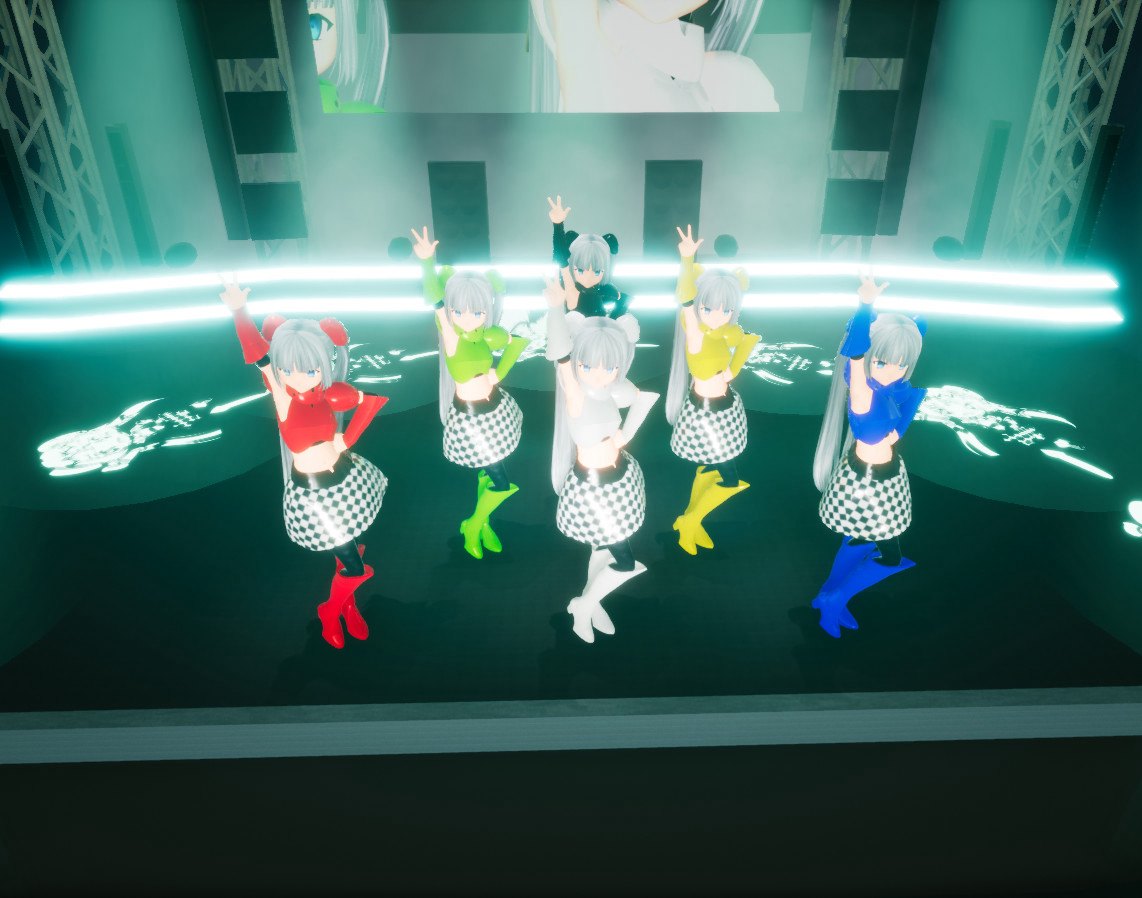
Showmaker is an app that enables you to create top notch live stages with ease. Players can create professional-quality 3D musical stage performances and shows quickly and easily with just 4 steps. Step 1: Select your stage The app will feature stages of different sizes, from a small club venue to a massive arena. Choose the size that fits your style! Step 2: Select your music and sound effects Your music and sound choices are obviously a crucial element of any performance. Choose the music and sounds that will make your performance pop! Step 3: Select your 3D characters and choreography Pick your 3D character models, then give them actions and movements. Creating your own original dance moves is a snap! Step 4: Select your stage effects Combine different visual effects to create your own unique style. Make sure you choose the right effects to go along with your music and choreography! Get started with a simple tutorial! Begin your Showmaker career by designing a show with Ms. Monochrome! For those of you who want to take control of the finer details, you can use the UE4 Mod Editor to get into serious customization mode! For instance, you can create your own stage lighting, equipment, and even add your own character animations. And whatever you create, you can sell to other producers through the online store! The possibilities are endless! It all depends on you, the producer!
Screenshots
Details
| Platform | Steam |
| Release Date | 15 Feb 2018 |
| Region | Region Free |
| Type | Digital CD Key |
| Delivery | ⚡ Instant |
| Languages | English, Japanese, Chinese |
Why CDKeysIsland
⚡ Instant Delivery
Get your game key immediately after purchase via email. No waiting, no delays.
🔑 100% Genuine Key
We sell only legitimate digital keys. No accounts, no grey market tricks.
🛡️ Lifetime Warranty
Every key comes with a lifetime warranty. If it doesn't work, we fix it — always.
🏴☠️ Permanent Ownership
Your key is yours forever with no restrictions, subscriptions or expiry dates.
SHOWMAKER Steam CD Key
- Download and install Steam on your PC
- Sign in to your Steam account (or create one for free)
- Click "Add a Game" in the bottom-left corner → "Activate a Product on Steam"
- Enter your unique key from the Orders page
- Game is added to your library — ready to download!