
About the Game
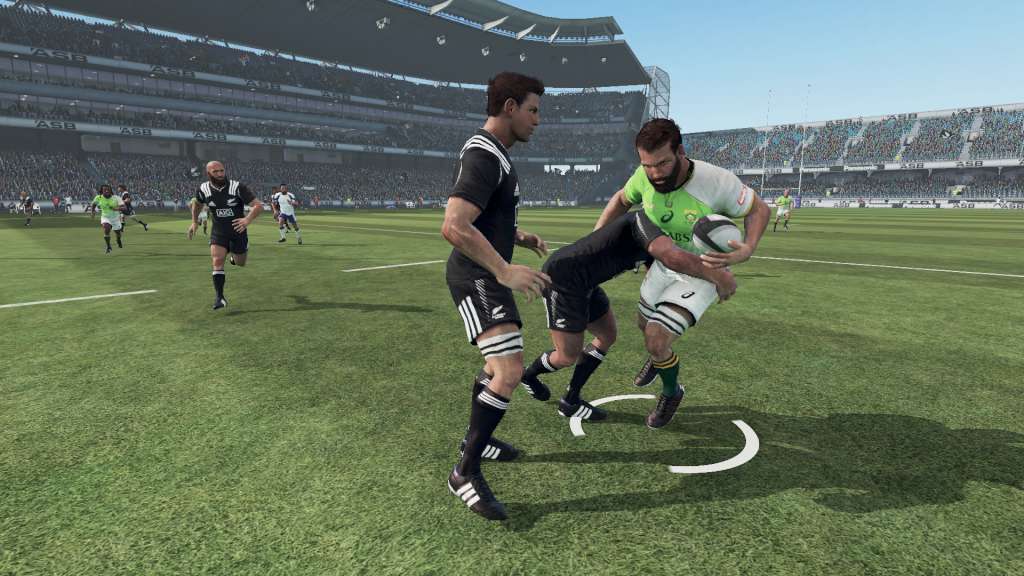
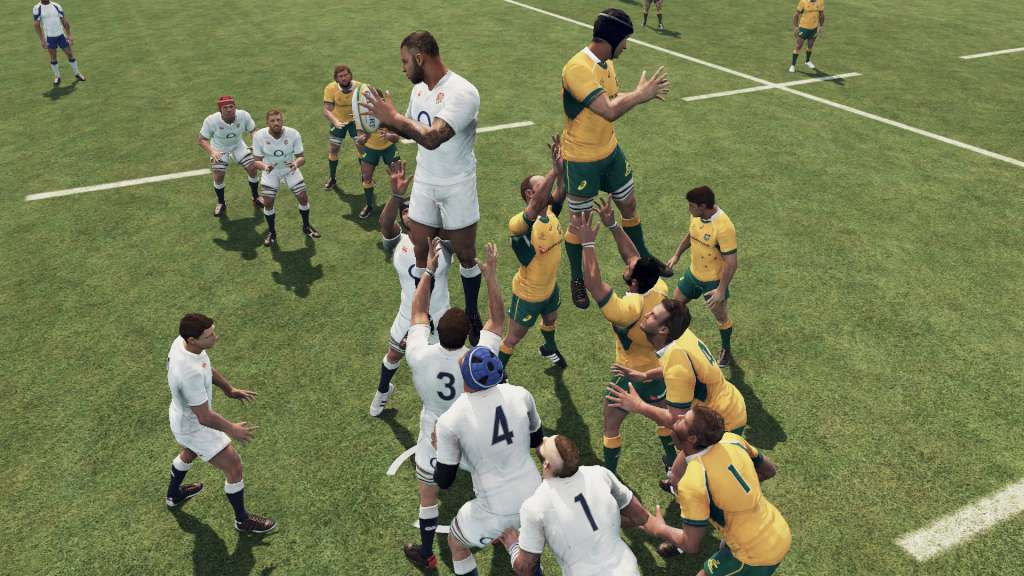
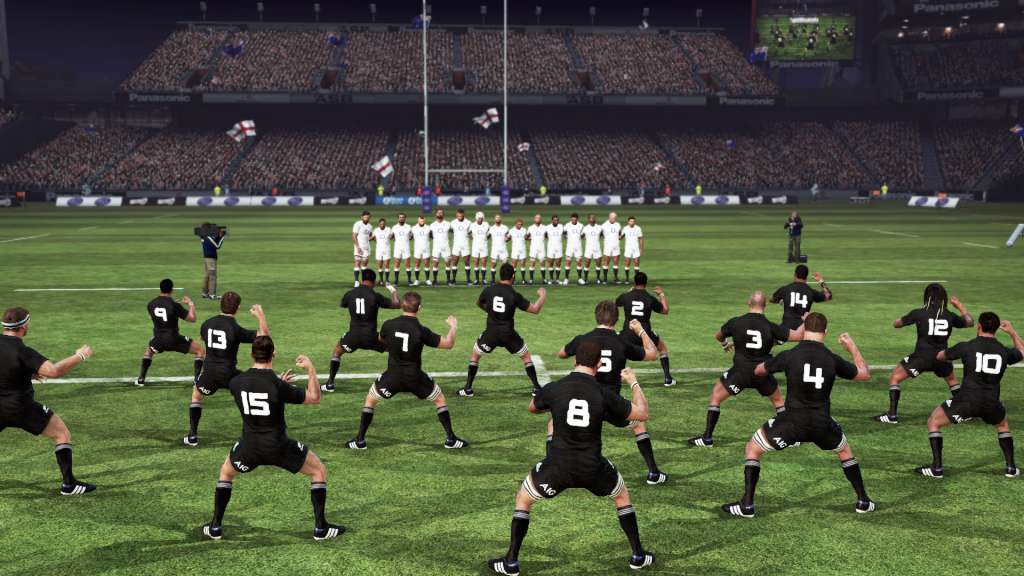
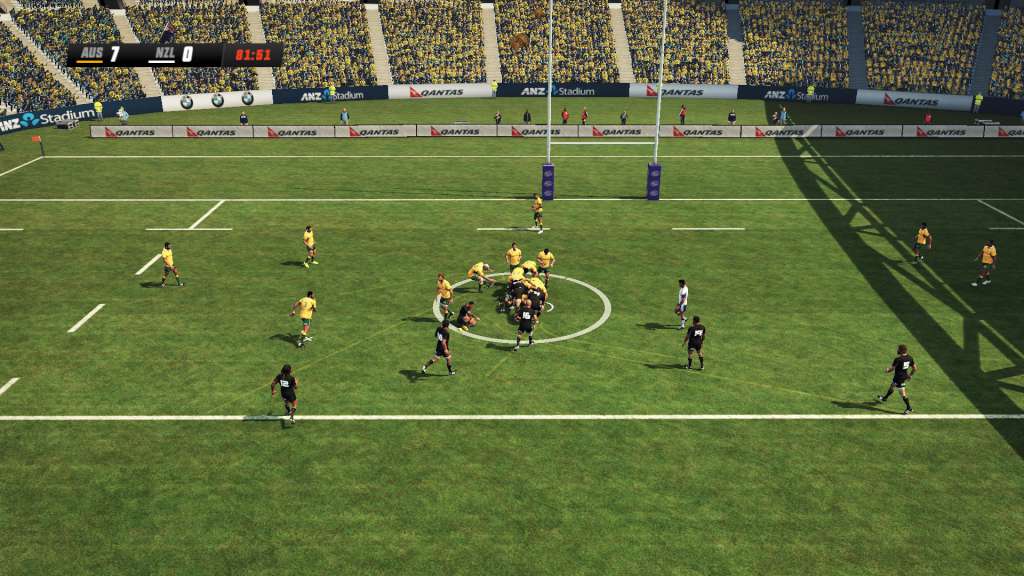
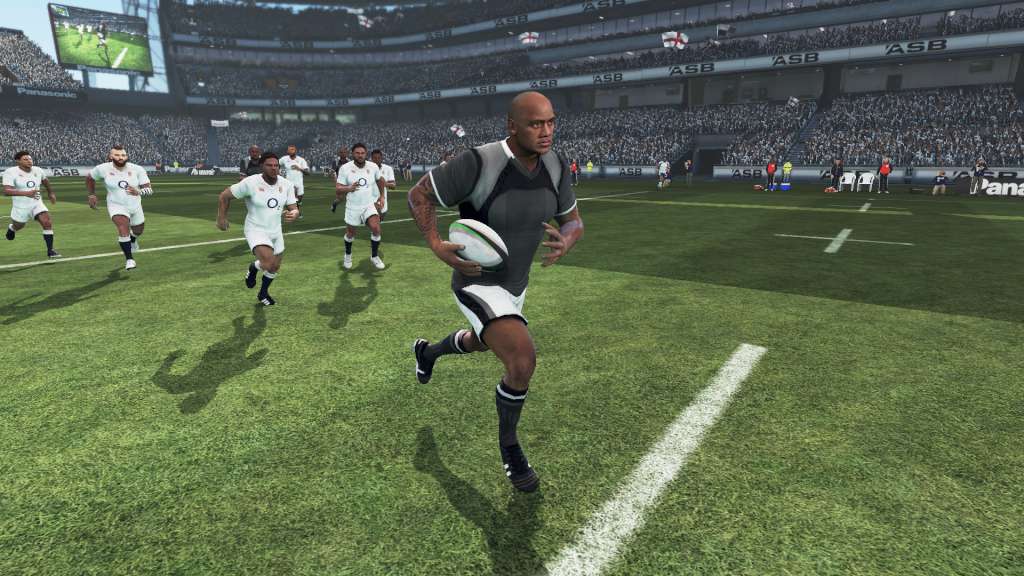
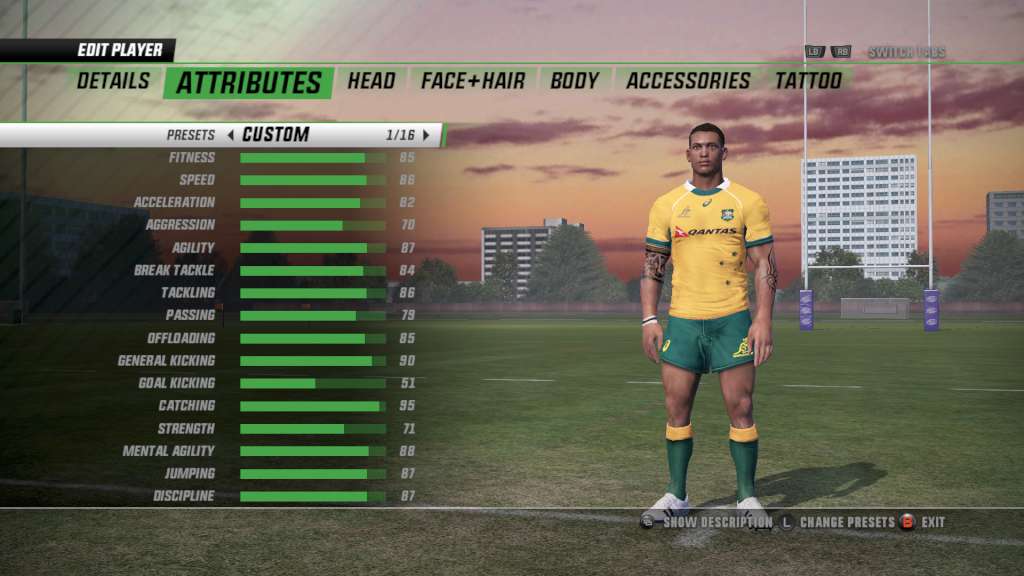
Rugby Challenge 3 Steam Gift Platform: Steam Release Date: 29/06/2016 Product Description All New Be A Pro mode - play rugby from a professional rugby players point of view, customise and control your player though their career. Gain an all new insight and experience from controlling the game from a single player’s perspective. All New Online Player Creator – create, share and download customised teams and players. New tattoo system - customize players by selecting and positioning tattoos! Even more custom strip designs and accessories. All New Rugby Seven-a-side mode added to quick match, International competitions and career mode. Customise the game with more options to also change game rules and behaviour to create and shape a unique game play experience. Refined and expanded gameplay with the addition of tightened up offloads and passing, reduced number of turnovers, new Conversions gameplay, improved and balanced strategies. Features 110+ teams and 50 + stadia from around the world featuring… All Blacks and Wallabies. Avia Premiership Rugby, ITM Cup, Guiness Pro 12 National Rugby Championship And more… System Requirements OS: Windows 7/8/10 Processor: Intel 2.2 GHz Dual-Core or AMD 2.5 GHz Dual-Core Memory: 4 GB RAM Graphics: Radeon HD 6670 or NVIDIA Geforce GT530 with Min 1GB Memory DirectX: Version 9.0c Network: Broadband Internet connection Storage: 8 GB available space Sound Card: DirectX 9.0c compatible
Screenshots
Details
| Platform | Steam |
| Region | Region Free |
| Type | Digital CD Key |
| Delivery | ⚡ Instant |
| Languages | English, French, Spanish, Italian |
Why CDKeysIsland
⚡ Instant Delivery
Get your game key immediately after purchase via email. No waiting, no delays.
🔑 100% Genuine Key
We sell only legitimate digital keys. No accounts, no grey market tricks.
🛡️ Lifetime Warranty
Every key comes with a lifetime warranty. If it doesn't work, we fix it — always.
🏴☠️ Permanent Ownership
Your key is yours forever with no restrictions, subscriptions or expiry dates.
Rugby Challenge 3 Steam Gift
- Download and install Steam on your PC
- Sign in to your Steam account (or create one for free)
- Click "Add a Game" in the bottom-left corner → "Activate a Product on Steam"
- Enter your unique key from the Orders page
- Game is added to your library — ready to download!