About the Game
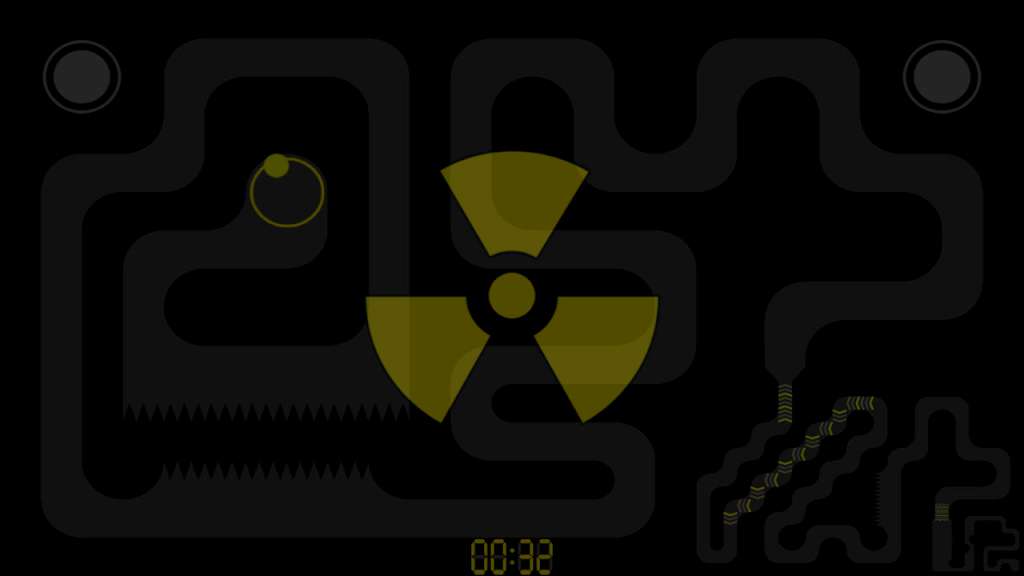
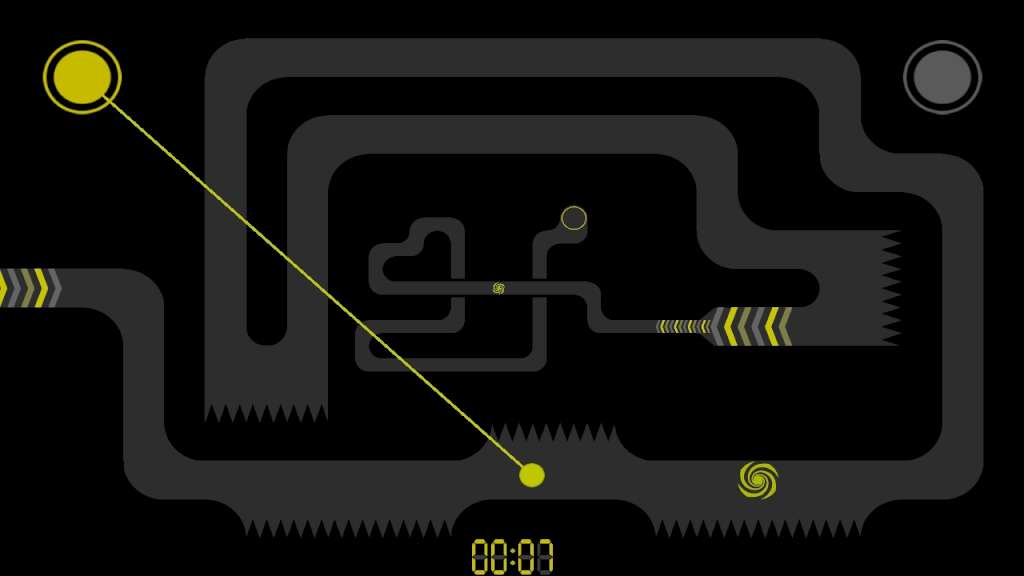
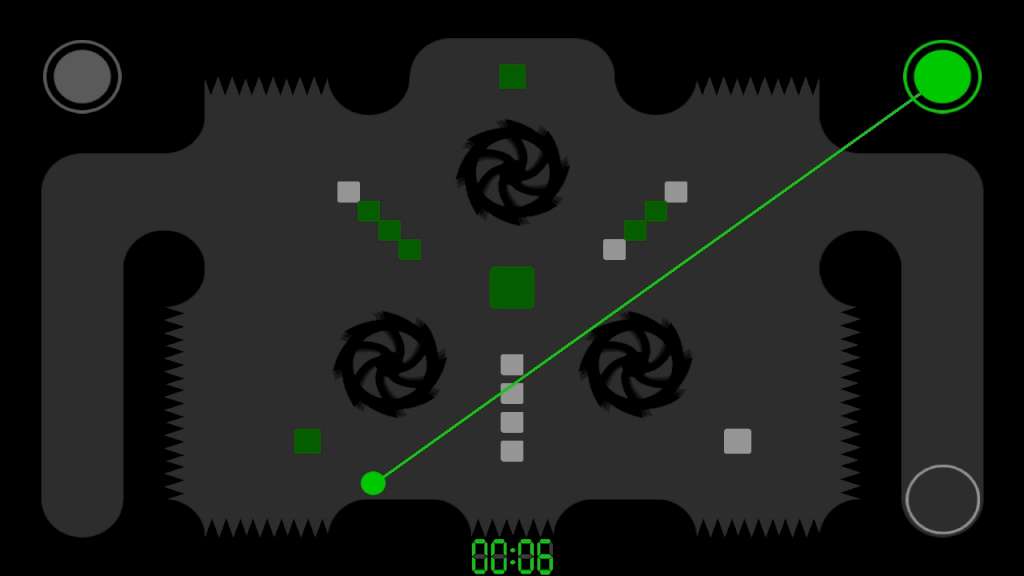
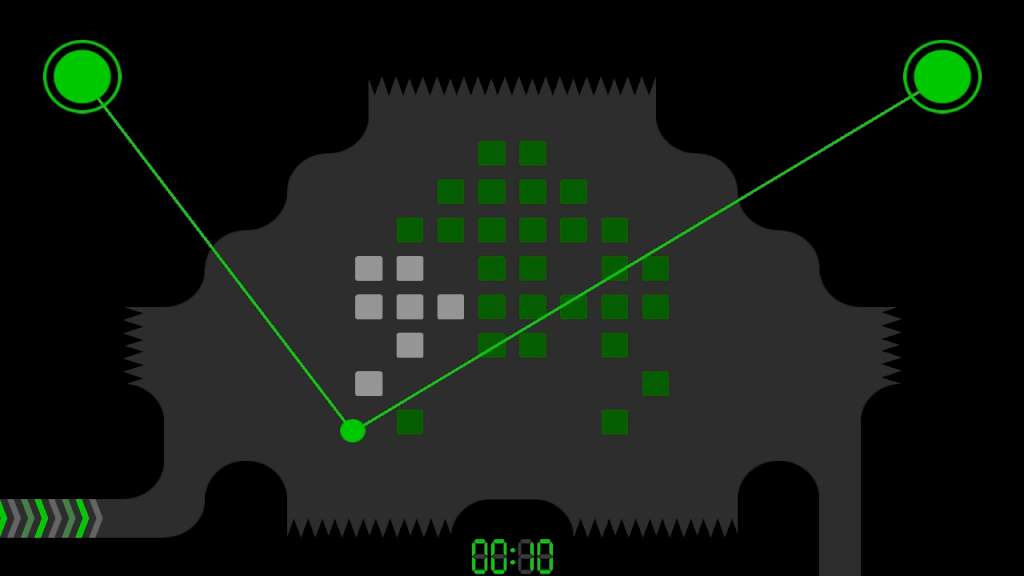
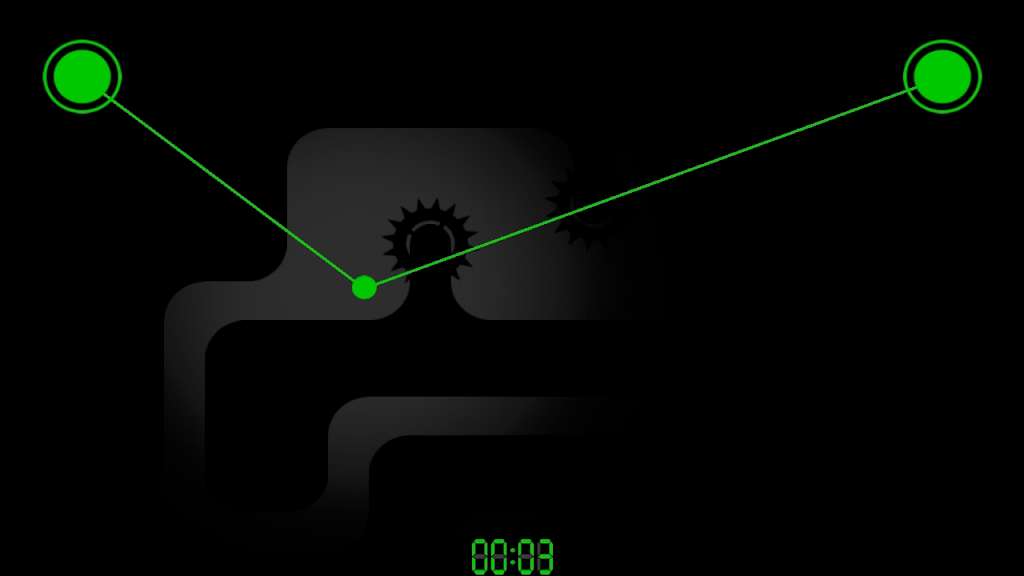
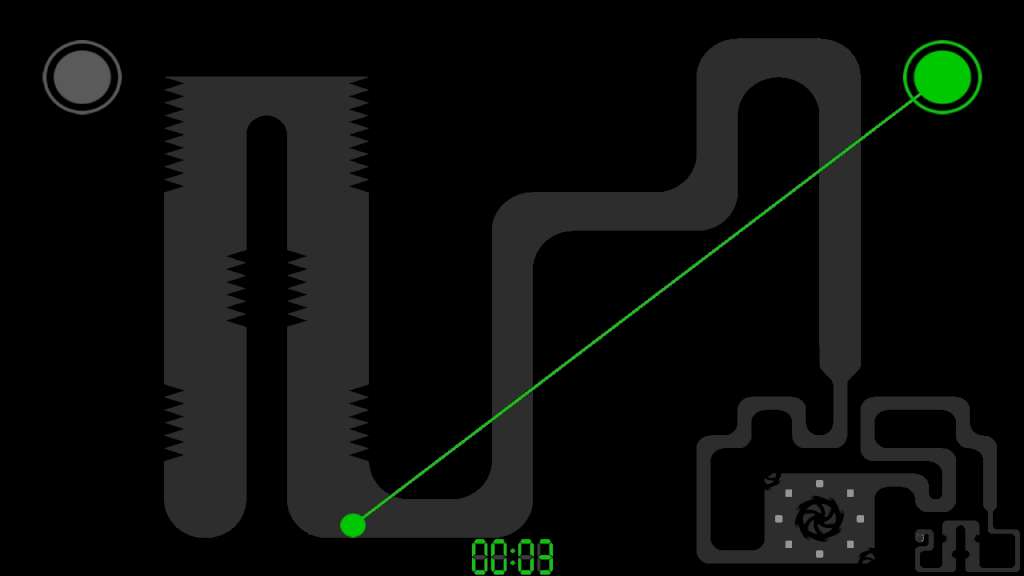
Radium Steam Key Platform: Steam Release Date: 29/03/2014 Product Description Radium is physics-based skill game, featuring unique game controls. A game which avoids any non-essential elements and focuses on the elementary minimum. By pressing the left or right arrow key, the orb is pulled into the direction of the corresponding tractor beam. Entering yellow mode, polarization gets inverted and the orb will be pushed away. Switching from normal to yellow mode can happen multiple times per level. Easy to learn and hard to master. A must-have for every fan of arcade games, who doesn't shy away from challenges. Features 130 levels of increasing difficulty Unique physics-based game controls Automatic zoom and scroll function Polarization change Pure minimalism Steam achivements Steam trading cards System Requirements PC System Requirements OS: Windows 8 / 7 / Vista / XP Processor: 2 GHz Dual Core Memory: 512 MB RAM Graphics: DirectX 8-compatible graphics card with at least 32MB of video memory DirectX: Version 9.0c Hard Drive: 30 MB available space Sound Card: DirectX 9.0c compatible Mac System Requirements OS: Mac OS 10.6+ Processor: 2 GHz Dual Core Memory: 512 MB RAM Hard Drive: 30 MB available space Linux / SteamOS System Requirements OS: Ubuntu 12.04 Processor: 2.2 GHz Dual Core Memory: 512 MB RAM Hard Drive: 30 MB available space
Screenshots
Details
| Platform | Steam |
| Region | Region Free |
| Type | Digital CD Key |
| Delivery | ⚡ Instant |
| Languages | English |
Why CDKeysIsland
⚡ Instant Delivery
Get your game key immediately after purchase via email. No waiting, no delays.
🔑 100% Genuine Key
We sell only legitimate digital keys. No accounts, no grey market tricks.
🛡️ Lifetime Warranty
Every key comes with a lifetime warranty. If it doesn't work, we fix it — always.
🏴☠️ Permanent Ownership
Your key is yours forever with no restrictions, subscriptions or expiry dates.
Radium Steam CD Key
- Download and install Steam on your PC
- Sign in to your Steam account (or create one for free)
- Click "Add a Game" in the bottom-left corner → "Activate a Product on Steam"
- Enter your unique key from the Orders page
- Game is added to your library — ready to download!