
About the Game
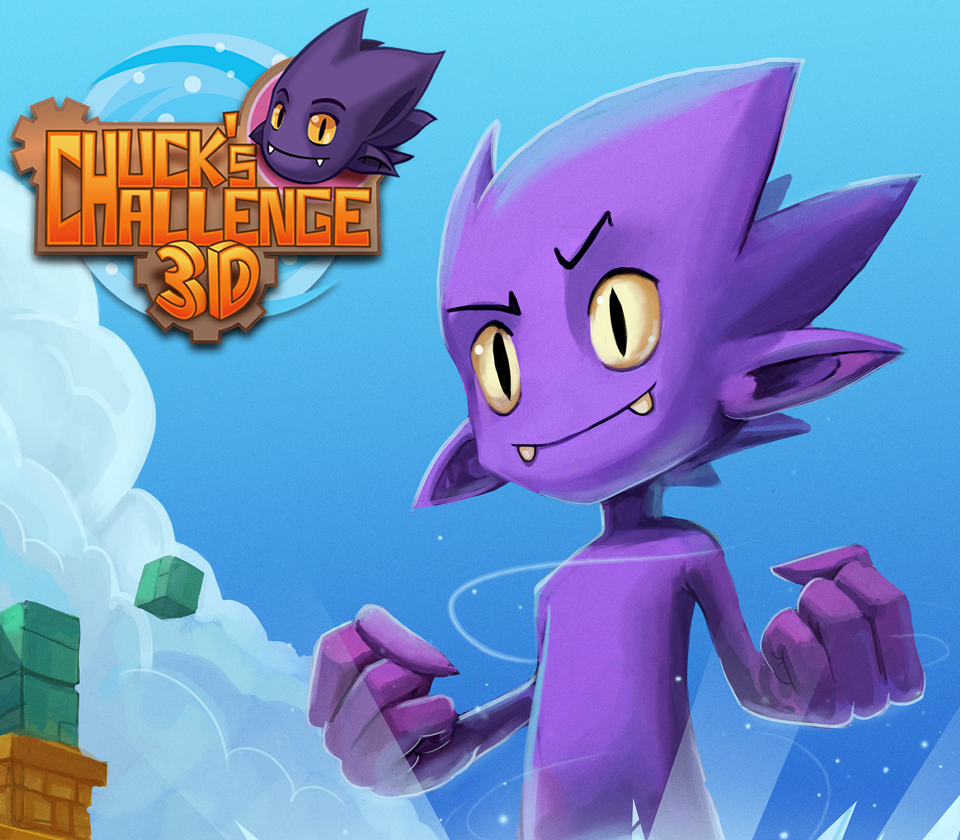
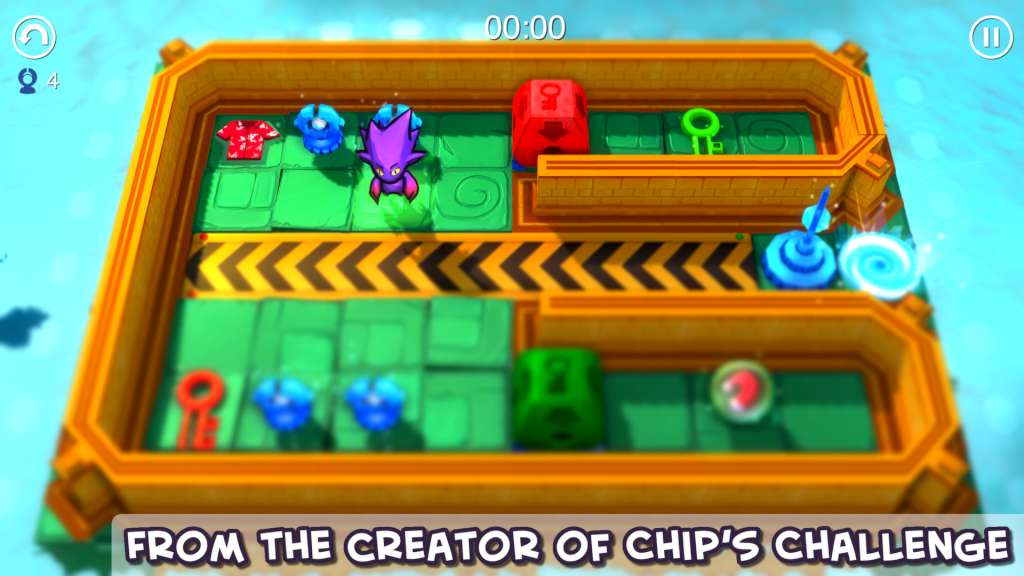
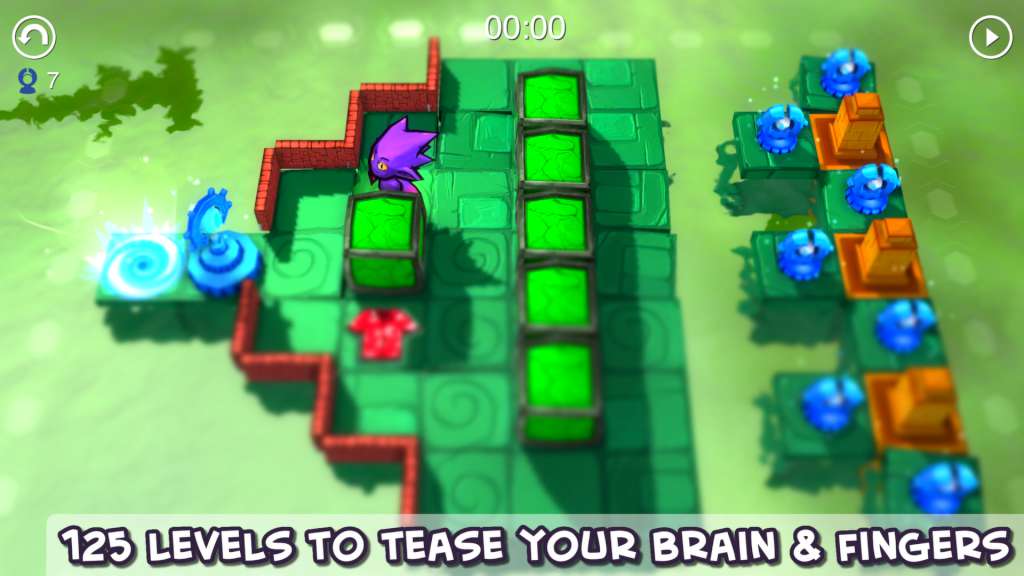
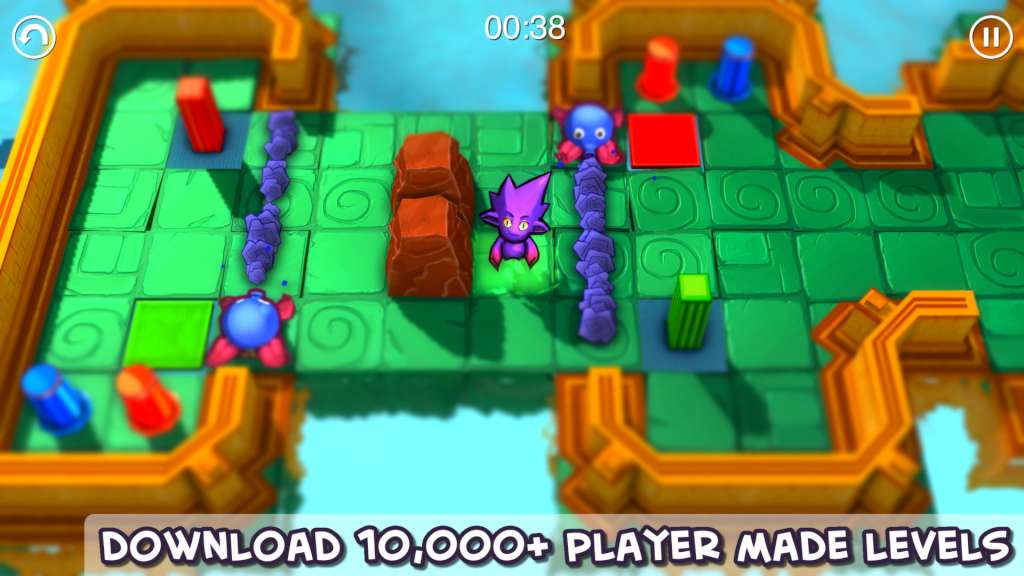
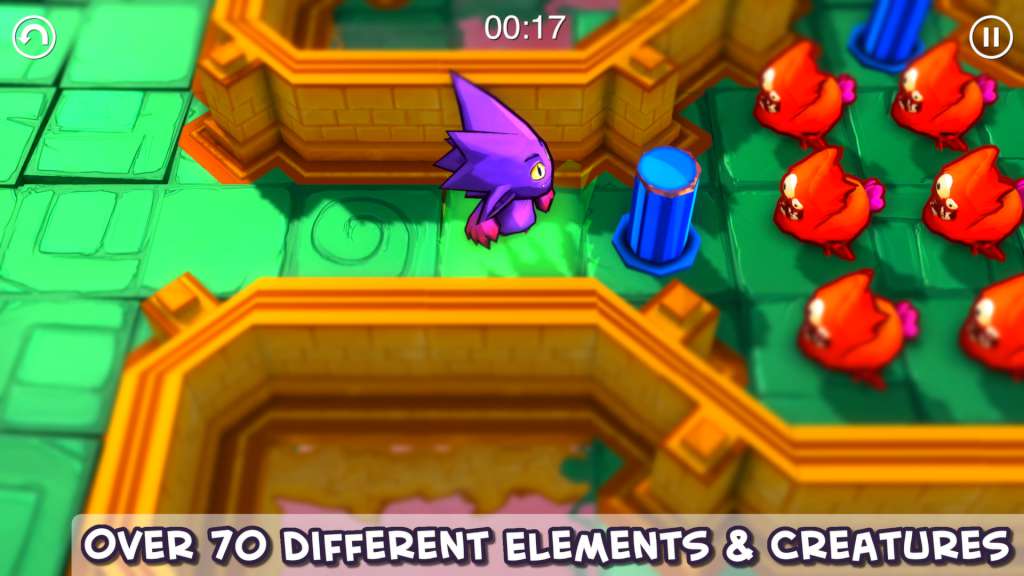
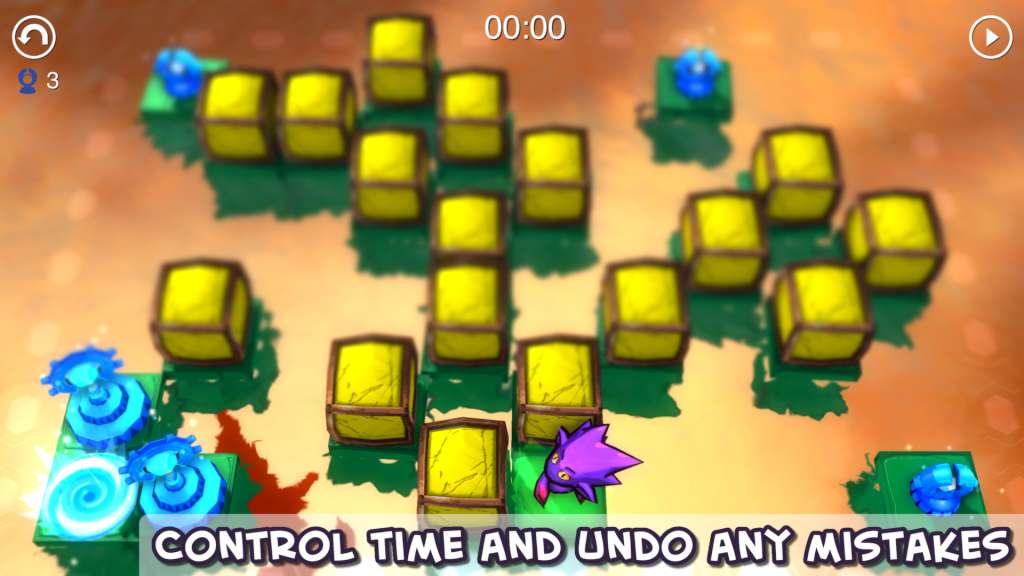
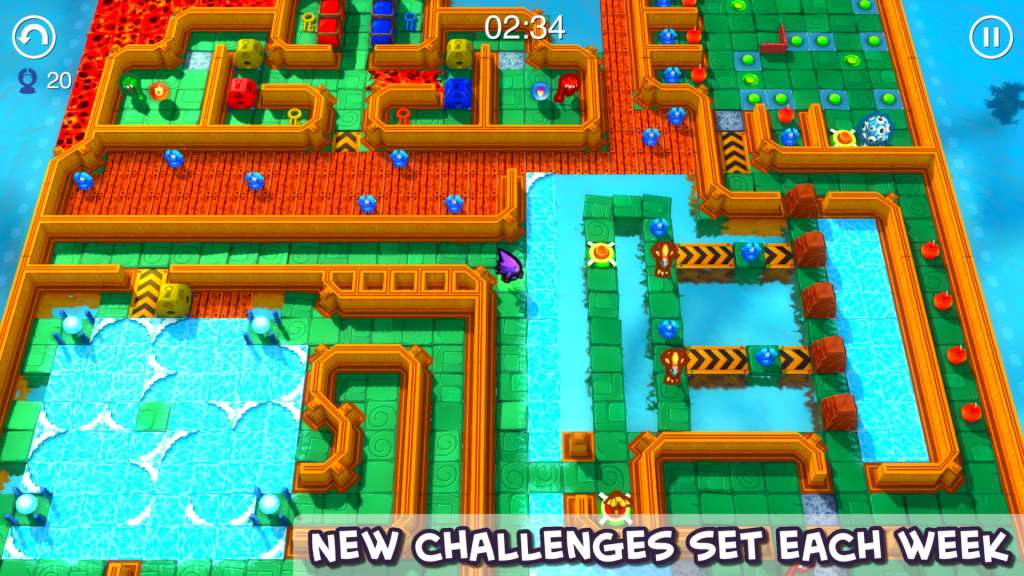
From the design veteran behind the classic game Chip's Challenge, comes Chuck’s Challenge 3D, a fiendishly addictive puzzler that’s packed with features that will tease the brain and challenge the fingers. It also comes with a level editor that lets you upload and share your levels for everyone to play and rate, all from within the game. Meet Woop, just your everyday puzzle lovin’ purple alien capable of altering time and space. Woop has summoned all-round puzzle game legend Chuck Sommerville for one purpose - to create a universe of puzzles for him to work his way out of. Take control of Woop and help him navigate his way through level after level of obstacles and challenges that stand between him and reaching the exit portal. Shift blocks, find keys, flip switches, wade through water, hot-foot it through lava and do everything it takes to make it out in one piece and evade an army of hungry creatures who want nothing more than to turn our purple hero into a nice ‘n tasty Woop Sandwich. Features PLAY – through 150 levels, with your best times published online CREATE – your own levels with over 85+ Game Elements & share them with the world SEARCH – download levels created by other players WEEKLY PUZZLE – play the best user created level of the week
Screenshots
Details
| Platform | Steam |
| Release Date | 28 Feb 2014 |
| Region | Region Free |
| Type | Digital CD Key |
| Delivery | ⚡ Instant |
| Languages | English |
| Review Score |
★★★★★
★★★★★
61%
|
Why CDKeysIsland
⚡ Instant Delivery
Get your game key immediately after purchase via email. No waiting, no delays.
🔑 100% Genuine Key
We sell only legitimate digital keys. No accounts, no grey market tricks.
🛡️ Lifetime Warranty
Every key comes with a lifetime warranty. If it doesn't work, we fix it — always.
🏴☠️ Permanent Ownership
Your key is yours forever with no restrictions, subscriptions or expiry dates.
Chuck's Challenge 3D PC Steam CD Key
- Download and install Steam on your PC
- Sign in to your Steam account (or create one for free)
- Click "Add a Game" in the bottom-left corner → "Activate a Product on Steam"
- Enter your unique key from the Orders page
- Game is added to your library — ready to download!