





About the Game
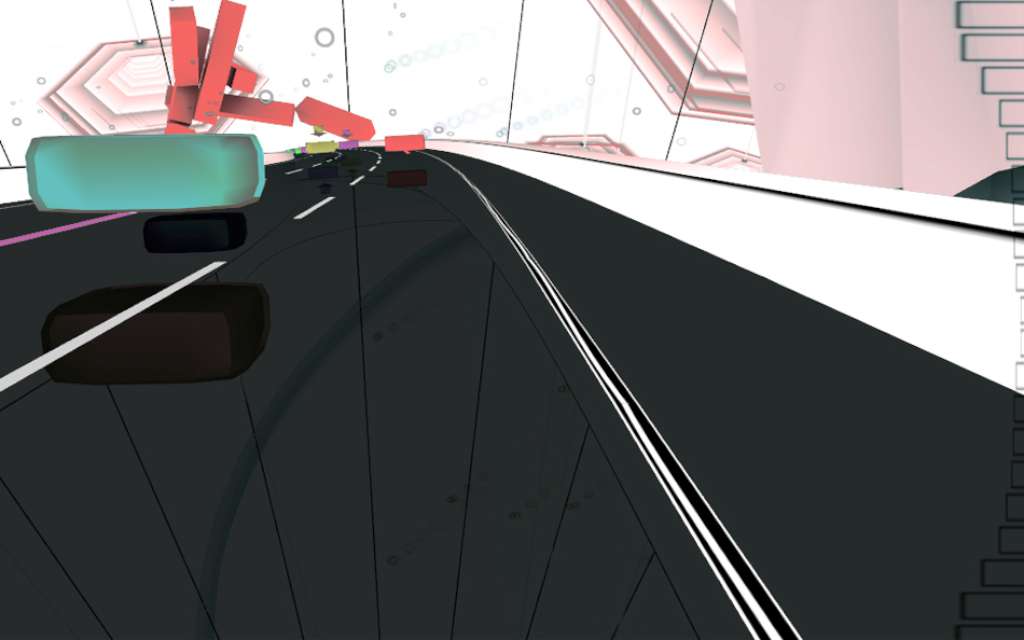
Audiosurf Steam Gift Platform: Steam Release Date: 15 Feb 2008 Product Description Ride your music. Audiosurf is a music-adapting puzzle racer where you use your own music to create your own experience. The shape, the speed, and the mood of each ride is determined by the song you choose. You earn points for clustering together blocks of the same color on the highway, and compete with others on the internet for the high score on your favorite songs. Audiosurf on Steam includes The Orange Box soundtrack, integrated with the game to enable "Still Alive" surfing and more. In addition, Audiosurf is one of the first titles to leverage Steamworks, offering full support for the Steam Achievements that appear on Steam Community profile pages. Features Play with any music from your own collection--the game supports MP3s, iTunes M4As, WMAs, CDs and OGGs Valve's The Orange Box Original Soundtrack is included. Online scoreboards for each song you play. Choose your strategy from 14 available characters. Track your progress as Steam Achievements. System Requirements OS: Microsoft® Windows® XP/Vista Processor: 1.6 GHz Intel® Pentium® 4 Memory: 512 MB RAM Graphics: 32 MB NVIDIA GeForce® 2 (support for Pixel Shader 3.0 recommended) DirectX Version: DirectX® 9.0 or higher Sound: DirectX® 9.0c-compatible sound card
Screenshots
Details
| Platform | Steam |
| Region | Region Free |
| Type | Digital CD Key |
| Delivery | ⚡ Instant |
| Languages | English, Russian |
| Review Score |
★★★★★
★★★★★
85%
|
Why CDKeysIsland
⚡ Instant Delivery
Get your game key immediately after purchase via email. No waiting, no delays.
🔑 100% Genuine Key
We sell only legitimate digital keys. No accounts, no grey market tricks.
🛡️ Lifetime Warranty
Every key comes with a lifetime warranty. If it doesn't work, we fix it — always.
🏴☠️ Permanent Ownership
Your key is yours forever with no restrictions, subscriptions or expiry dates.
Audiosurf Steam Gift
- Download and install Steam on your PC
- Sign in to your Steam account (or create one for free)
- Click "Add a Game" in the bottom-left corner → "Activate a Product on Steam"
- Enter your unique key from the Orders page
- Game is added to your library — ready to download!