About the Game
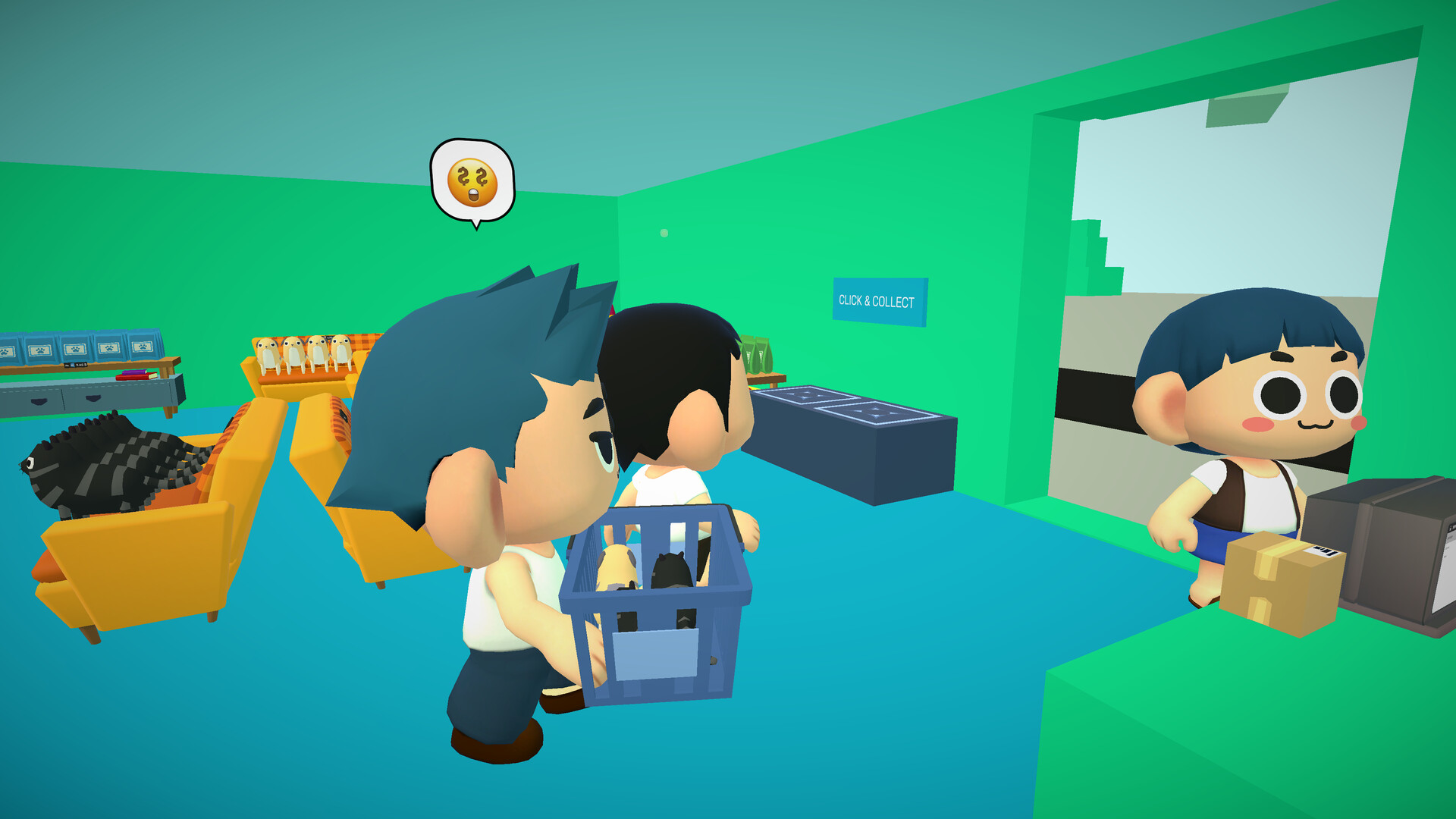
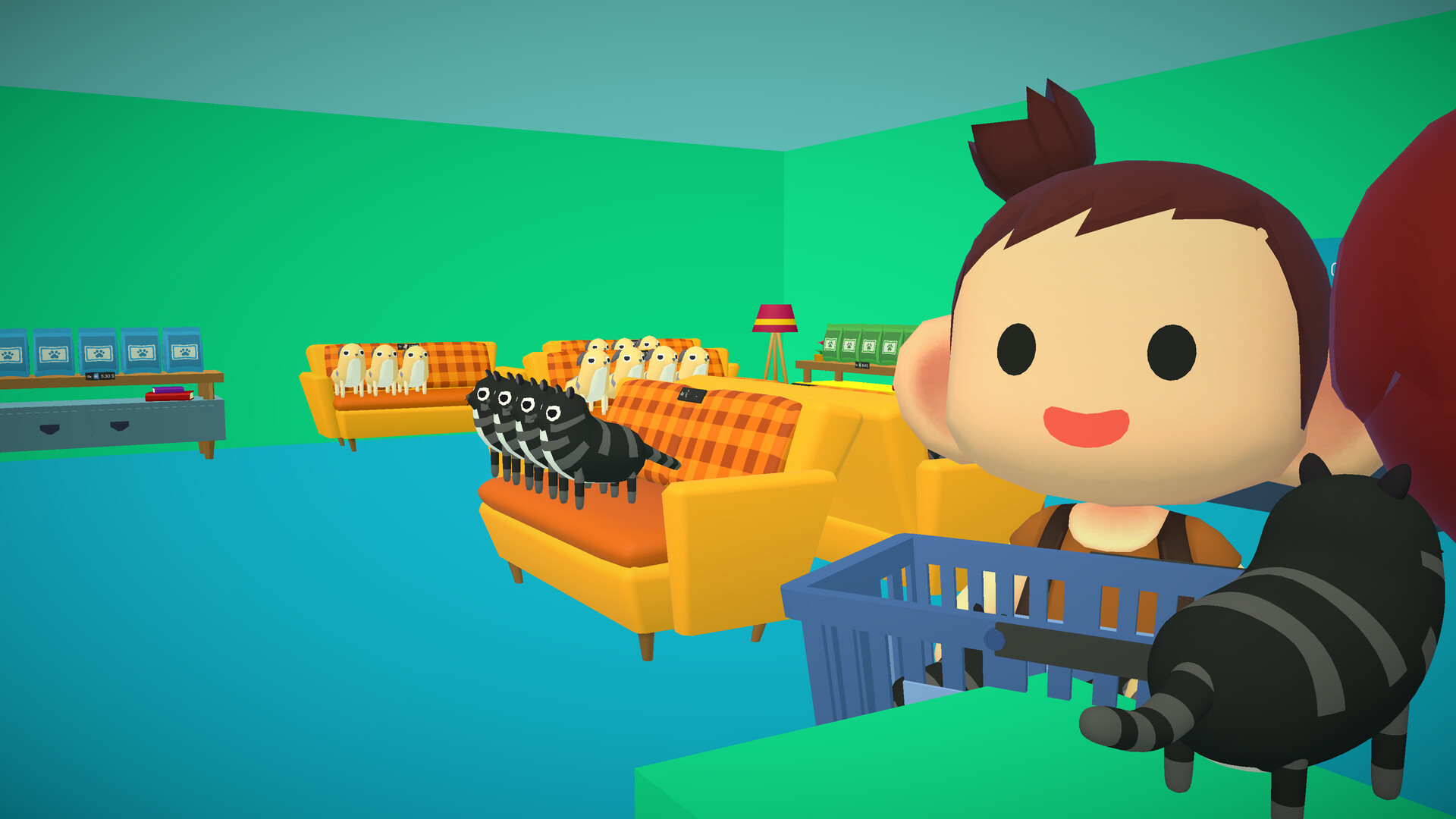
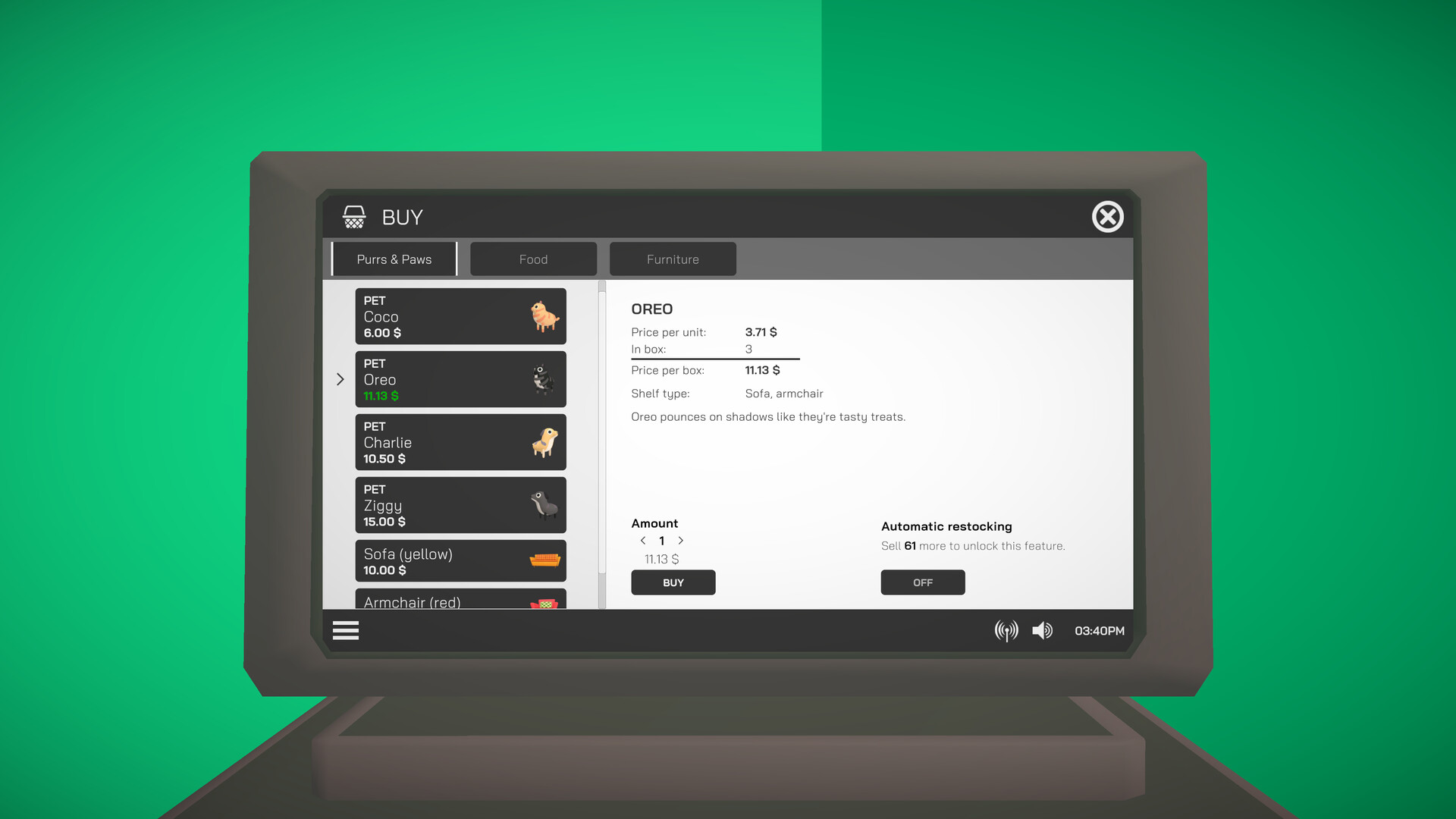
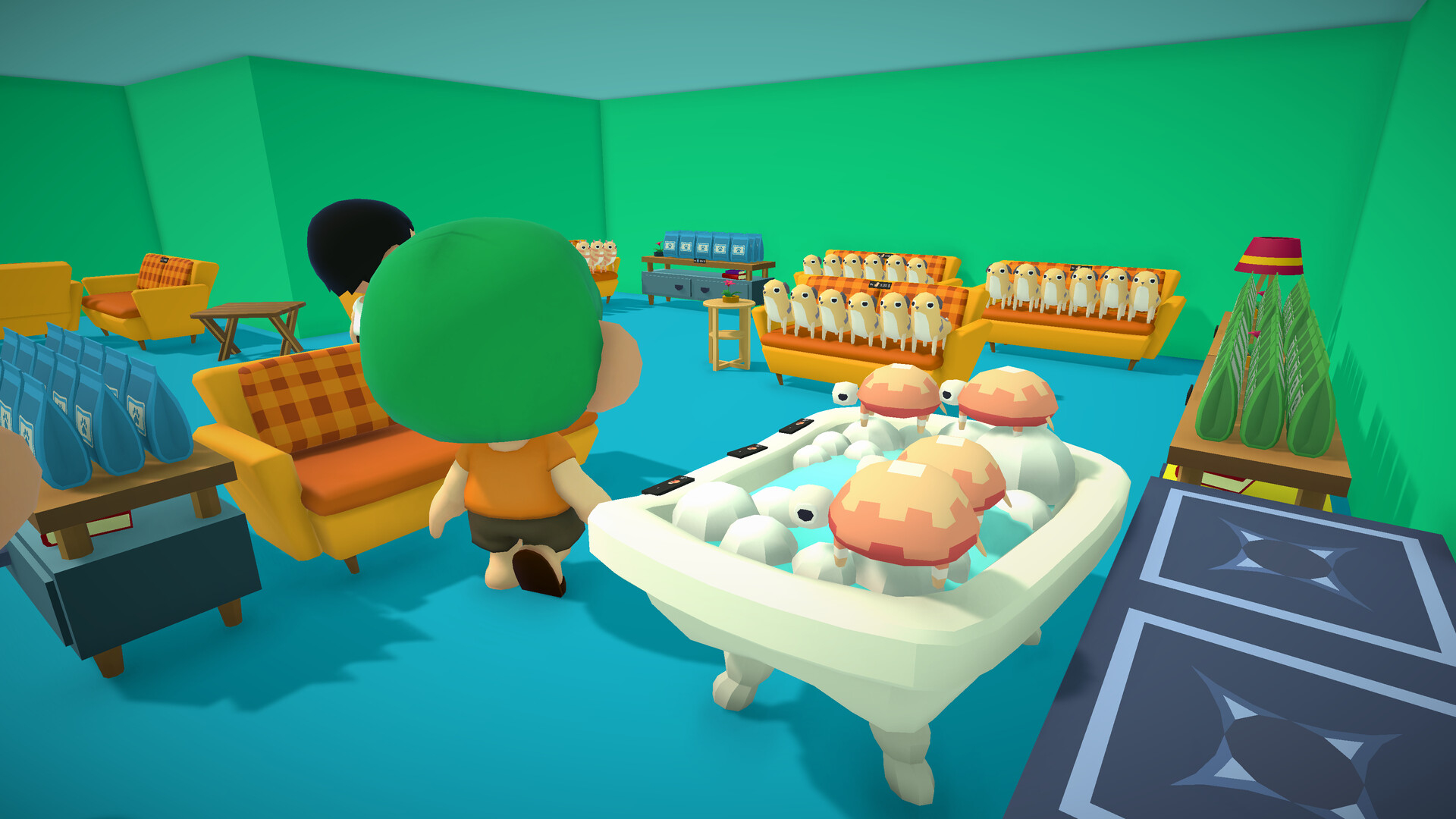
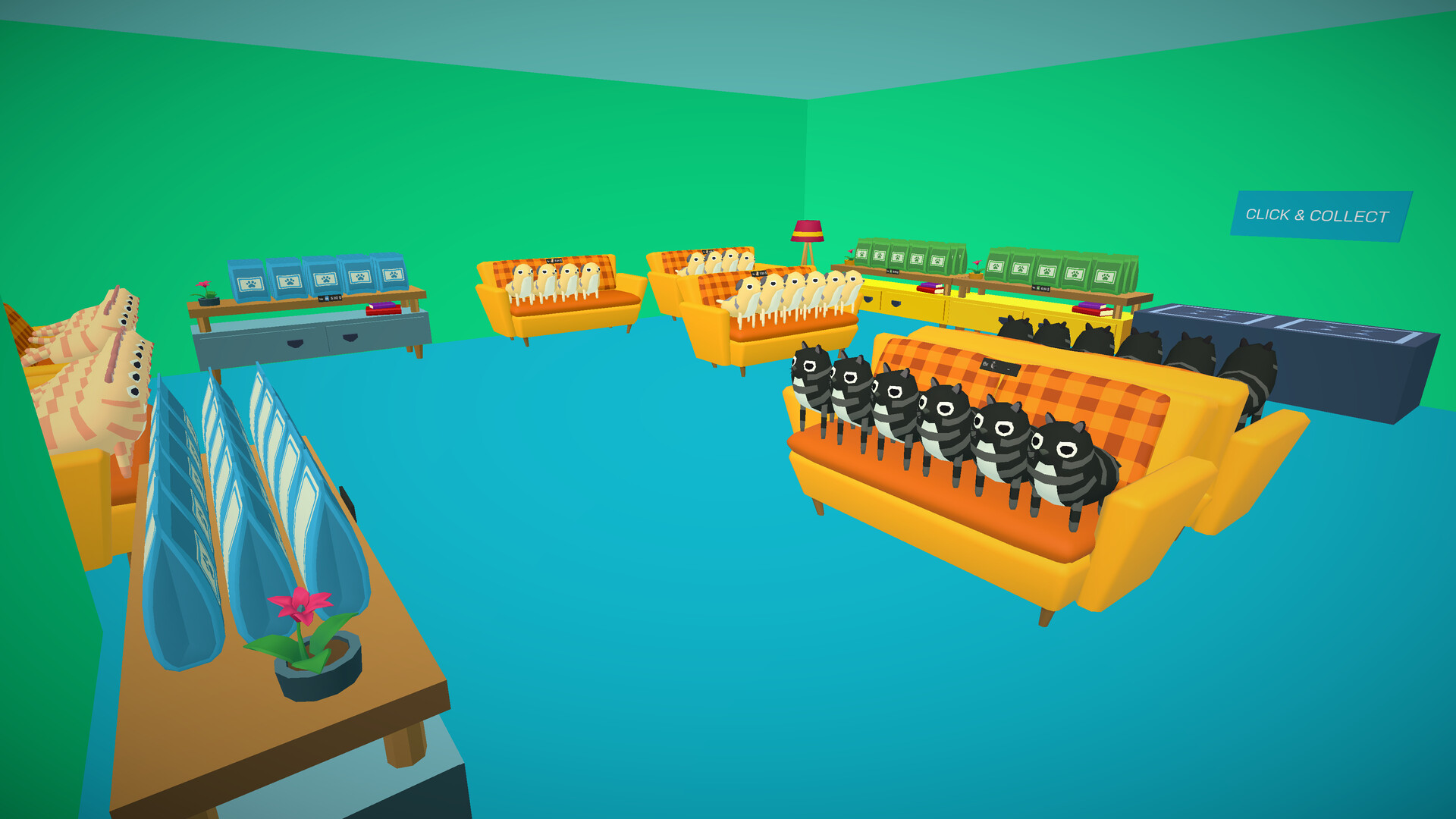
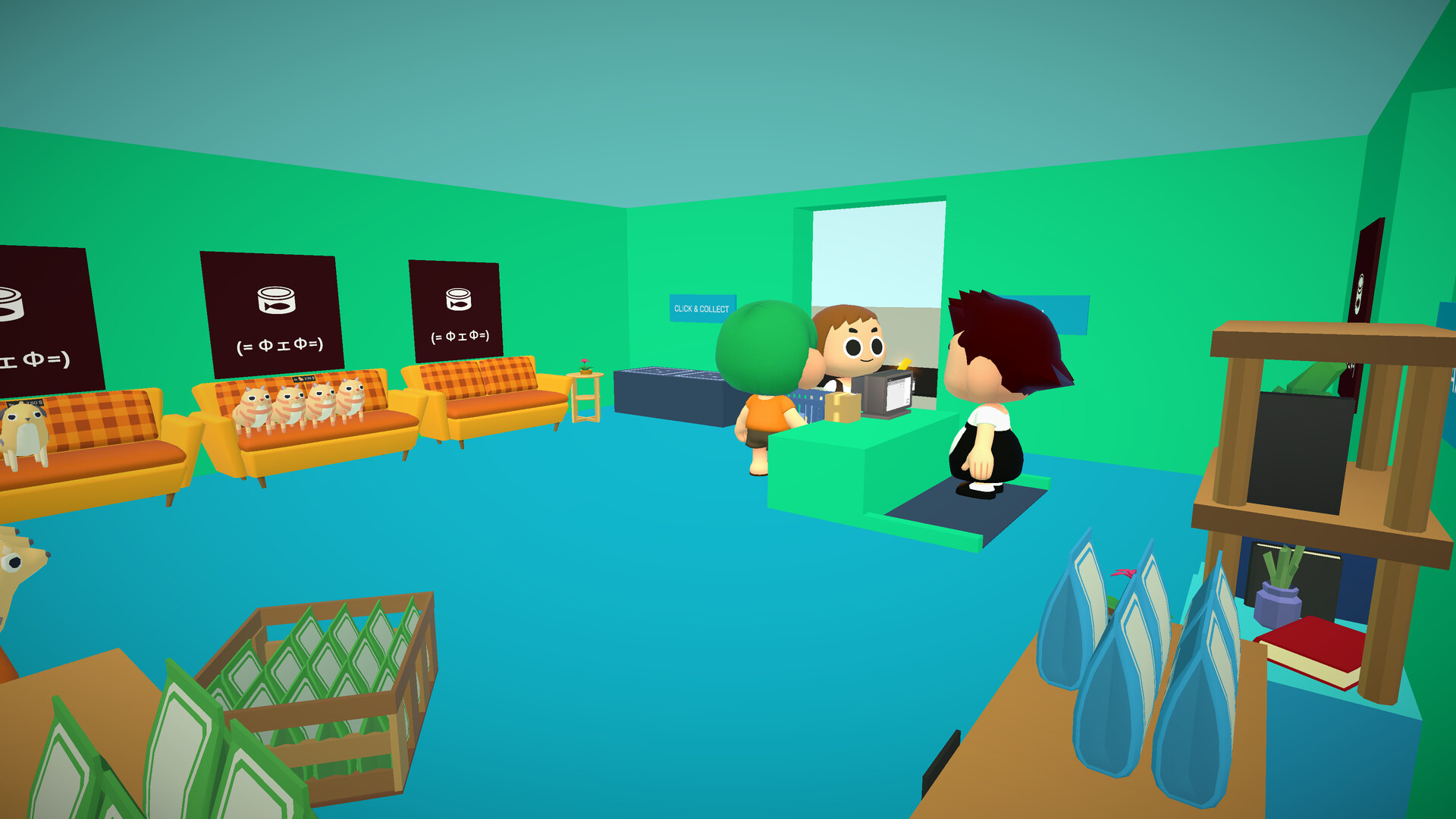
SHOP SIMULATOR: PET SHOP -- BUILD THE PET STORE OF YOUR DREAMS. In SHOP SIMULATOR: PET SHOP, you can fulfill your dream of running a pet store. Immerse yourself in the fascinating world of retail and keep your customers happy. You and up to three friends can customize your store and take care of all the needs of a pet store. Coordinate all tasks using the in-game voice chat and fulfill your customers' wishes. Because only happy customers are happy to spend more money and keep coming back to your pet shop. Let's go: open your own PET SHOP. Features DESIGN YOUR SHOP Design your store exactly the way you want it. Choose from a variety of shelves and decorations, place products as you see fit, and set their prices. Build the store of your dreams! MAXIMIZE YOUR PROFIT Monitor stock levels, analyze sales data, and optimize inventory to meet customer needs. EXPAND AND GROW Expand your store and diversify your products to bring even more variety to your store. Hire employees so that they can take over some of your tasks. MONEY MAKES THE WORLD GO 'ROUNDScan products, charge the correct amount, and make sure that customers leave your store happy and satisfied. If too many customers come in, you can open a second checkout and staff it with an AI employee or a fellow player.
Screenshots
Details
| Platform | Steam |
| Release Date | 25 Oct 2024 |
| Region | Region Free |
| Type | Digital CD Key |
| Delivery | ⚡ Instant |
| Languages | English, French, Italian, German, Spanish + more |
Why CDKeysIsland
⚡ Instant Delivery
Get your game key immediately after purchase via email. No waiting, no delays.
🔑 100% Genuine Key
We sell only legitimate digital keys. No accounts, no grey market tricks.
🛡️ Lifetime Warranty
Every key comes with a lifetime warranty. If it doesn't work, we fix it — always.
🏴☠️ Permanent Ownership
Your key is yours forever with no restrictions, subscriptions or expiry dates.
Shop Simulator: Pet Shop PC Steam CD Key
How to Activate
- Download and install Steam on your PC
- Sign in to your Steam account (or create one for free)
- Click "Add a Game" in the bottom-left corner → "Activate a Product on Steam"
- Enter your unique key from the Orders page
- Game is added to your library — ready to download!