About the Game
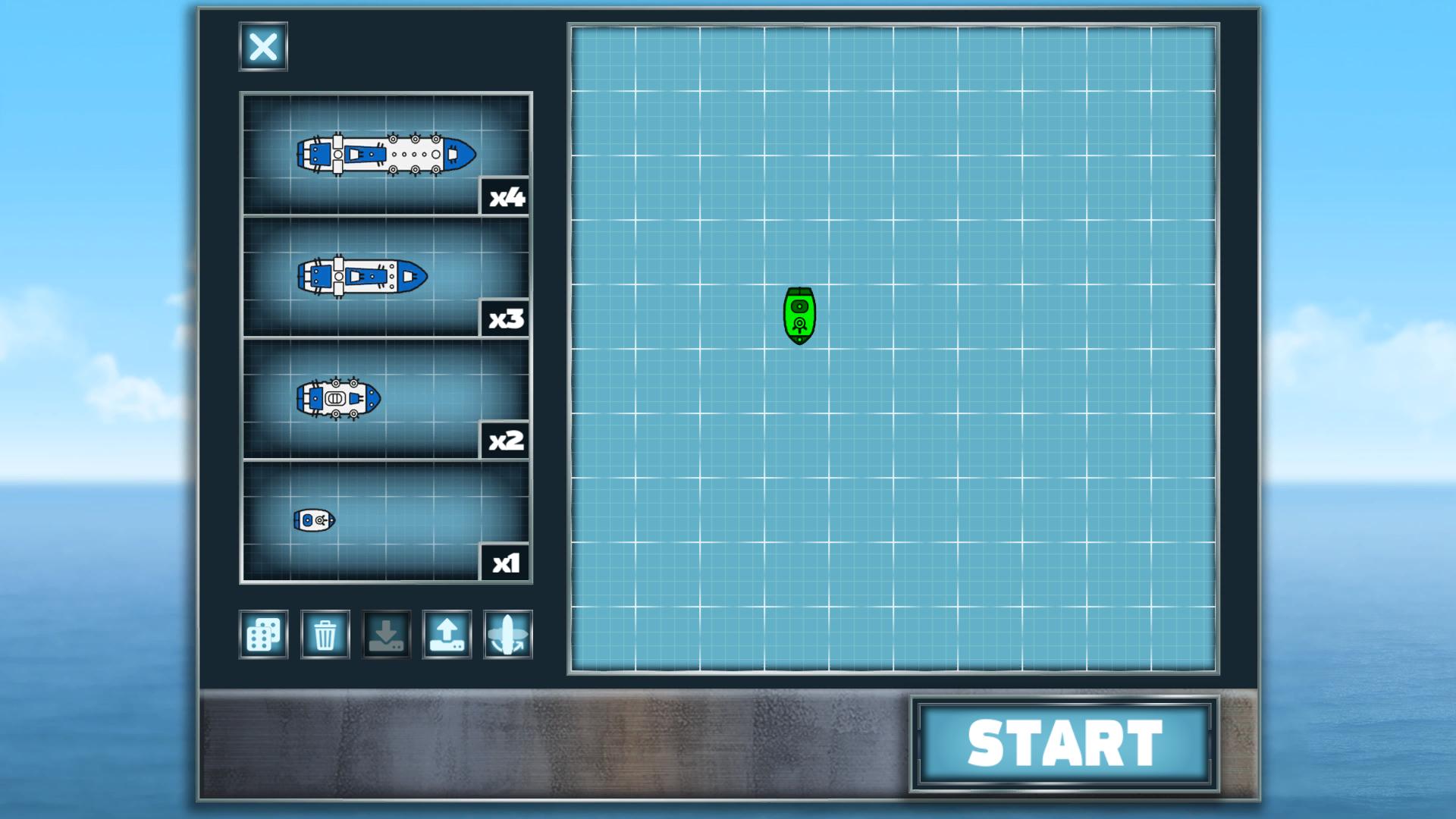
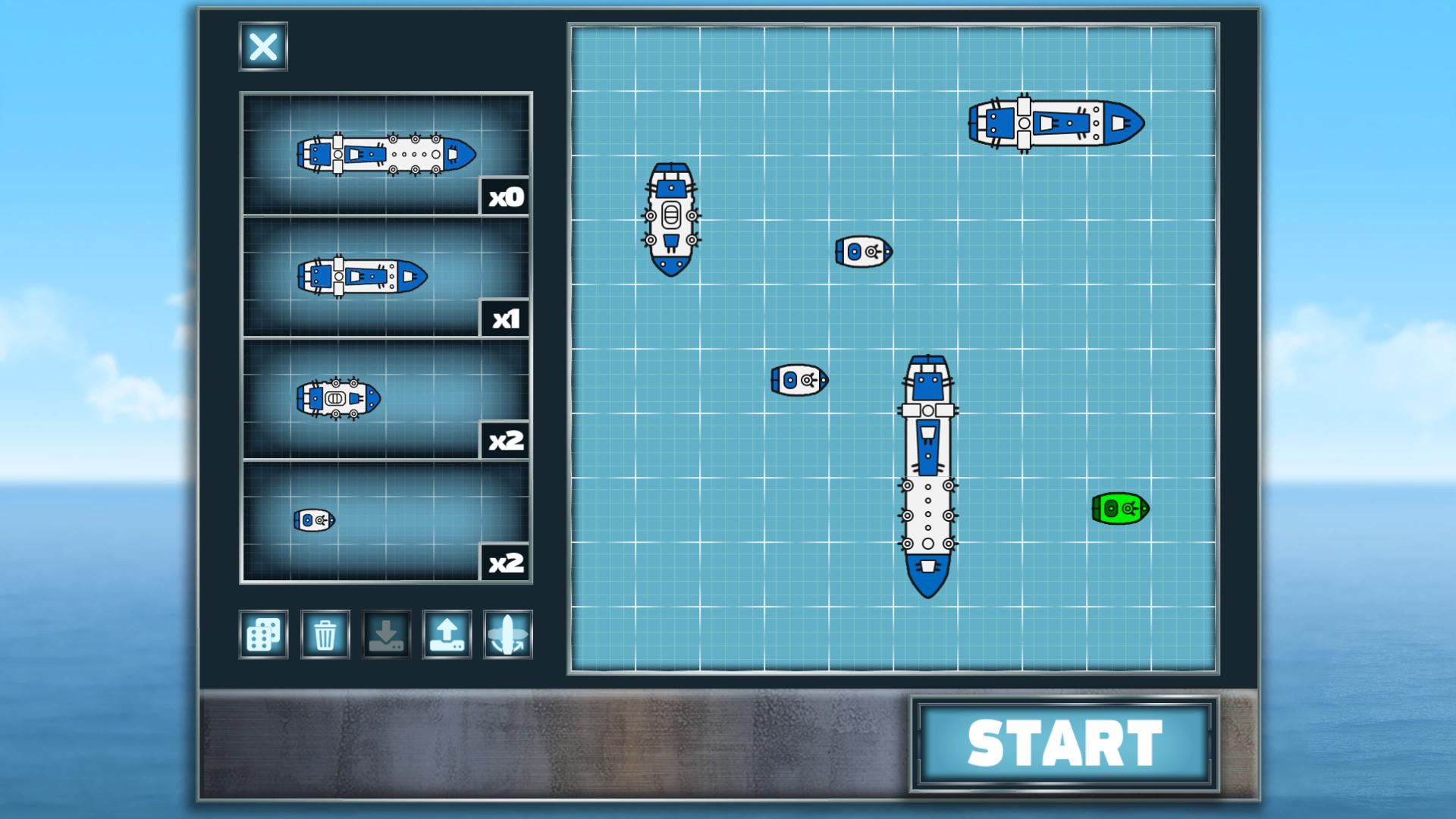
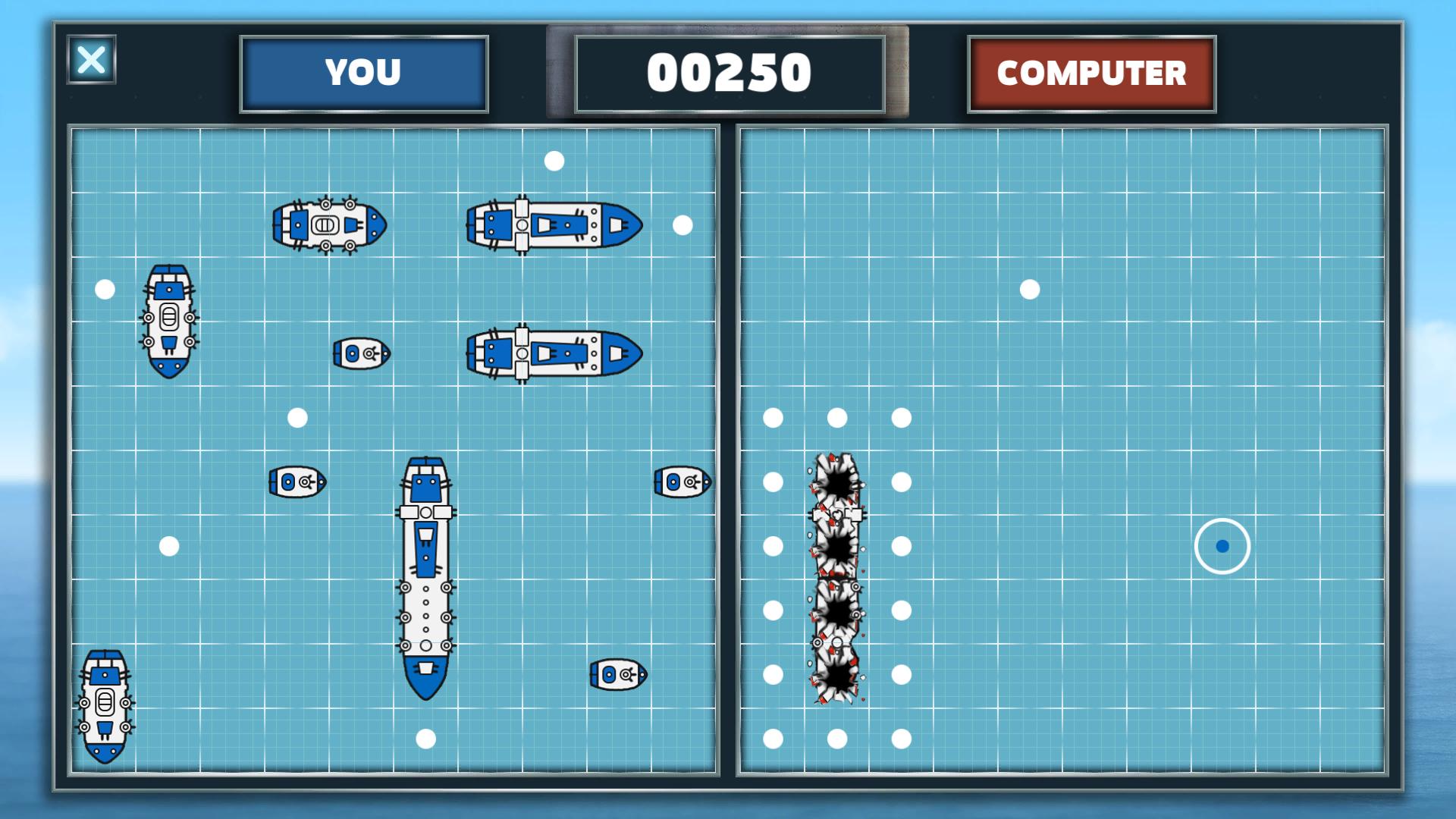
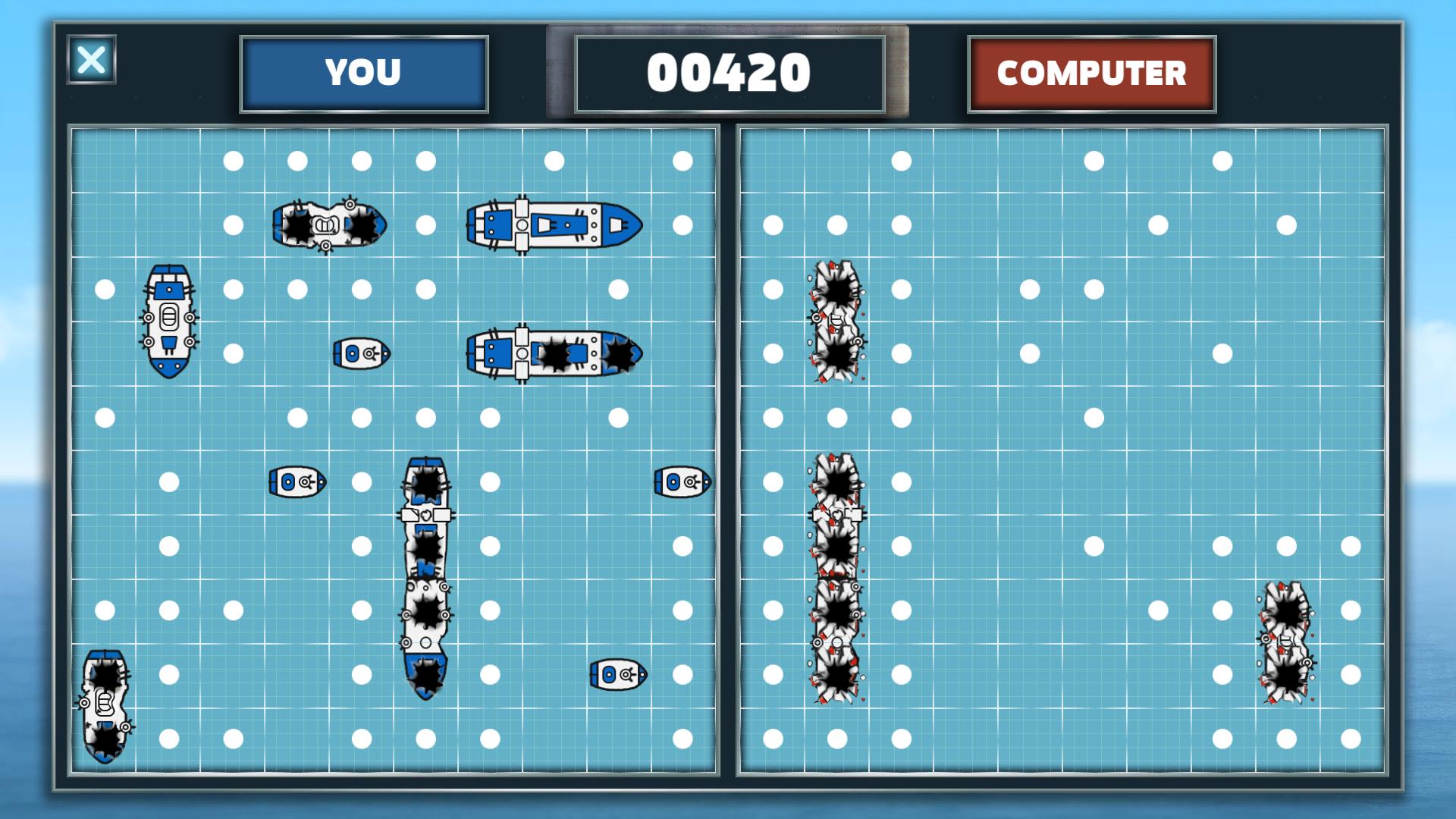
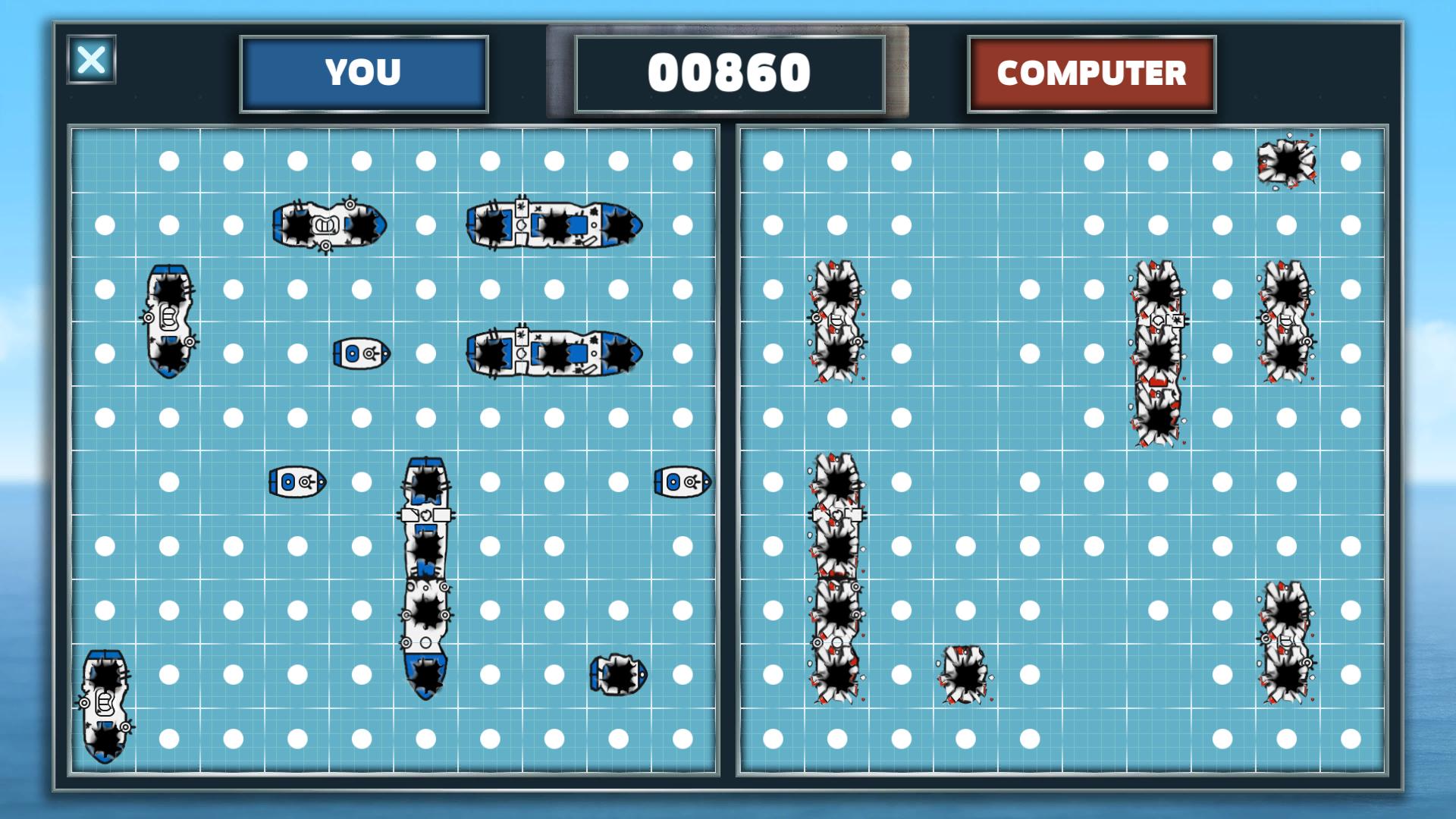
Sometimes there is nothing better than a tourney in a classic battleships game. You can see a beautifully designed sea battle, familiar to those from your school times. You have to play against the computer and you need to destroy all enemy ships before yours are destroyed. The gameplay is very simple. When you are preparing for the match, there are some ships of different sizes - from simple battle boat to a huge battleship. You put them on the battlefield and nobody else than you knows their location. Of course, don't know the enemy's positions neither. Thus the battle is absolutely fair and you can only guess where to shoot. Of course, if you hit a battleship for the first time, it will be easy to find the other tiles. However, finding all enemy boats can be a real challenge. Do not forget that this game is not about speed, but about variety, so that the battle is always different. The game perfectly develops strategic thinking and will be useful to both adults and children. In addition, it will help you to plunge into nostalgia for simple classic games. Features Very beautiful graphics Classic game You can compete with your friends Supporting all platforms (Windows, Mac, Linux, SteamOS) A lot of Steam achievements
Screenshots
Details
| Publisher | Educational Games |
| Developer | Educational Games |
| Platform | Steam |
| Release Date | 06 Apr 2018 |
| Region | Region Free |
| Type | Digital CD Key |
| Delivery | ⚡ Instant |
| Languages | English |
Why CDKeysIsland
⚡ Instant Delivery
Get your game key immediately after purchase via email. No waiting, no delays.
🔑 100% Genuine Key
We sell only legitimate digital keys. No accounts, no grey market tricks.
🛡️ Lifetime Warranty
Every key comes with a lifetime warranty. If it doesn't work, we fix it — always.
🏴☠️ Permanent Ownership
Your key is yours forever with no restrictions, subscriptions or expiry dates.
Royal Battleships Steam CD Key
How to Activate
- Download and install Steam on your PC
- Sign in to your Steam account (or create one for free)
- Click "Add a Game" in the bottom-left corner → "Activate a Product on Steam"
- Enter your unique key from the Orders page
- Game is added to your library — ready to download!