About the Game
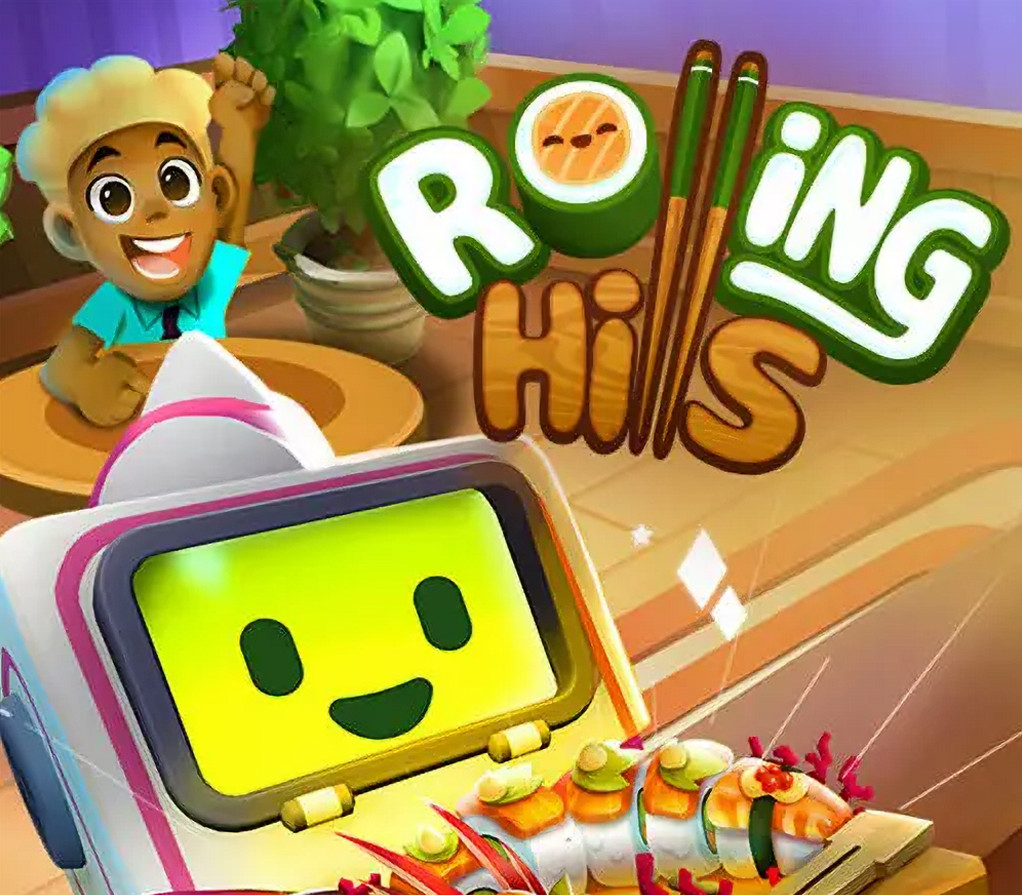
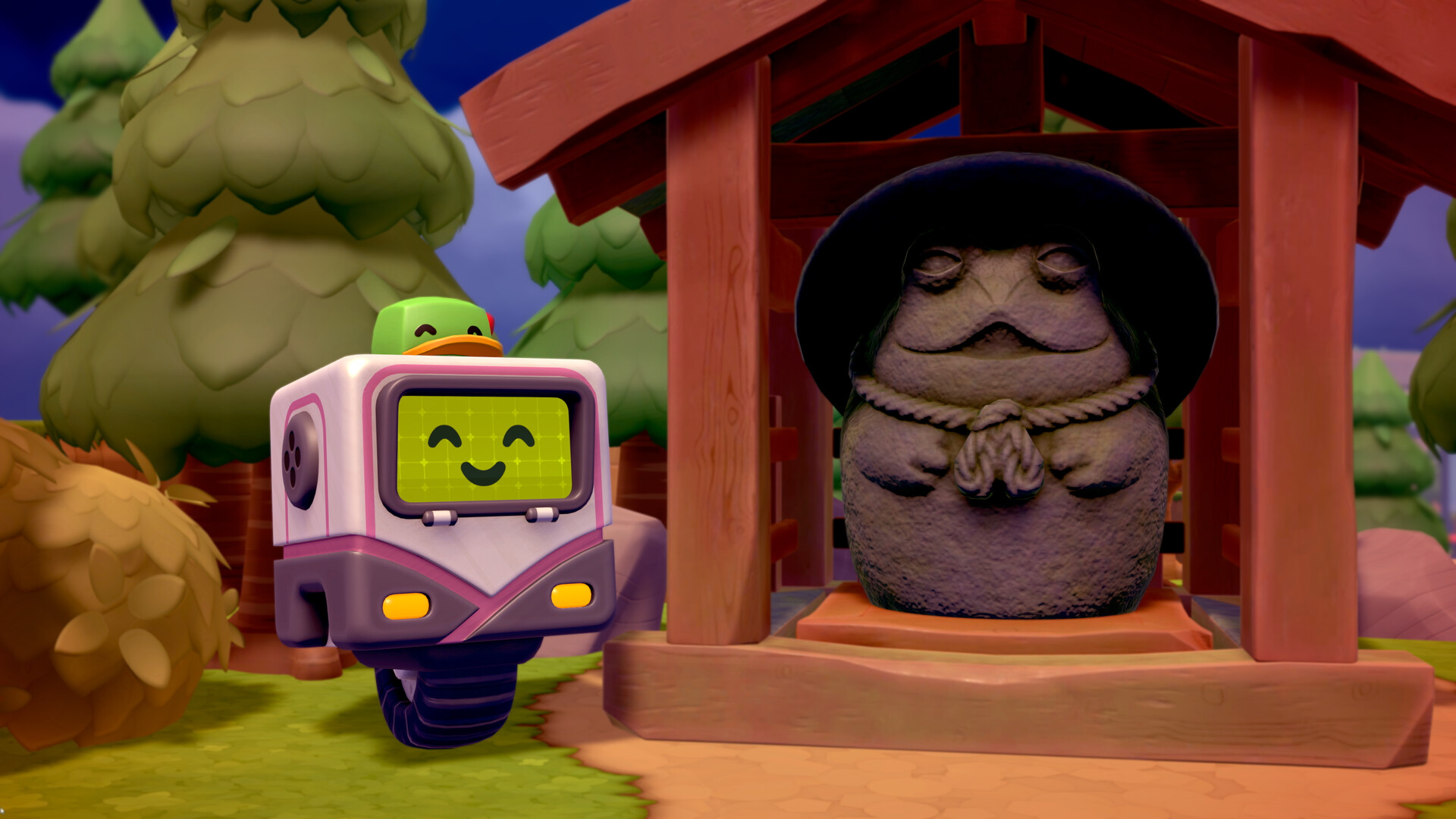
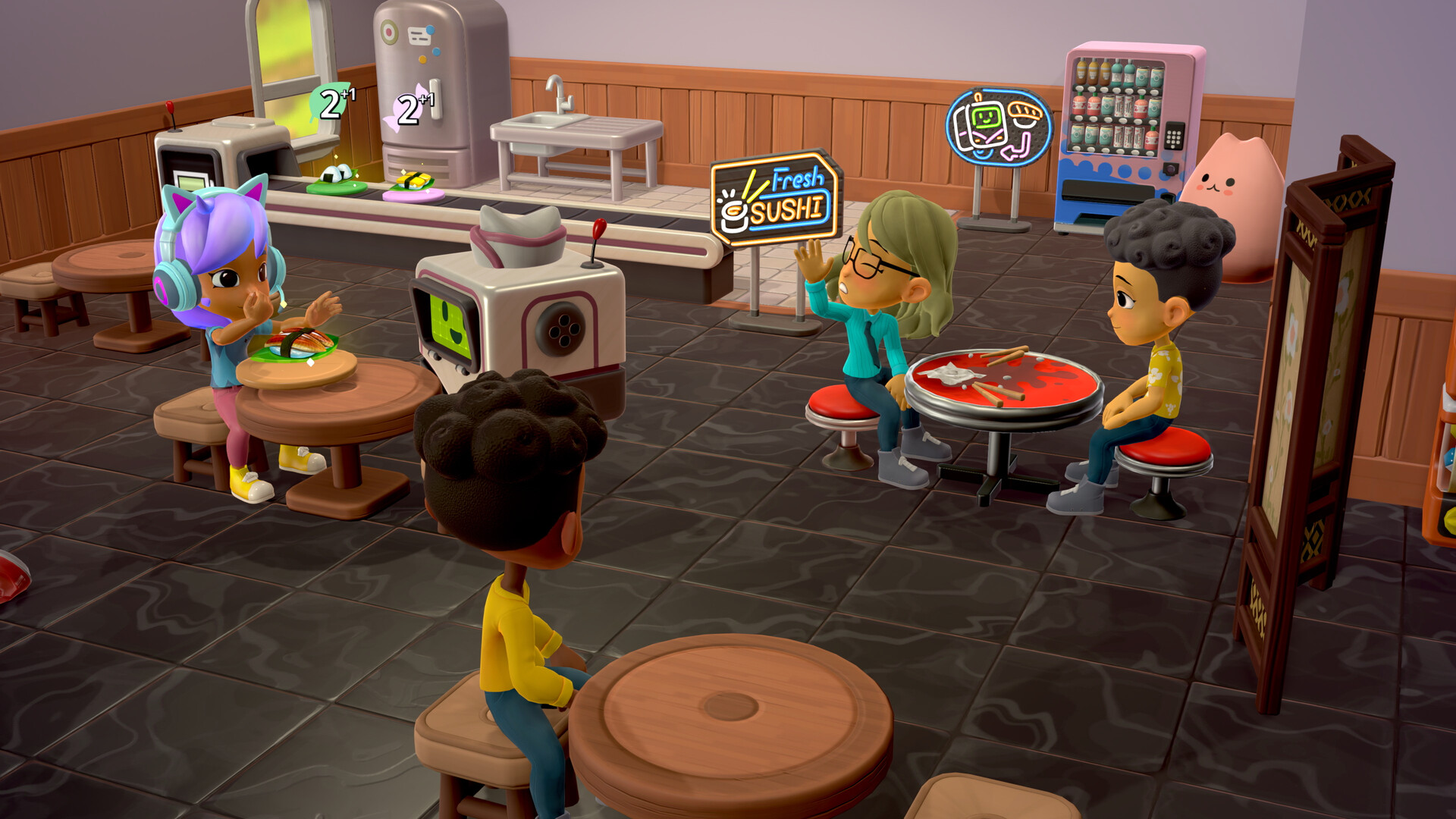
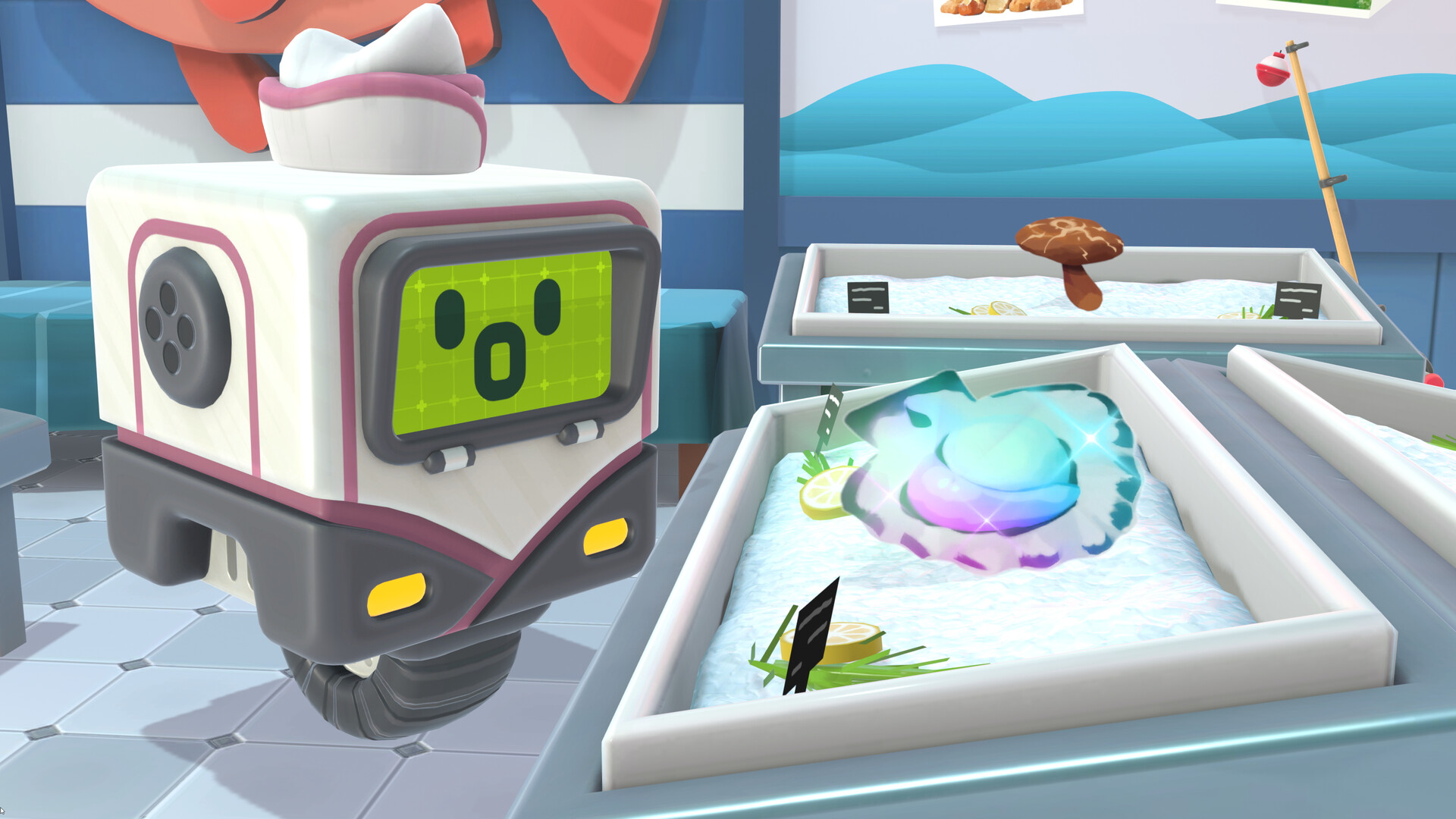
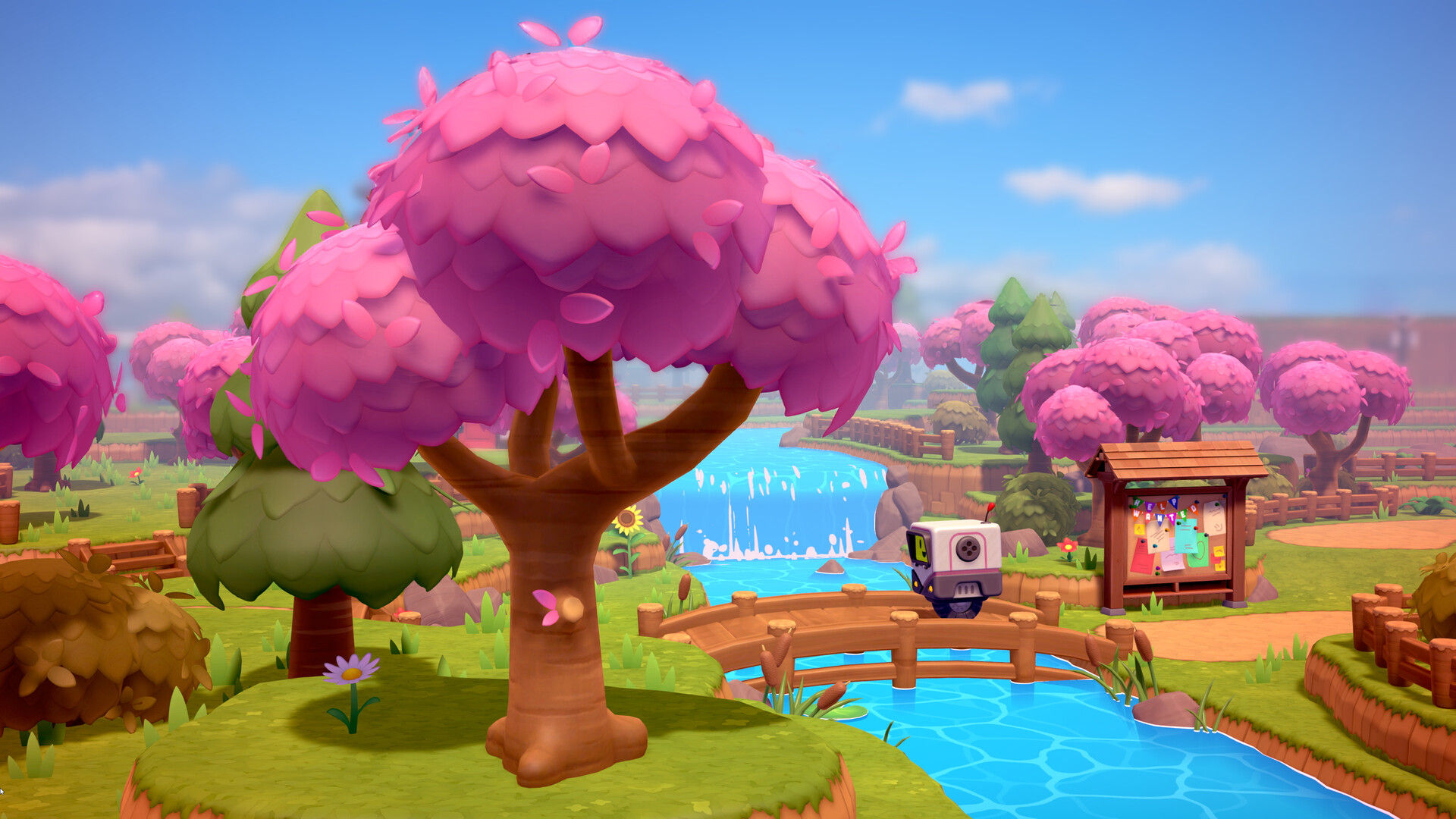
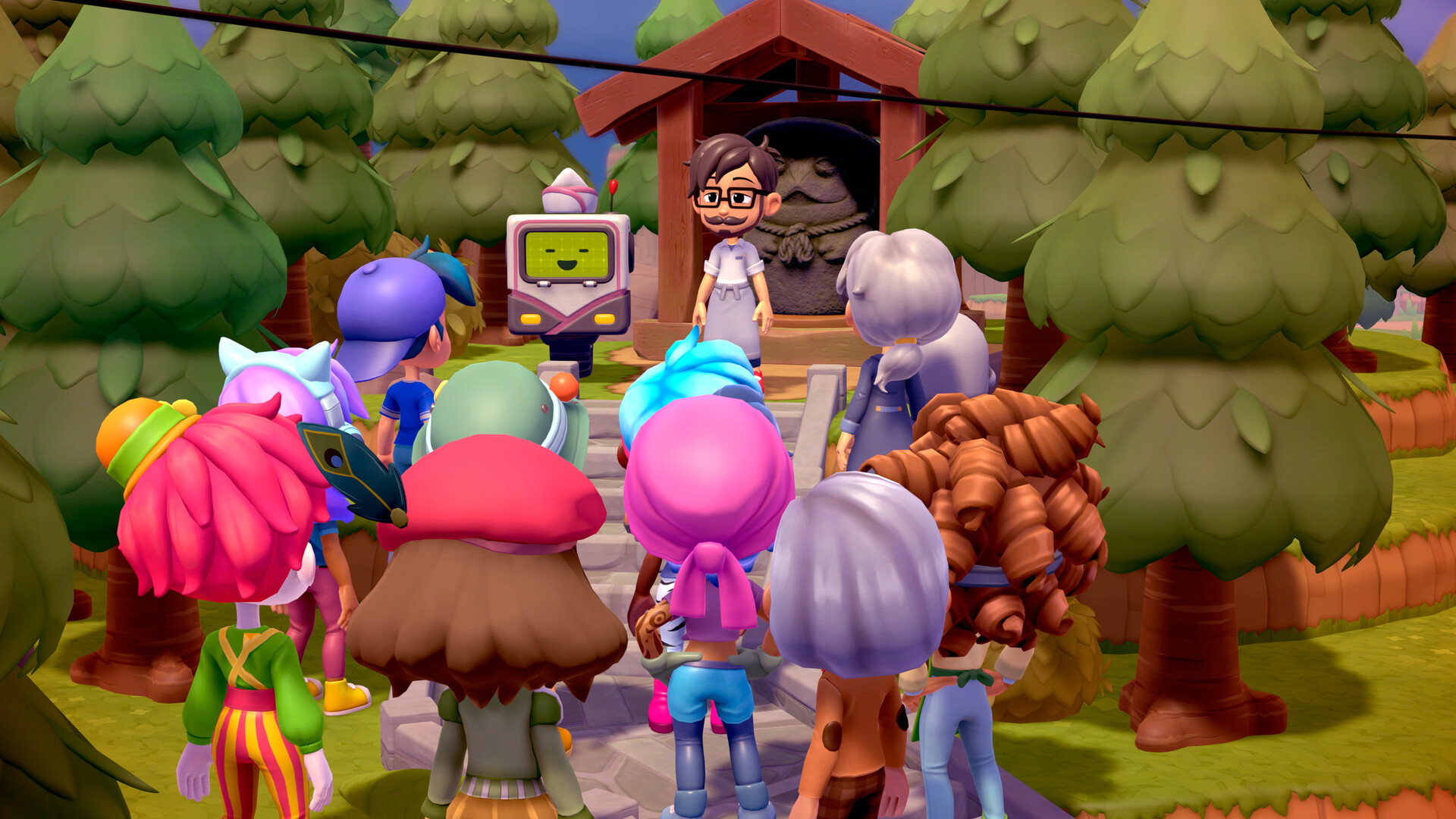
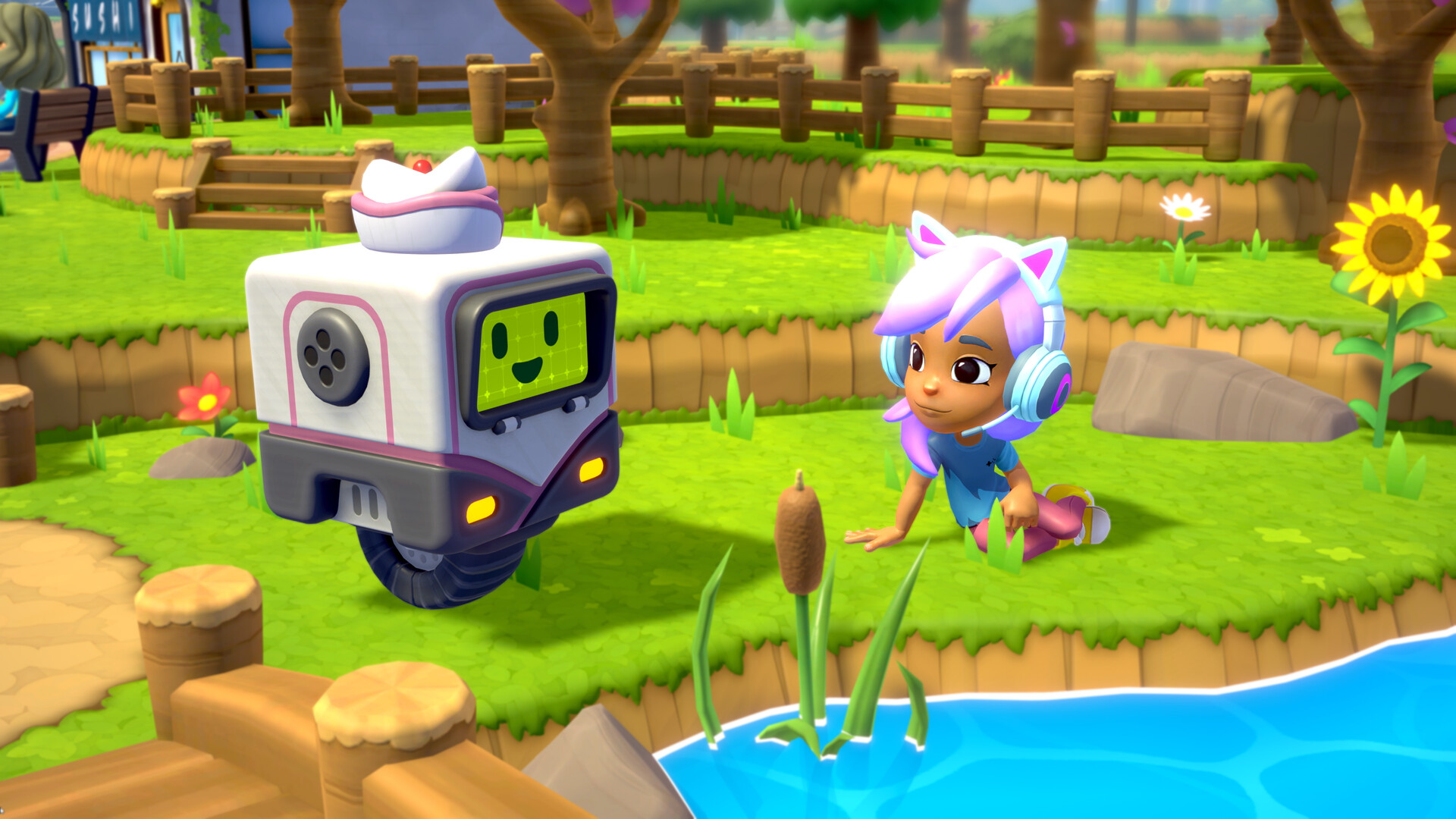
As a state-of-the-art Sushi Bot, you’ve always dreamed of becoming a world-renowned chef and making your creators proud. As luck would have it, the friendly residents of Rolling Hills are looking for a rising star to take over the local sushi shop—presenting a once-in-a-lifetime opportunity for a one-of-a-kind robot to show the world what you’re made of.Build your recipe repertoire, purchase the perfect ingredients, and help turn a cozy town into a can’t-miss culinary destination in Rolling Hills, a wholesome blend of life sim and restaurant management game about serving up life’s simple pleasures. Let’s roll! Features Make Irresistible SushiCollect new recipes to suit the townfolks’ tastes, source fresh ingredients from the local market to improve your creations’ flavor and quality, and become a master sushi chef.Make Fabulous New FriendsBuild relationships with the residents of Rolling Hills over a cup of coffee, and help them with their own day-to-day needs. Together, you can make life better for everyone in town!Make Your Restaurant Dreams Come TrueDive into the hustle and bustle as you serve customers to earn coins and stellar reviews. Customize your restaurant with decorations that grant bonuses and express your style.
Screenshots
Details
| Publisher | Humble Games |
| Developer | LLC, Catch & Release |
| Platform | Steam |
| Release Date | 04 Jun 2024 |
| Region | Region Free |
| Type | Digital CD Key |
| Delivery | ⚡ Instant |
| Languages | English, French, German, Japanese, Chinese + more |
Why CDKeysIsland
⚡ Instant Delivery
Get your game key immediately after purchase via email. No waiting, no delays.
🔑 100% Genuine Key
We sell only legitimate digital keys. No accounts, no grey market tricks.
🛡️ Lifetime Warranty
Every key comes with a lifetime warranty. If it doesn't work, we fix it — always.
🏴☠️ Permanent Ownership
Your key is yours forever with no restrictions, subscriptions or expiry dates.
Rolling Hills: Make Sushi, Make Friends PC Steam CD Key
How to Activate
- Download and install Steam on your PC
- Sign in to your Steam account (or create one for free)
- Click "Add a Game" in the bottom-left corner → "Activate a Product on Steam"
- Enter your unique key from the Orders page
- Game is added to your library — ready to download!