About the Game
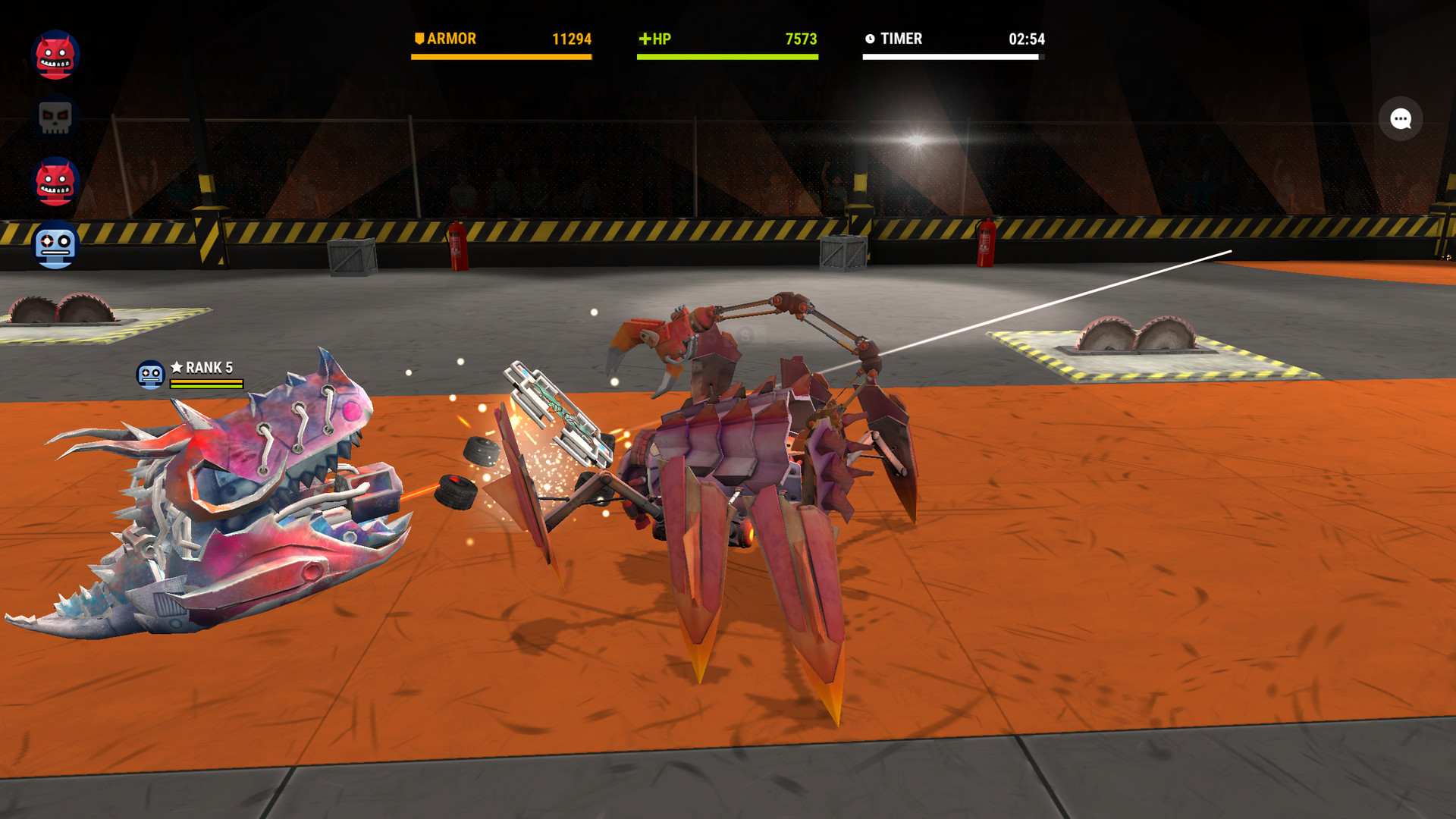
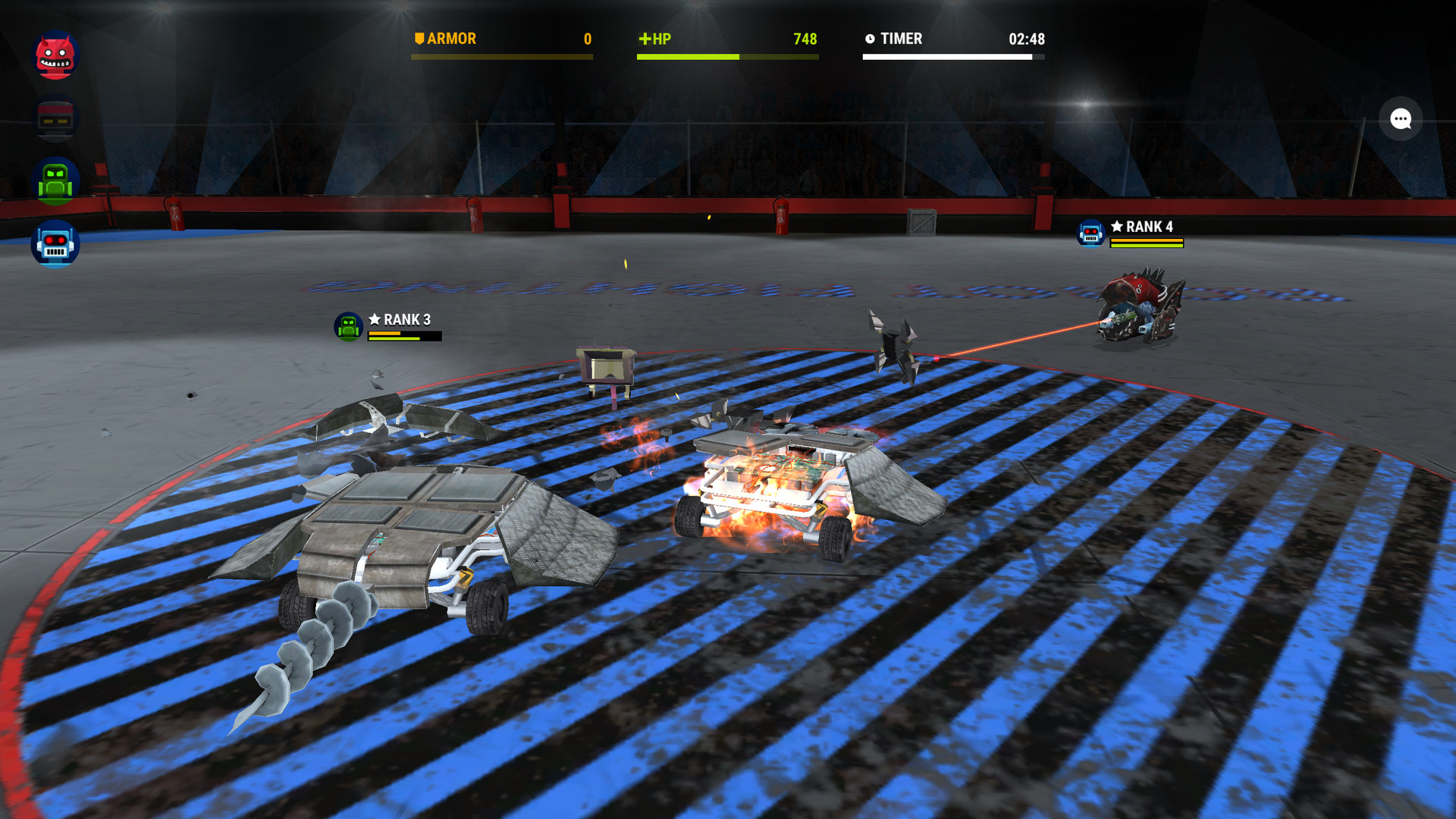
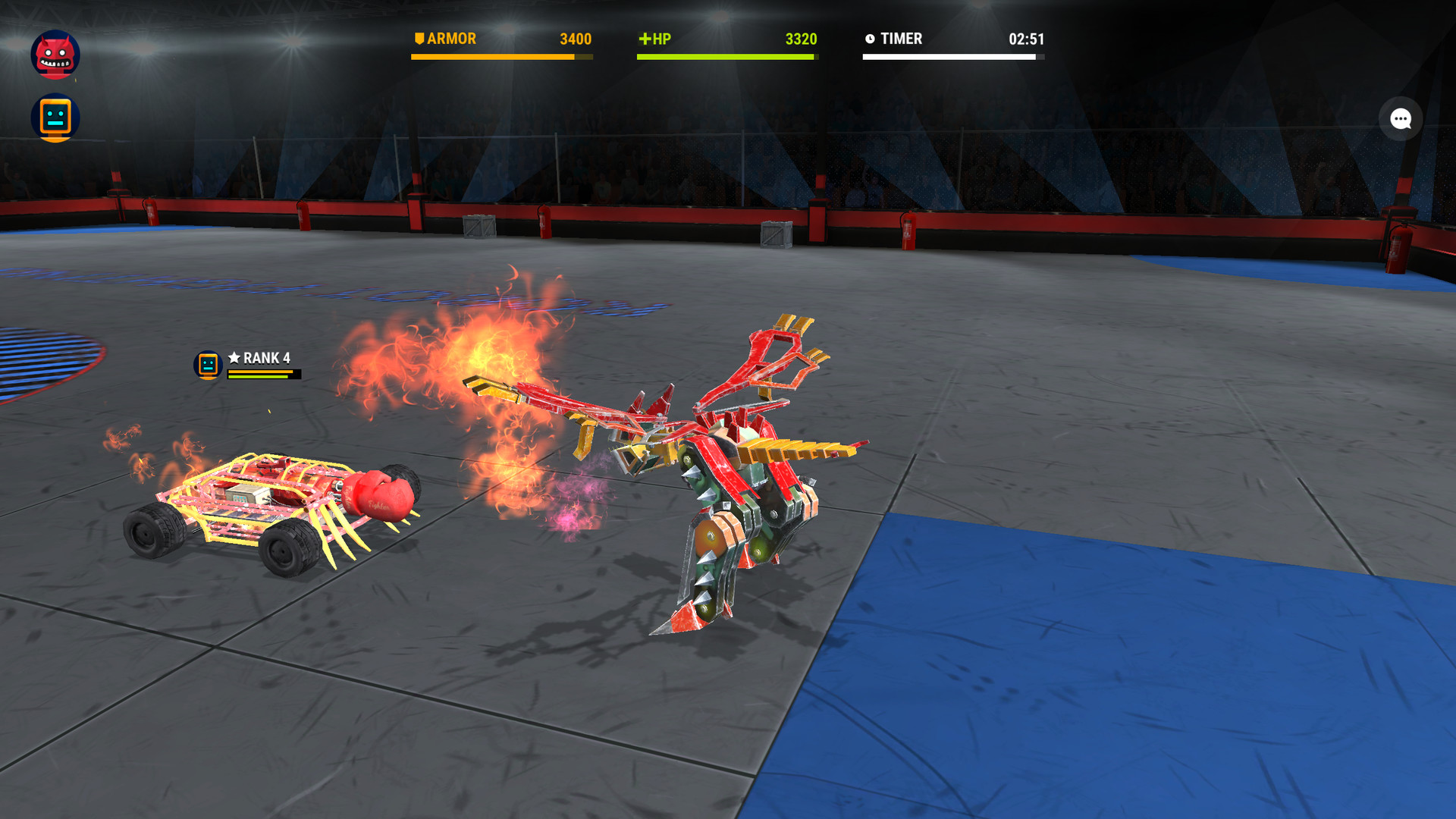
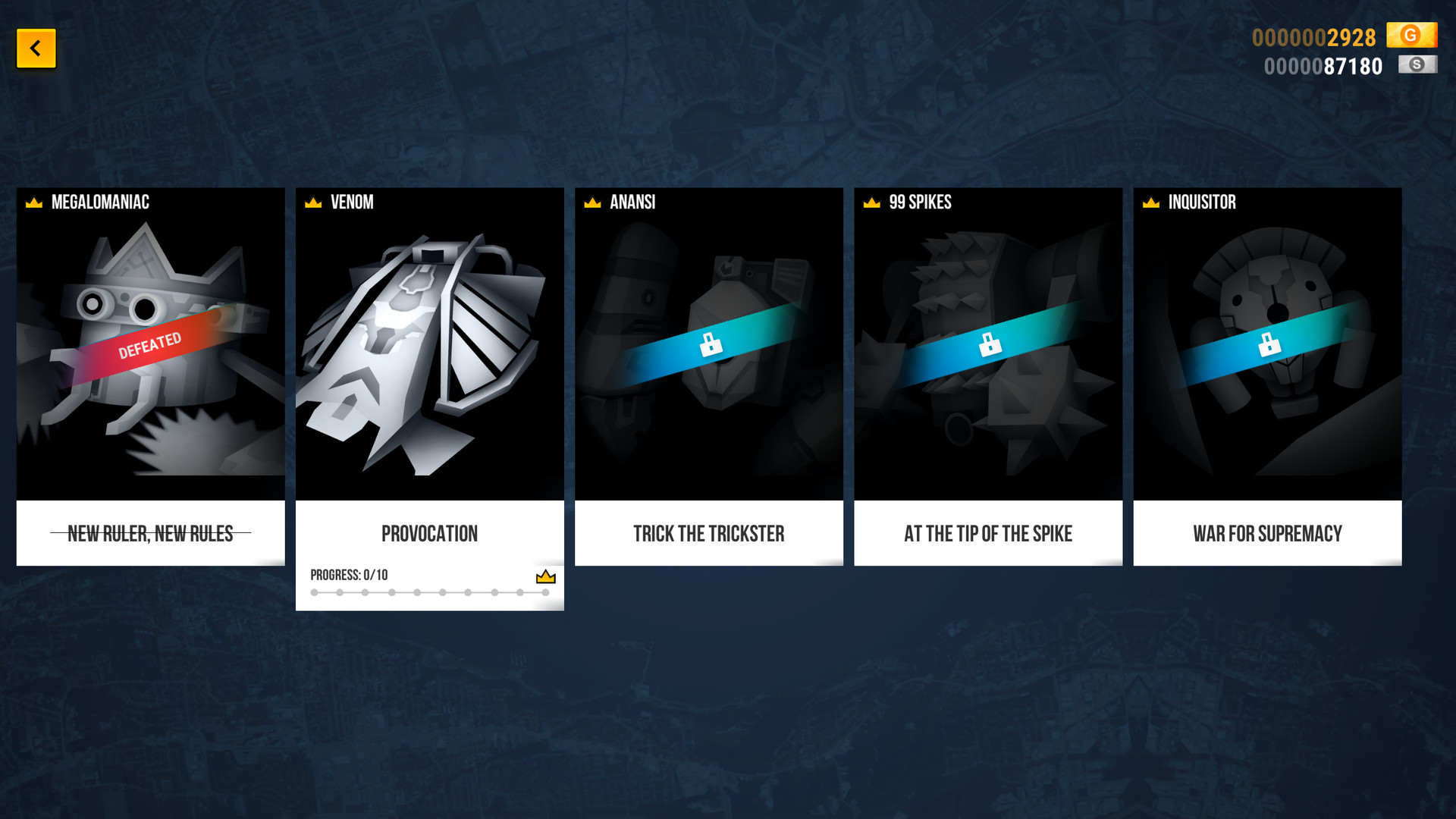
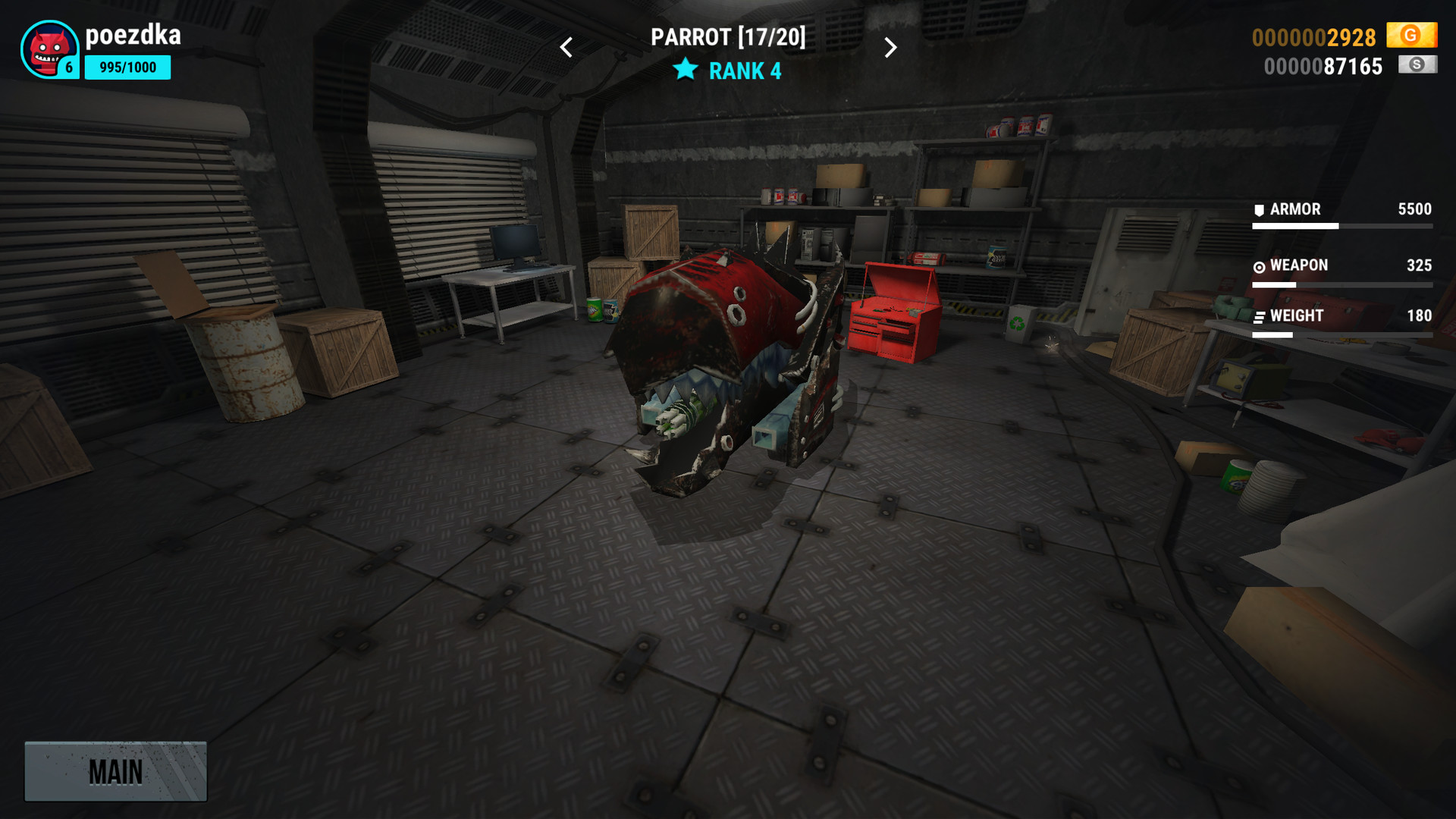
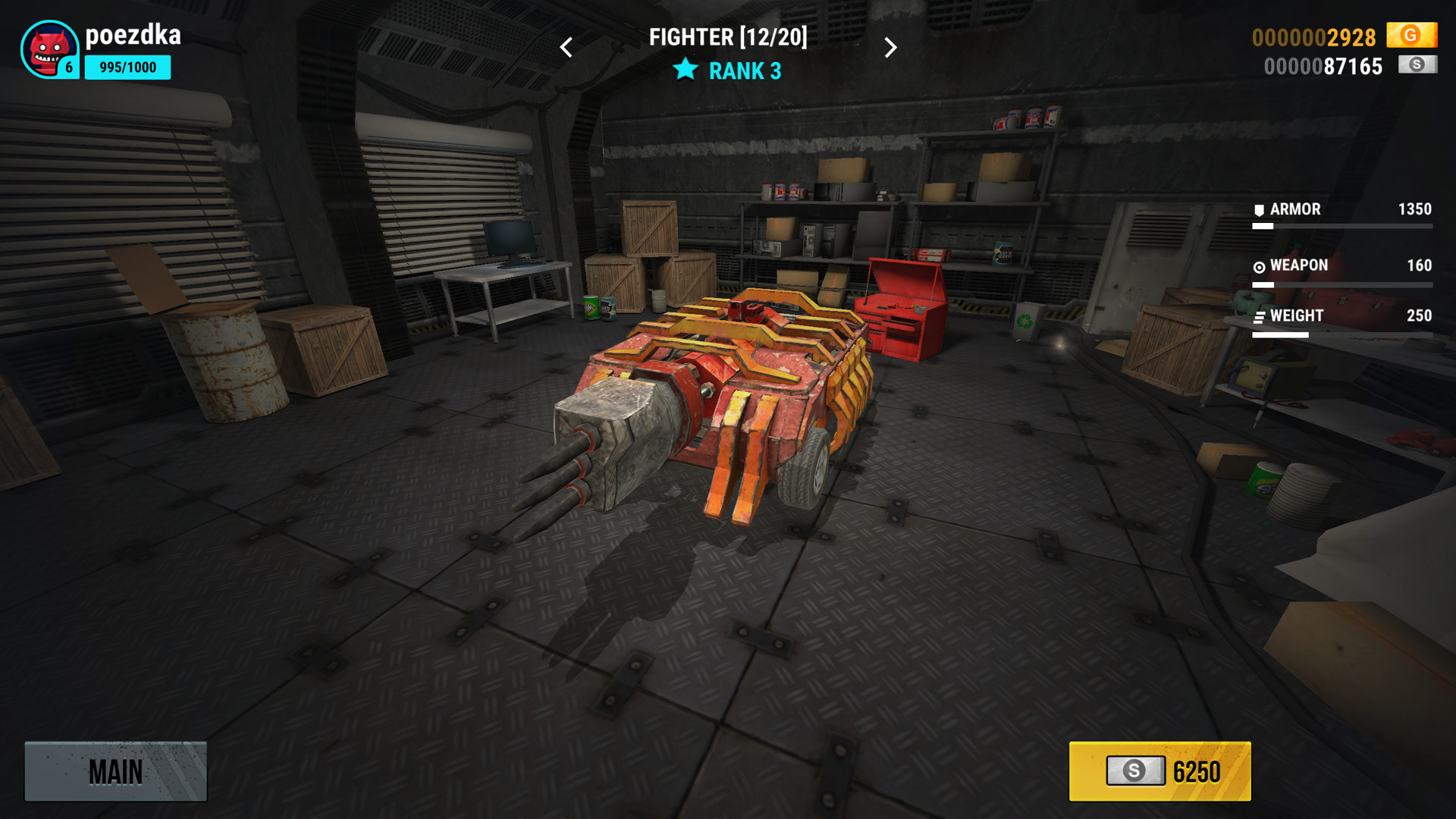
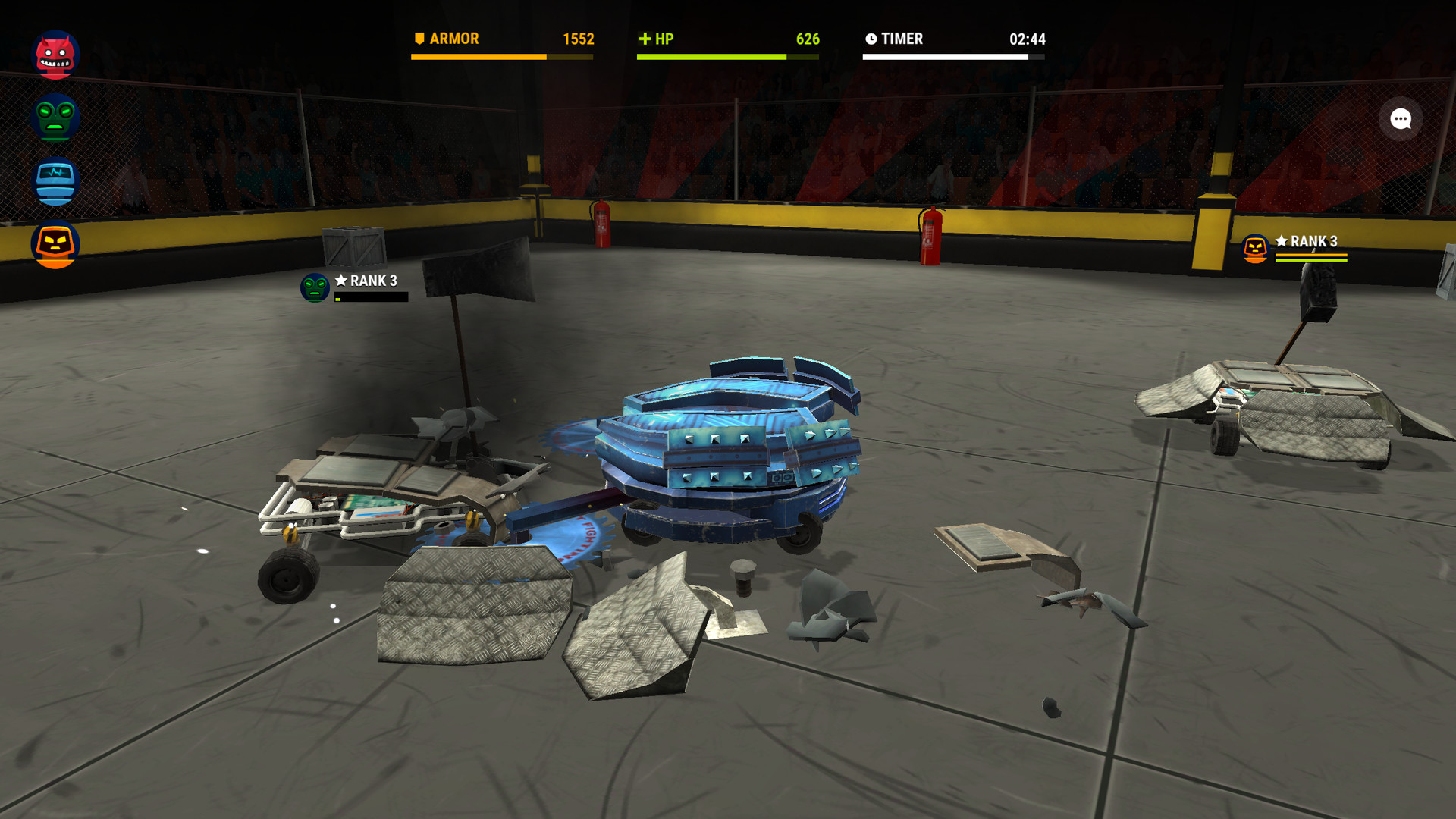
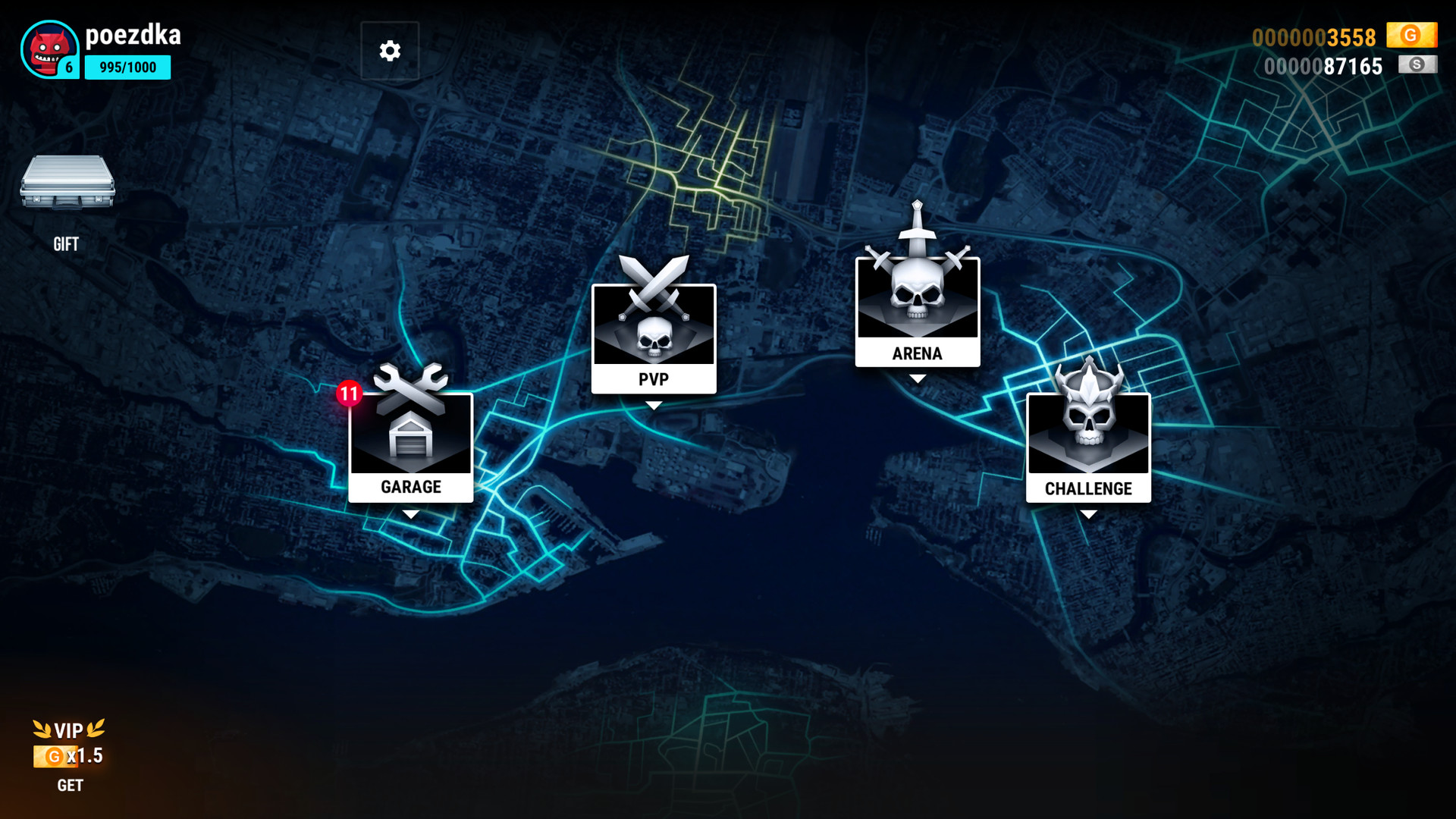
Take part in one of the BattleMinibots shows – spectacular combat of armored radio-guided vehicles equipped with different weapons. Create a minibot in your own garage and upgrade its modules to defeat your rivals on the Arena!Enjoy watching BattleBots and Robot Wars shows? Always dreamt of creating your own battle robot and building a team to take part in the show? With Robot Fighting anyone can be part of it – it's just as thrilling!There are two game modes currently: story mode (or challenge) and arena fights. Challenge mode offers you a chain of fights that become tougher and tougher, and you have to defeat several bosses during its course. Arena mode allows you to freely engage in combat with one or three opponents.You have two options to improve your combat abilities: purchase new robots, more powerful, more frightening, or upgrade your initial minibots with various weapons – saws, fire-thrower, shocker, magnets, and more, and protect it with proper armor – spikes and shields.Fight on multiple arenas with additional obstacles – traps, spike strips, kill saws, hell raisers, ramrods, etc. Interact with objects on the arena (crates, fire extinguishers) and learn how to use the traps in your favor. Earn experience points and get access to minibot customization.
Screenshots
Details
| Publisher | Real Fighting |
| Developer | Real Fighting |
| Platform | Steam |
| Release Date | 17 Feb 2018 |
| Region | Region Free |
| Type | Digital CD Key |
| Delivery | ⚡ Instant |
| Languages | English, French, Italian, German, Spanish + more |
Why CDKeysIsland
⚡ Instant Delivery
Get your game key immediately after purchase via email. No waiting, no delays.
🔑 100% Genuine Key
We sell only legitimate digital keys. No accounts, no grey market tricks.
🛡️ Lifetime Warranty
Every key comes with a lifetime warranty. If it doesn't work, we fix it — always.
🏴☠️ Permanent Ownership
Your key is yours forever with no restrictions, subscriptions or expiry dates.
Robot Fighting Steam CD Key
How to Activate
- Download and install Steam on your PC
- Sign in to your Steam account (or create one for free)
- Click "Add a Game" in the bottom-left corner → "Activate a Product on Steam"
- Enter your unique key from the Orders page
- Game is added to your library — ready to download!