About the Game
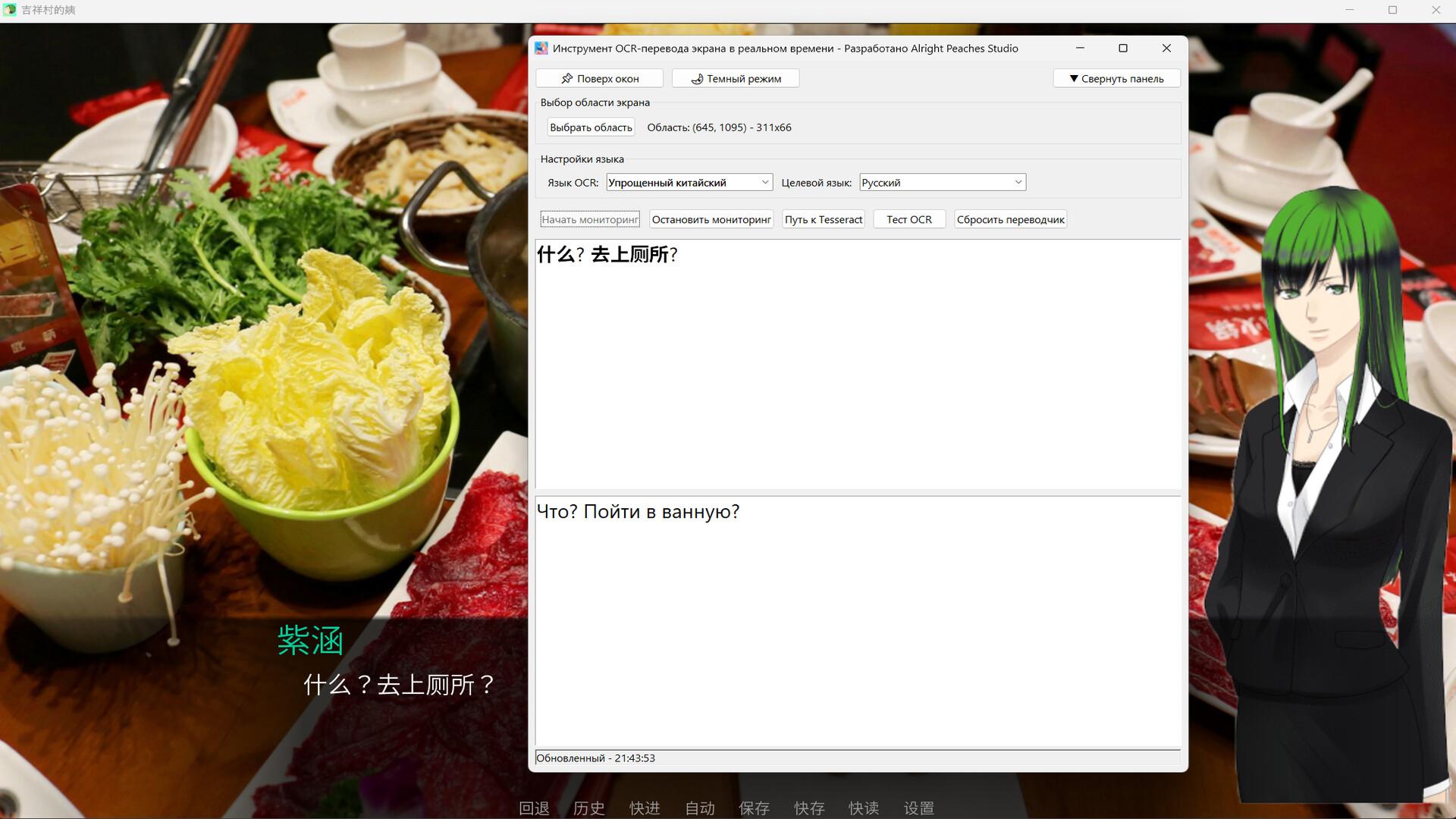
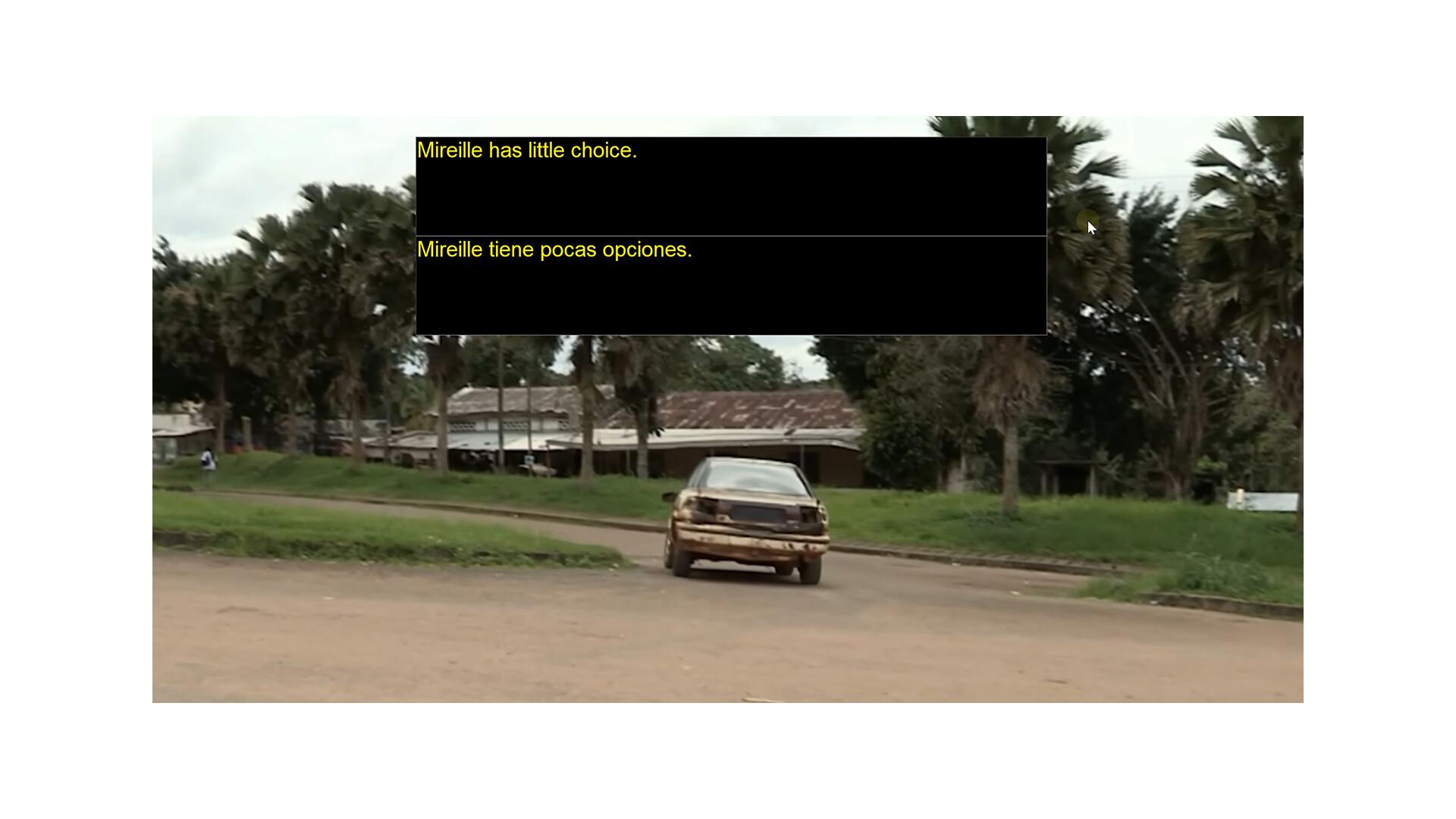
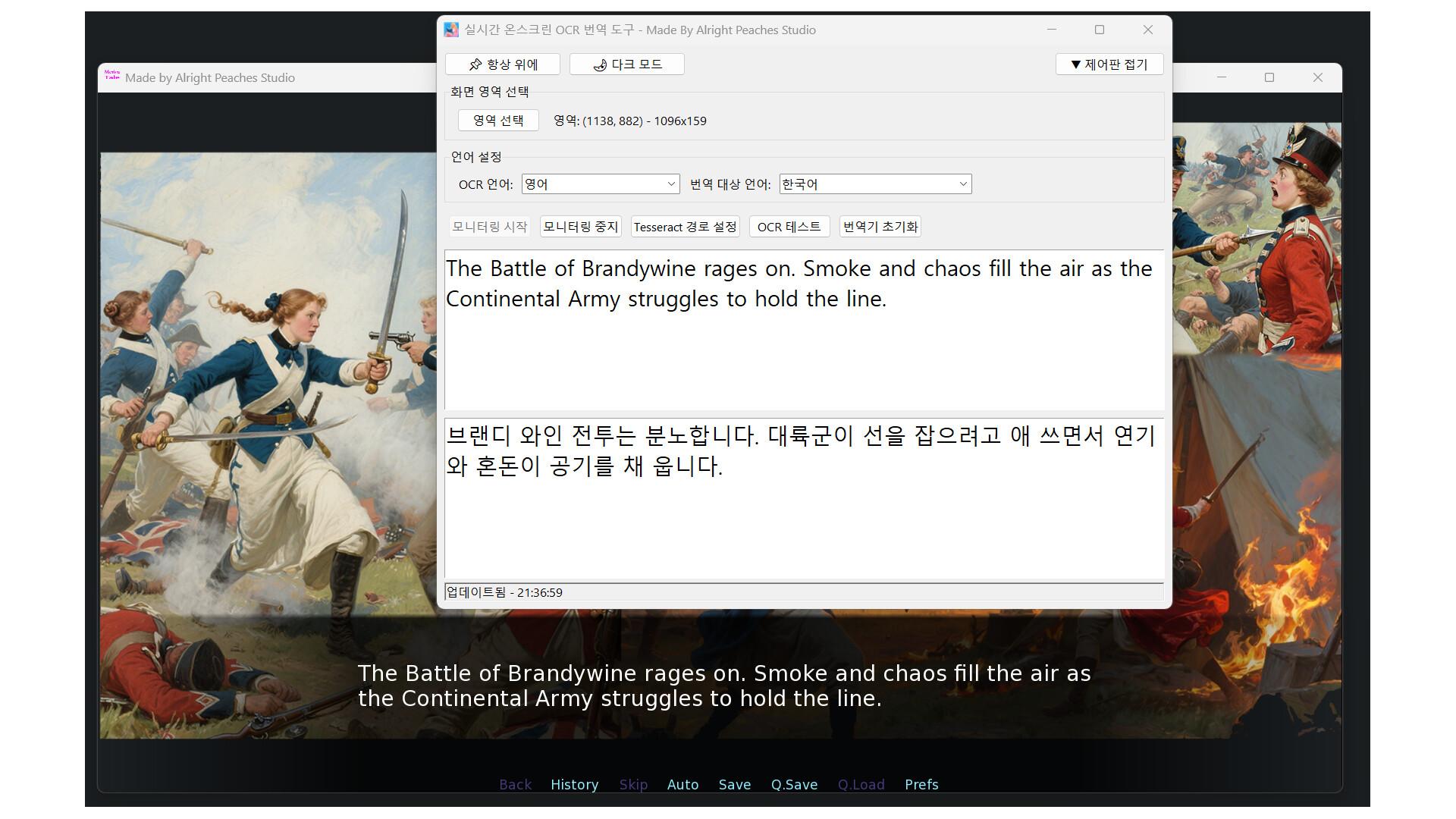
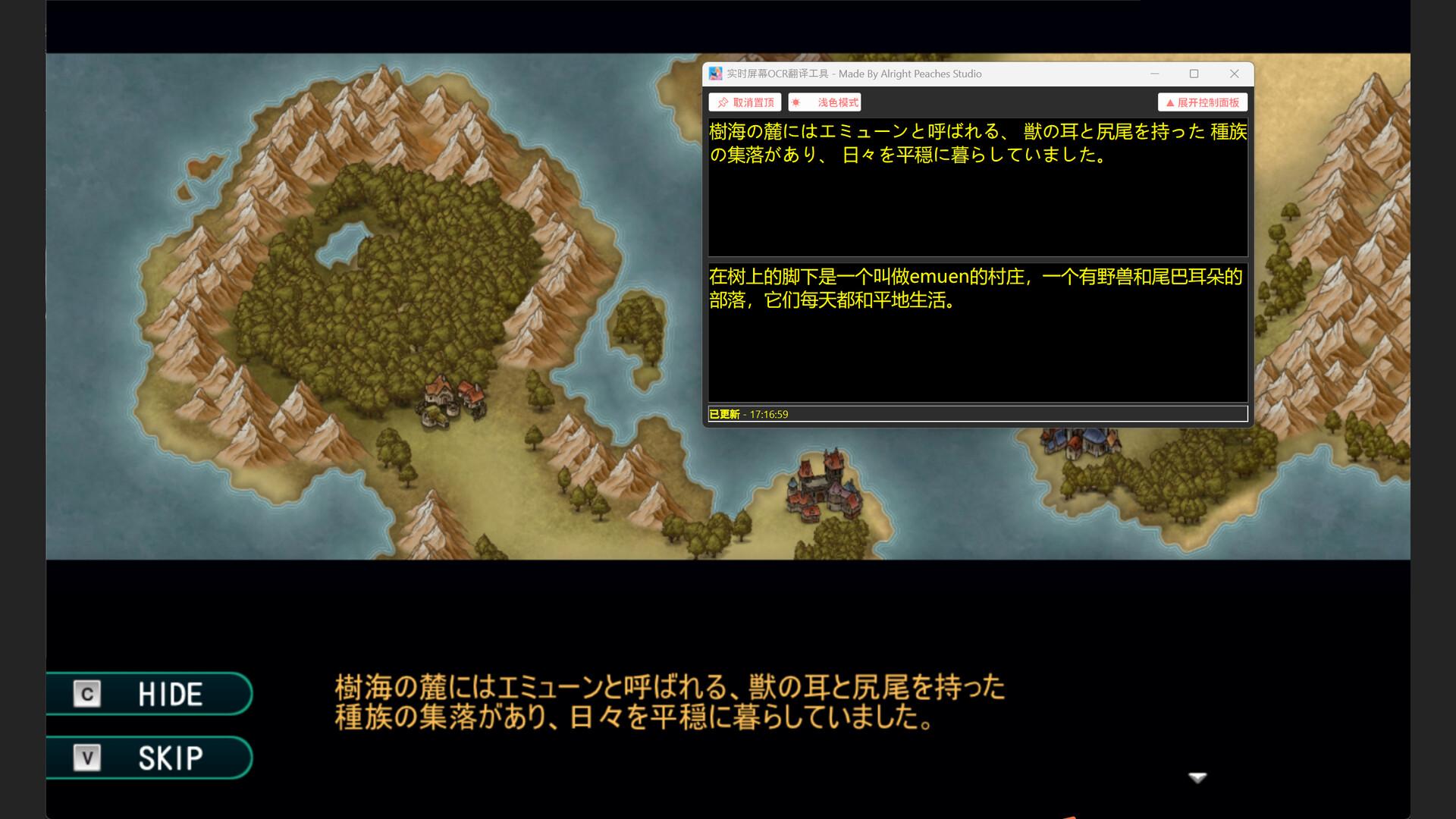
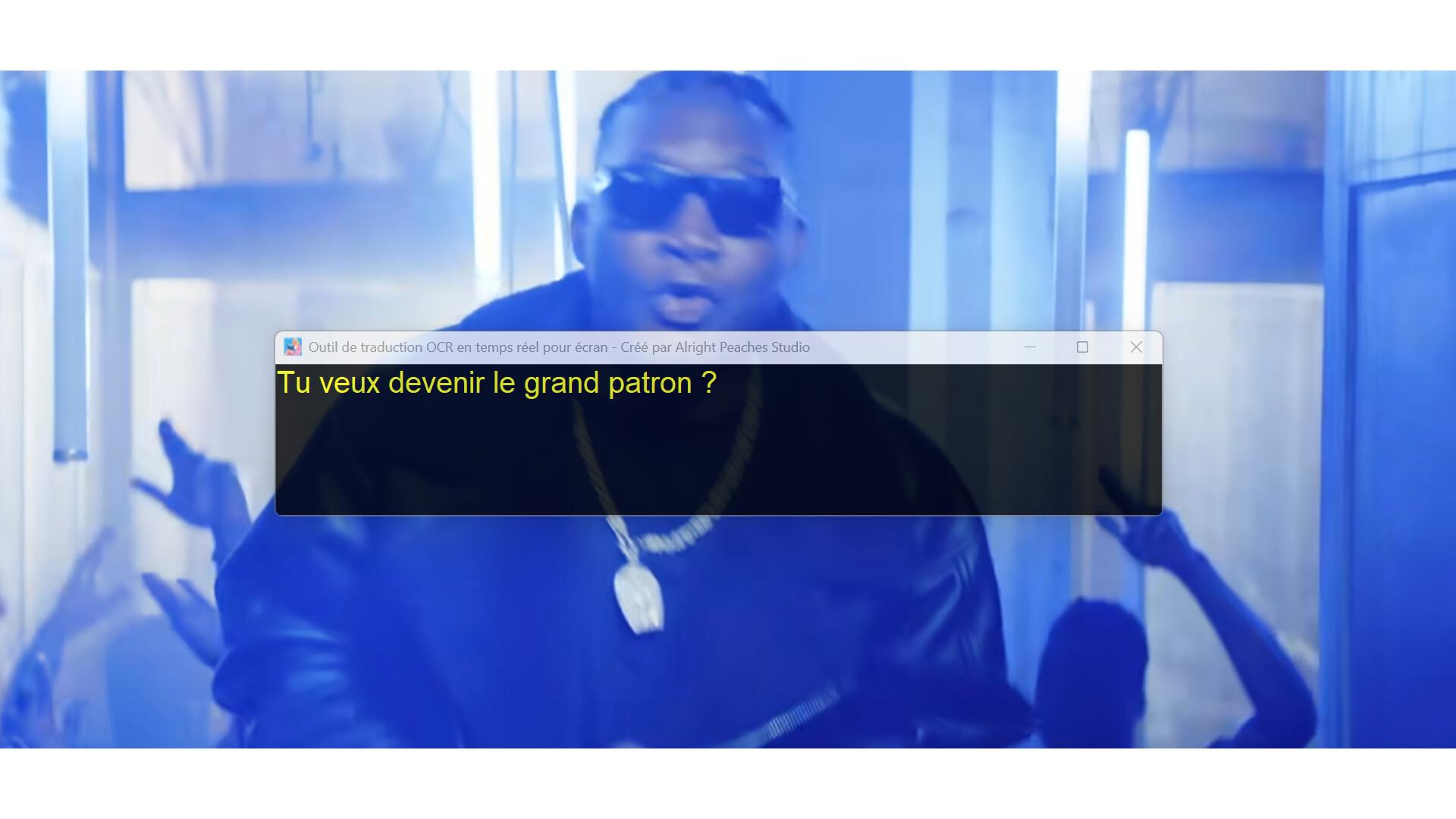
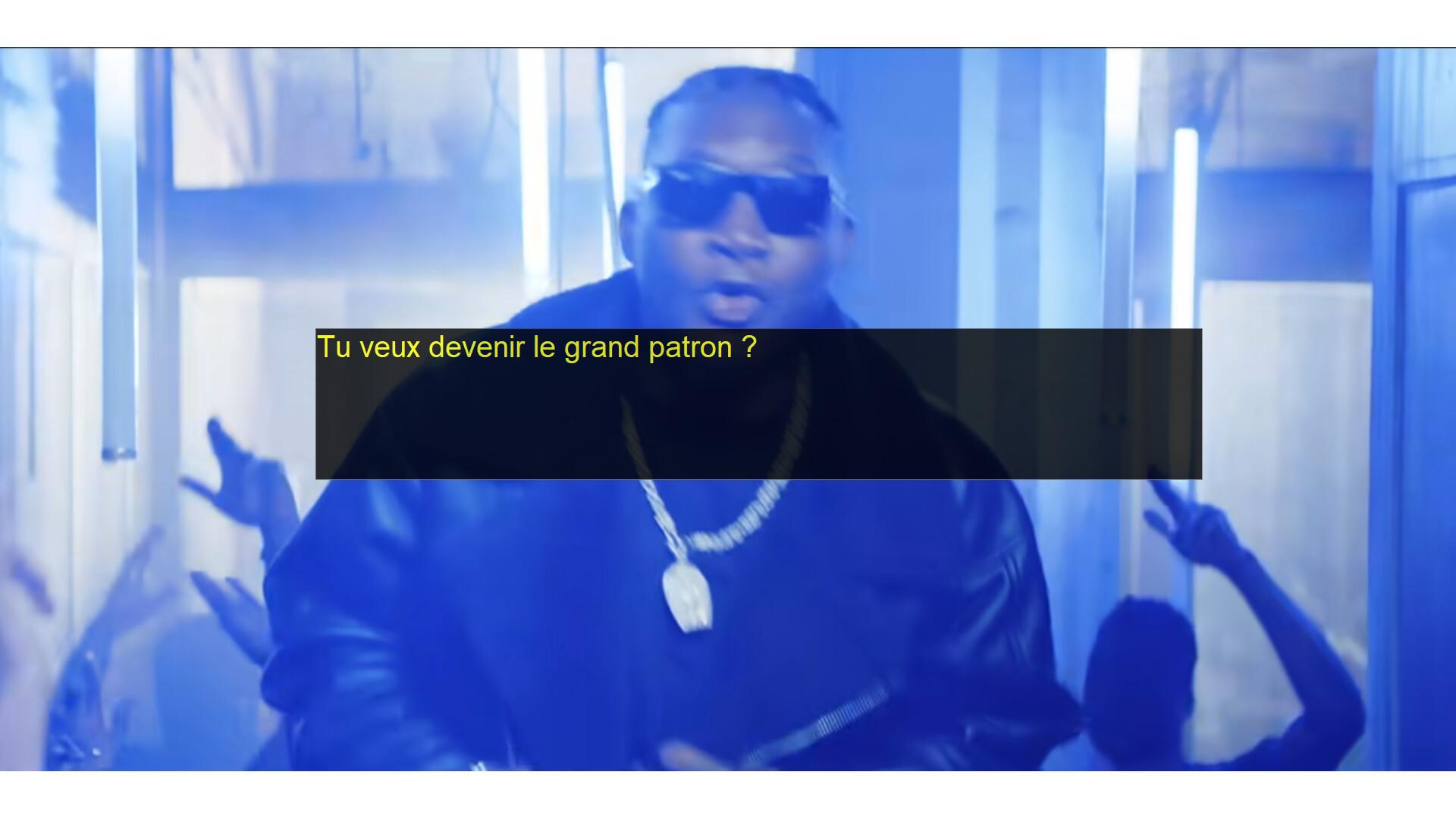
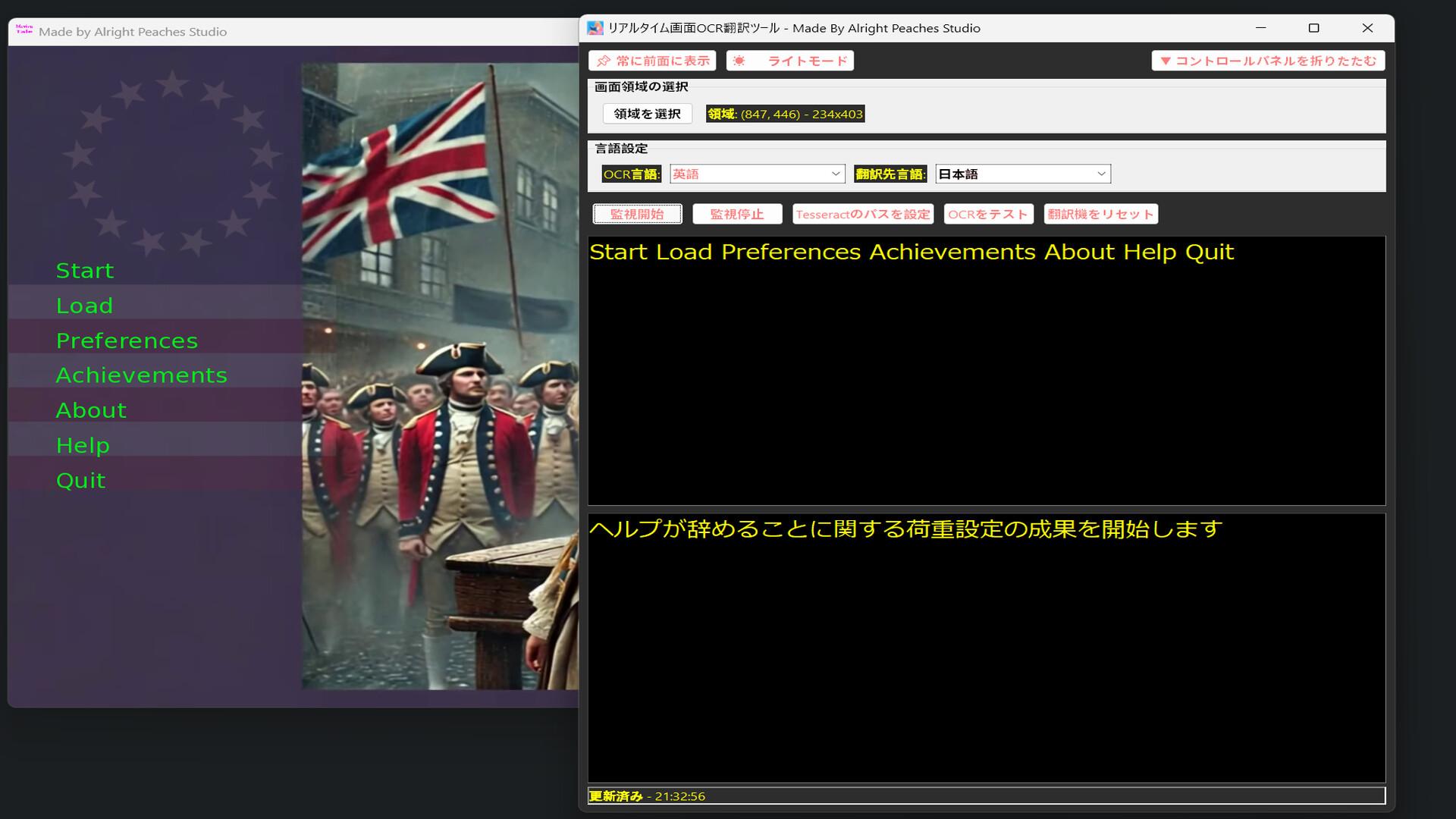
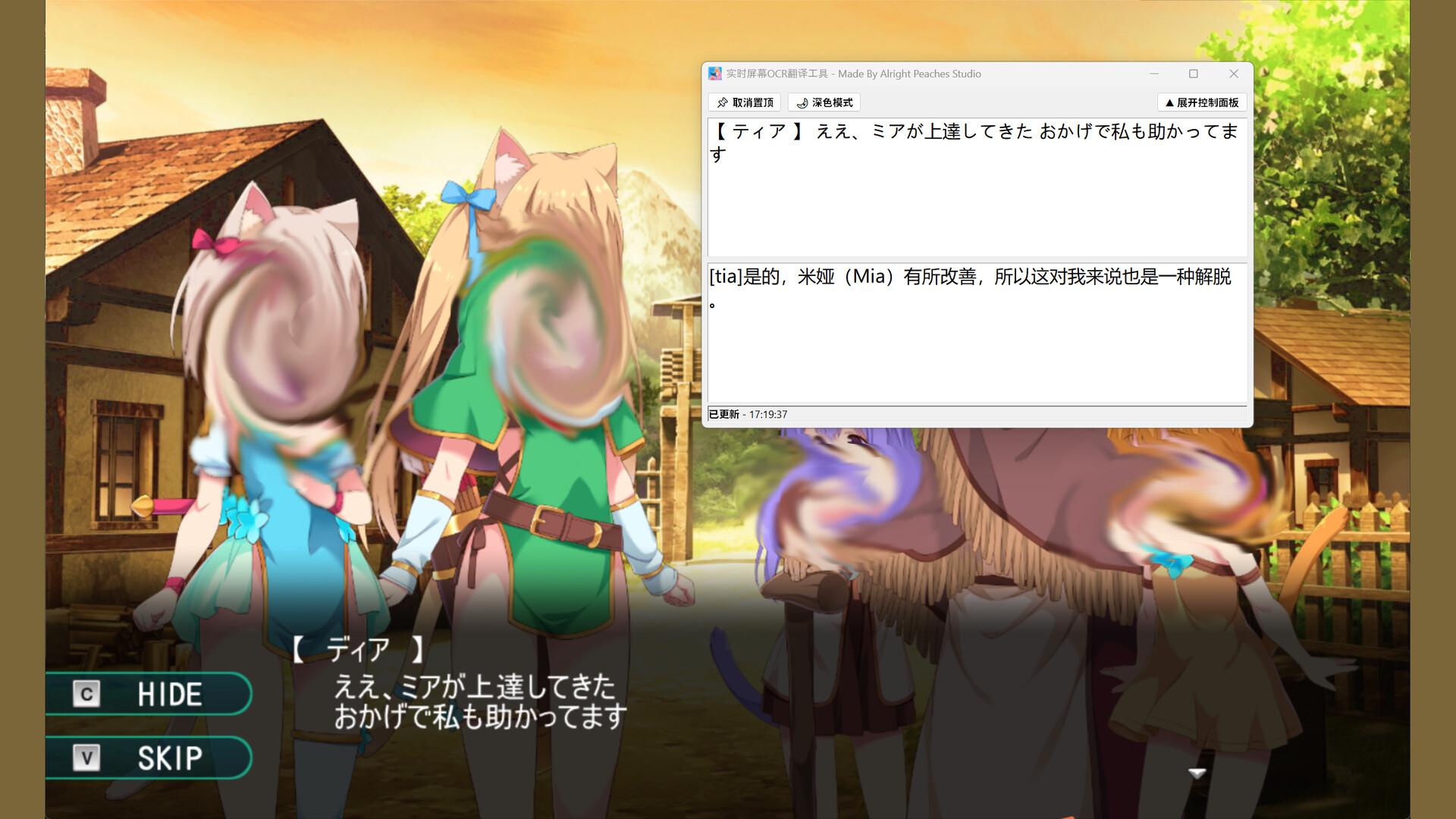
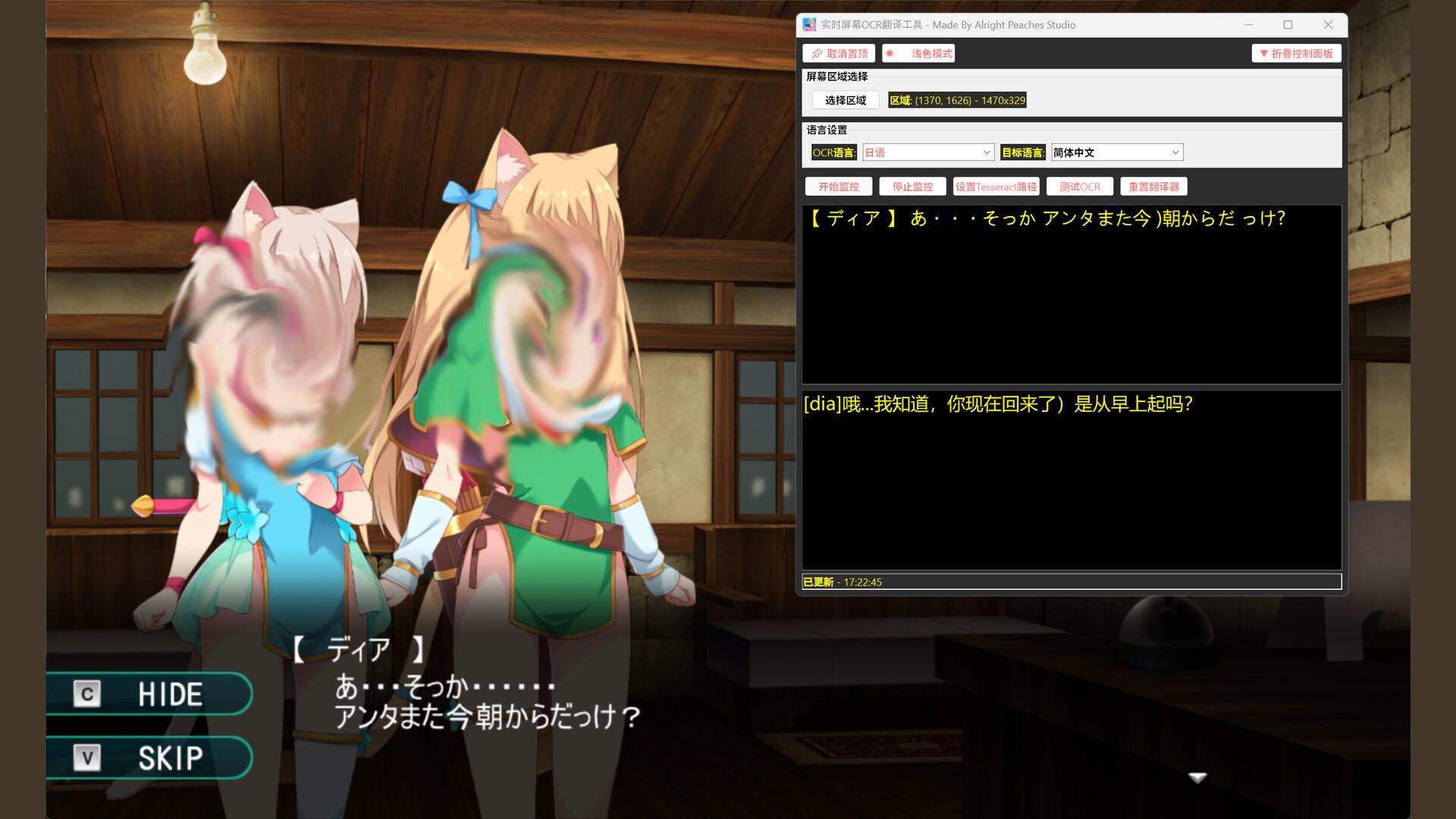
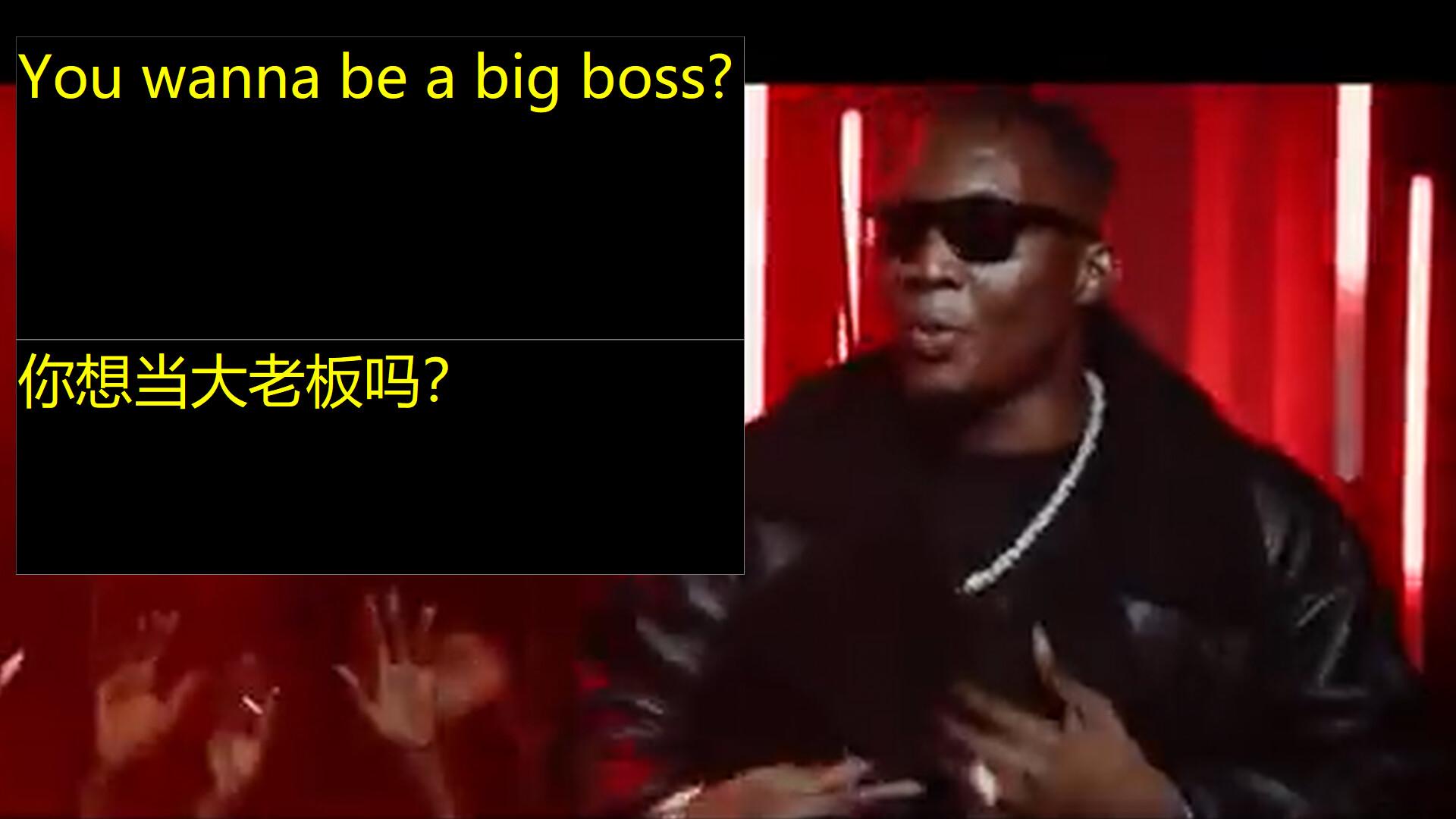
Are you having trouble with this? Play a game interface or dialogue is a foreign language you can not read, have you ever thought of whether OCR buckle out these words, and then real-time translation into your language, and then with the changes in this area of the foreign language, the translation also changes, the whole process does not need to configure an account, a key or any extra thing, the software is extremely simple and easy to use. Screen OCR Translator is a desktop utility that enables users to capture and translate on-screen text in real time. By selecting any region of the screen, the application can recognize and extract text using OCR (Optical Character Recognition), then translate it into the target language. The tool is suitable for a variety of scenarios, including games, videos, online documents, and software interfaces. For places where there is no way to copy or text in pictures can be keyed out and translated. Key Features: Real-time OCR: Monitor a selected screen area and automatically recognize text content (The entire OCR module is built-in locally, which greatly improves recognition efficiency.). Instant Translation: Translate recognized text into your preferred language using fast internet services. Multi-language Support: Supports OCR and translation for multiple languages, as long as the language Google Translator and Tesseract-OCR support, this software supports. This means that it supports mutual translation and OCR between most languages. As for the software interface, it currently supports eleven languages (English, Japanese, German, French, Russian, Portuguese, Spanish, Korean, Simplified Chinese, Traditional Chinese, Thai), and it will support more languages later, but this only refers to the interface language, and for the OCR and translation languages it supports are far more than those mentioned, such as Dutch, Polish, Danish, Czech, Hindi, and so on and so forth. Customizable Region Selection: Easily define and adjust the specific area of the screen to capture. Light and Dark Modes: Choose your preferred interface theme for better user experience. Simple Interface: Start and stop monitoring with one click. With the function that can hide the workspace, the software interface can be neat and clean. Screen OCR Translator is designed for users who need quick and reliable translation of on-screen text, such as while watching videos, playing games, studying foreign materials, or working with international software.
Screenshots
Details
| Platform | Steam |
| Release Date | 21 Aug 2025 |
| Region | Region Free |
| Type | Digital CD Key |
| Delivery | ⚡ Instant |
| Languages | English, German, Japanese, Korean, Portuguese - Brazil + more |
Why CDKeysIsland
⚡ Instant Delivery
Get your game key immediately after purchase via email. No waiting, no delays.
🔑 100% Genuine Key
We sell only legitimate digital keys. No accounts, no grey market tricks.
🛡️ Lifetime Warranty
Every key comes with a lifetime warranty. If it doesn't work, we fix it — always.
🏴☠️ Permanent Ownership
Your key is yours forever with no restrictions, subscriptions or expiry dates.
Realtime Screen OCR Translator PC Steam CD Key
- Download and install Steam on your PC
- Sign in to your Steam account (or create one for free)
- Click "Add a Game" in the bottom-left corner → "Activate a Product on Steam"
- Enter your unique key from the Orders page
- Game is added to your library — ready to download!