About the Game
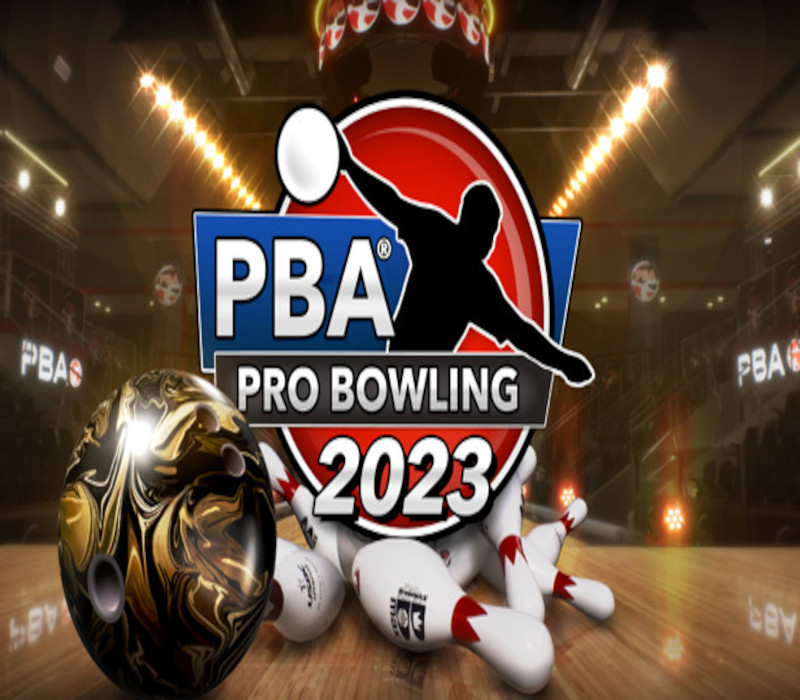
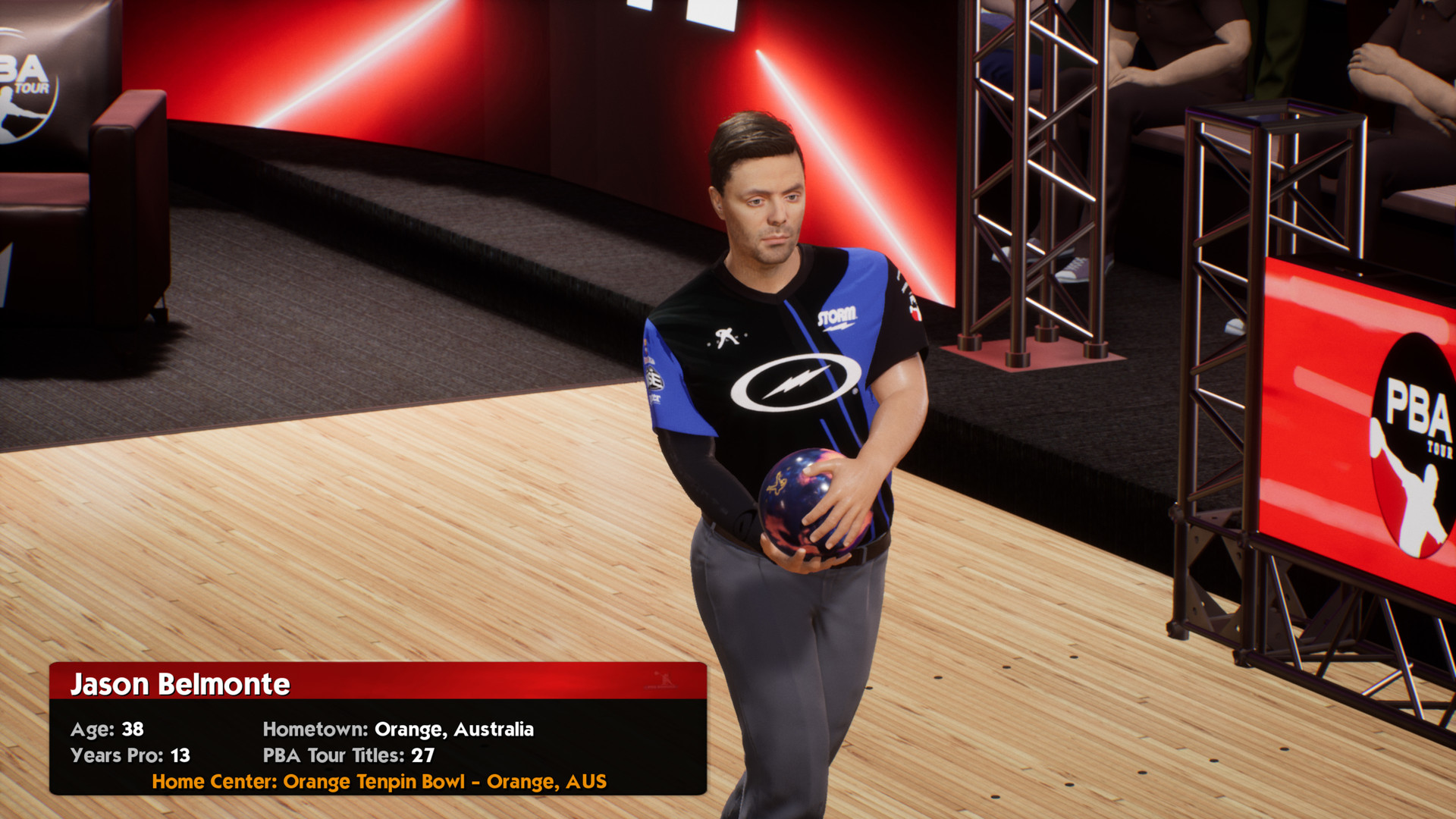
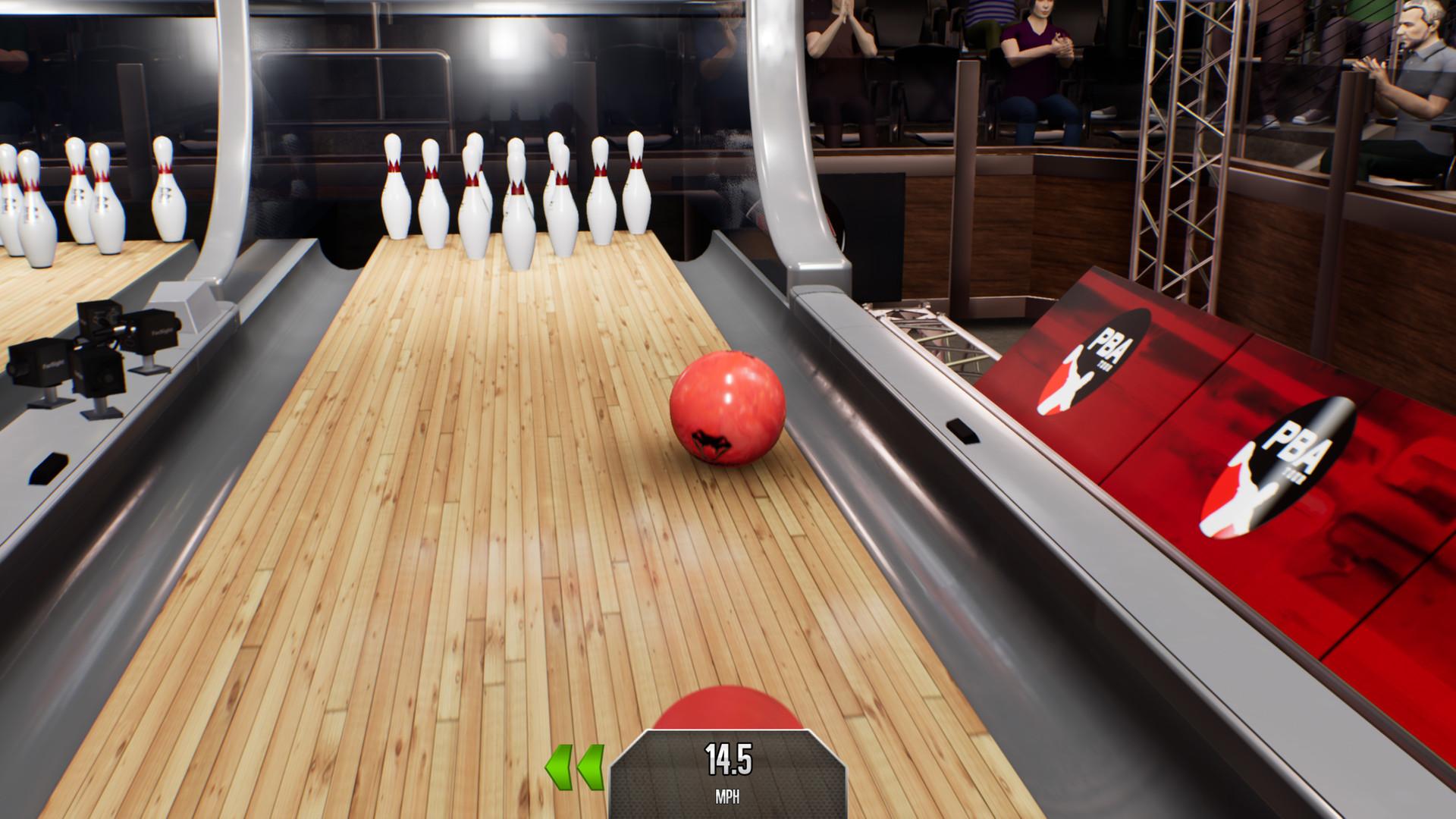
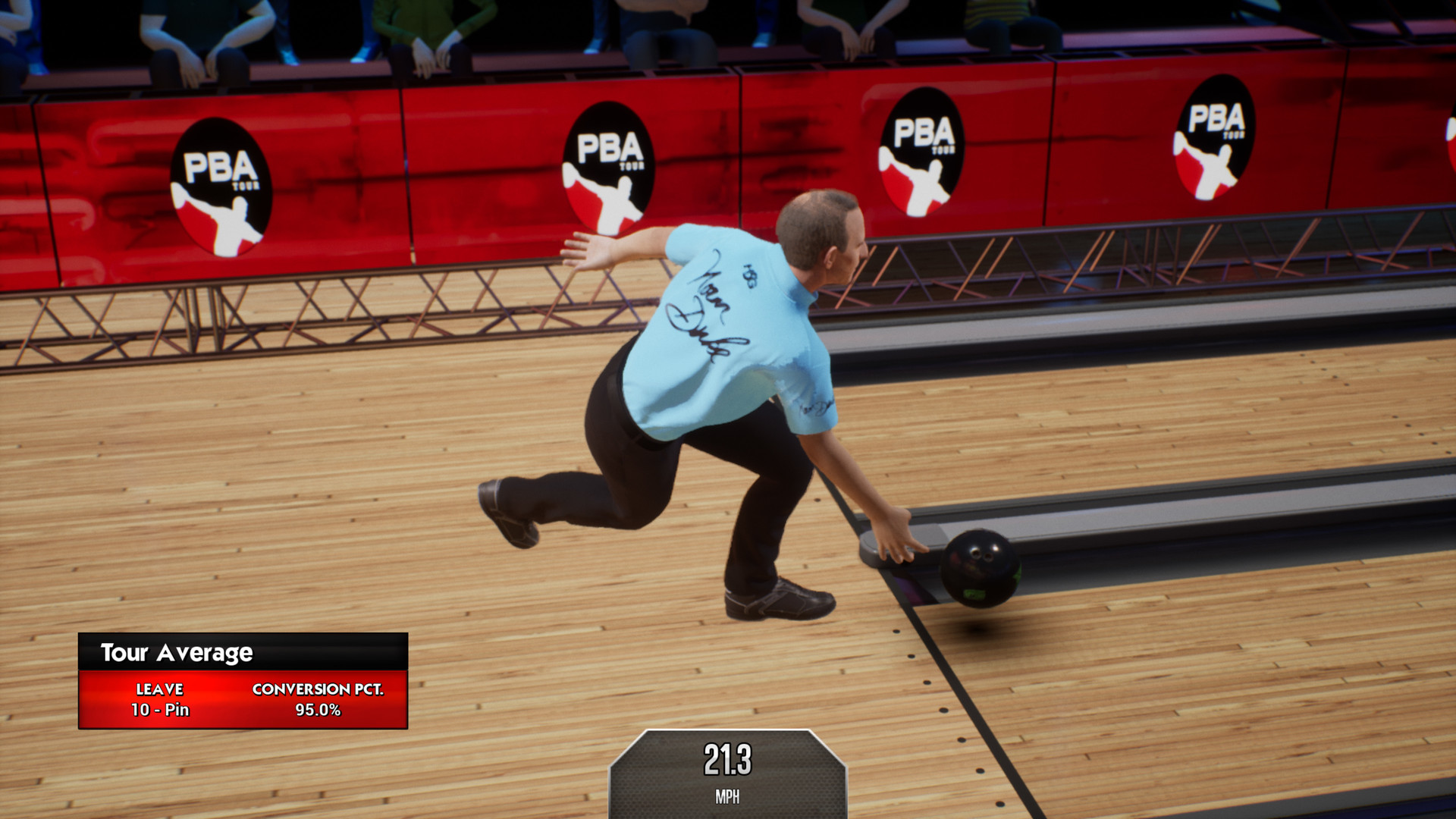
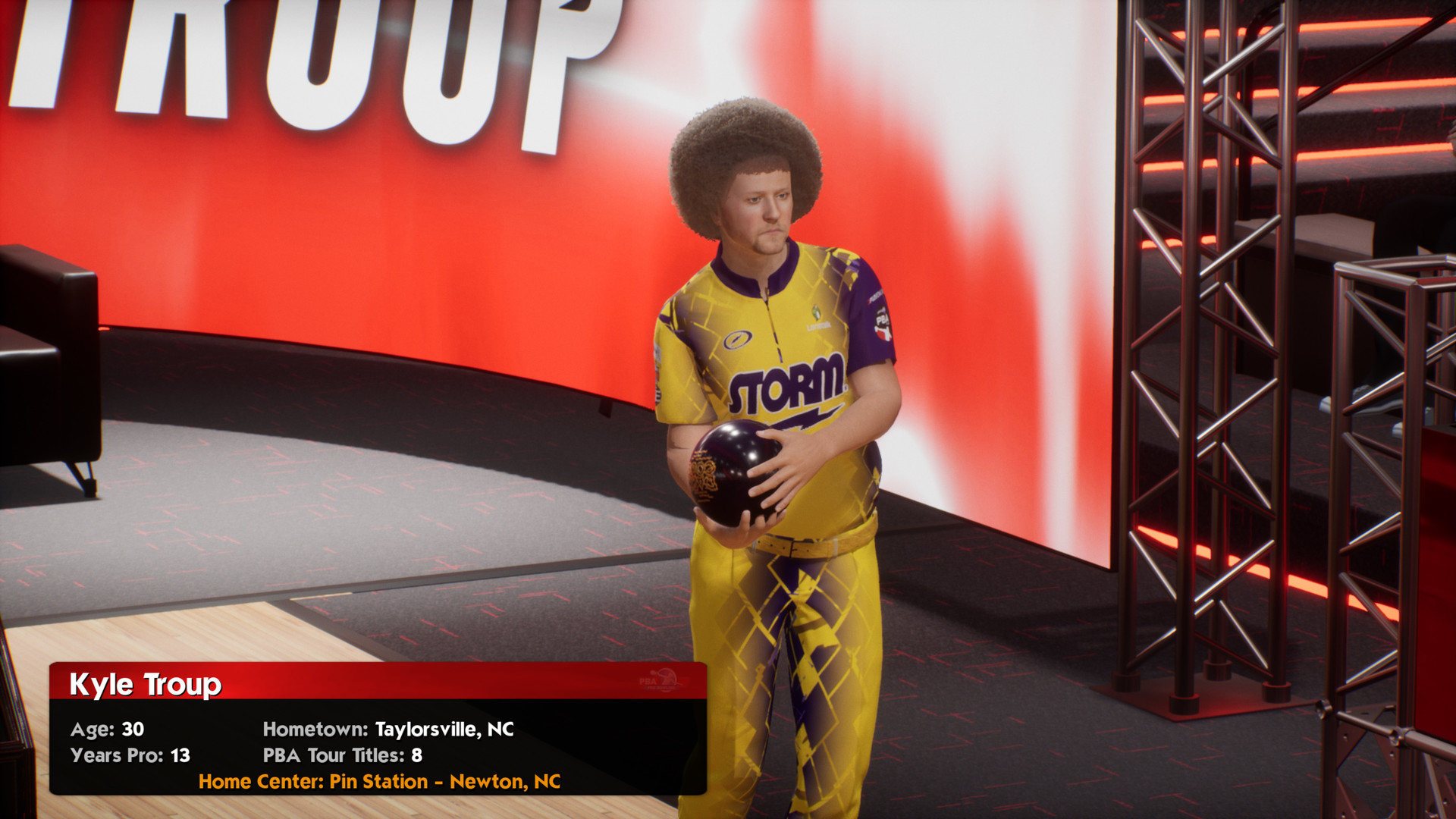
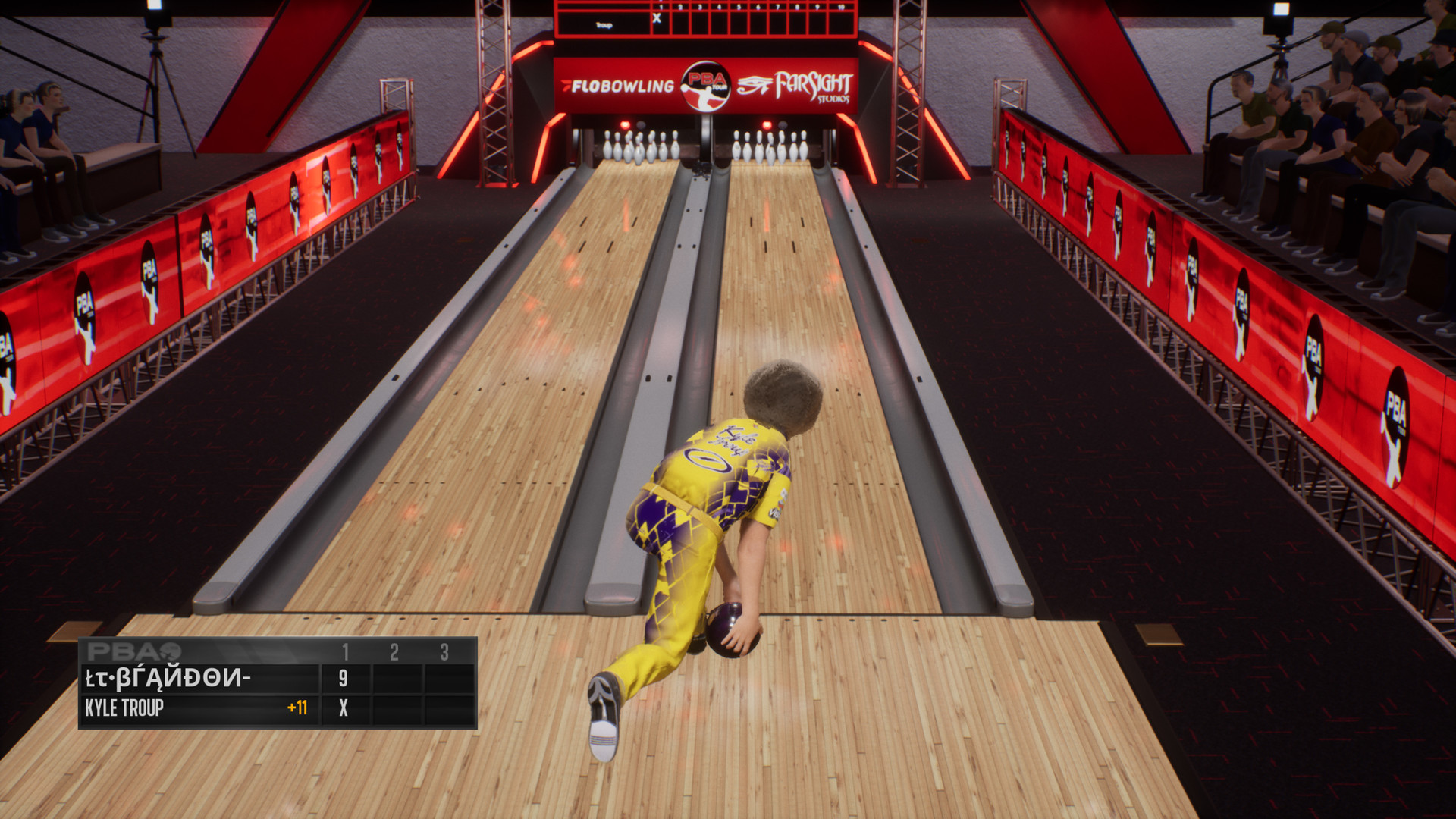
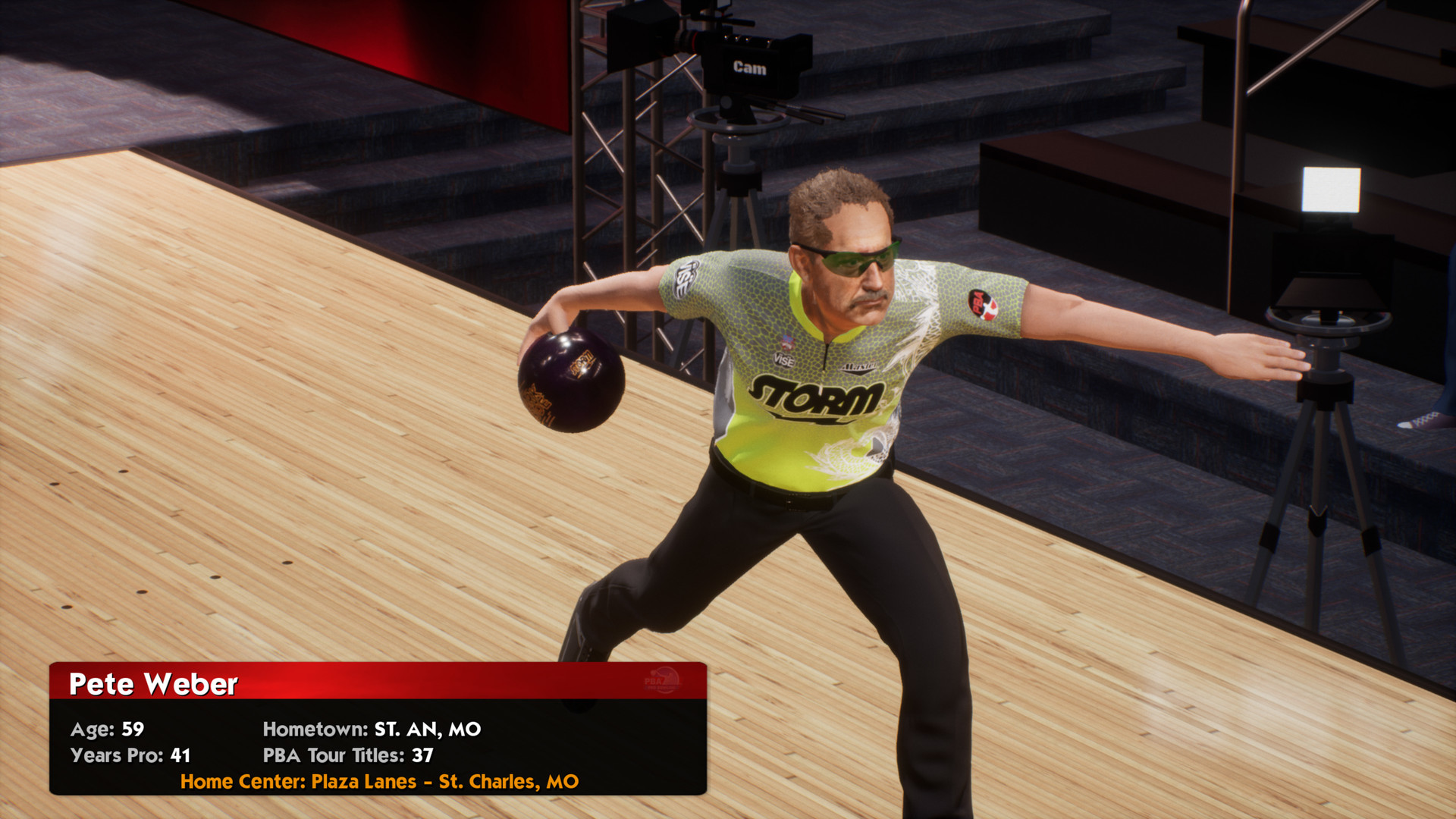
The ultimate bowling game is back with PBA Pro Bowling 2023! Become a PBA legend with the completely re-designed single-player Career Mode or compete in Online matches and tournaments against your friends and rivals as yourself or as any of today’s top PBA bowlers. Exciting new features for 2023 include: All-new Career Mode allows you to fully experience the life of a professional bowler over a multi-year career. Career Mode events now simulate the qualifying, match play, head-to-head, and stepladder formats of real PBA events. PBA legend Pete Weber added to the game. PBA superstars Kris Prather, Darren Tang, and Chris Via added to the game. Over 150 bowling balls to choose from and earn - adding 29 of the hottest brand new balls from all of the top manufacturers that are used on the PBA Tour. The new bowling ball progression system allows you to customize your balls by upgrading ball attributes and bonuses. Over 1, 500 new lines of commentary from PBA broadcasters Rob Stone and Randy Pedersen. Earn Tickets by completing over 160 challenges. Gold Pins replaced with improved no in-app purchase design! This is the most realistic and authentic bowling game ever!PBA Pro Bowling 2023 is officially licensed by the Pro Bowlers Association and includes over 30 of the top pros in the game today along with in-game commentary from the TV broadcast team of Rob Stone and hall-of-Famer Randy Pedersen.
Screenshots
Details
| Platform | Steam |
| Release Date | 07 Sep 2022 |
| Region | Region Free |
| Type | Digital CD Key |
| Delivery | ⚡ Instant |
| Languages | English |
Why CDKeysIsland
⚡ Instant Delivery
Get your game key immediately after purchase via email. No waiting, no delays.
🔑 100% Genuine Key
We sell only legitimate digital keys. No accounts, no grey market tricks.
🛡️ Lifetime Warranty
Every key comes with a lifetime warranty. If it doesn't work, we fix it — always.
🏴☠️ Permanent Ownership
Your key is yours forever with no restrictions, subscriptions or expiry dates.
PBA Pro Bowling 2023 PC Steam Account
- Download and install Steam on your PC
- Sign in to your Steam account (or create one for free)
- Click "Add a Game" in the bottom-left corner → "Activate a Product on Steam"
- Enter your unique key from the Orders page
- Game is added to your library — ready to download!