
About the Game
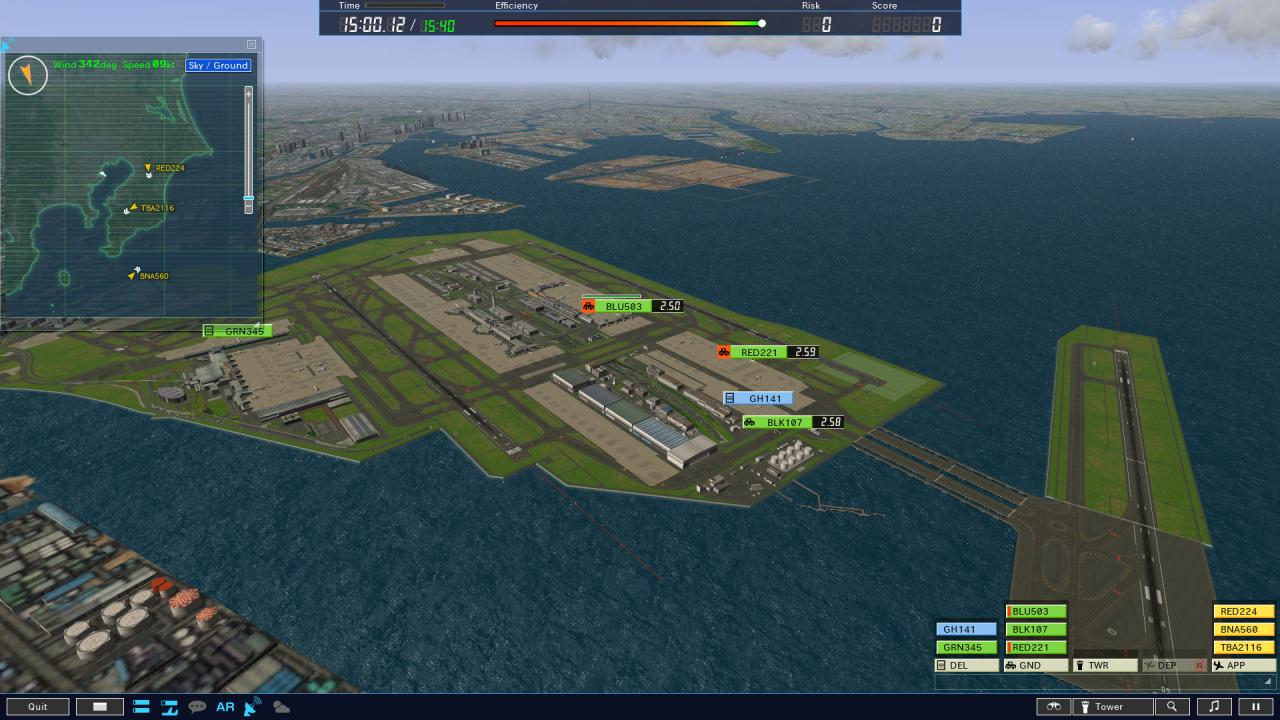
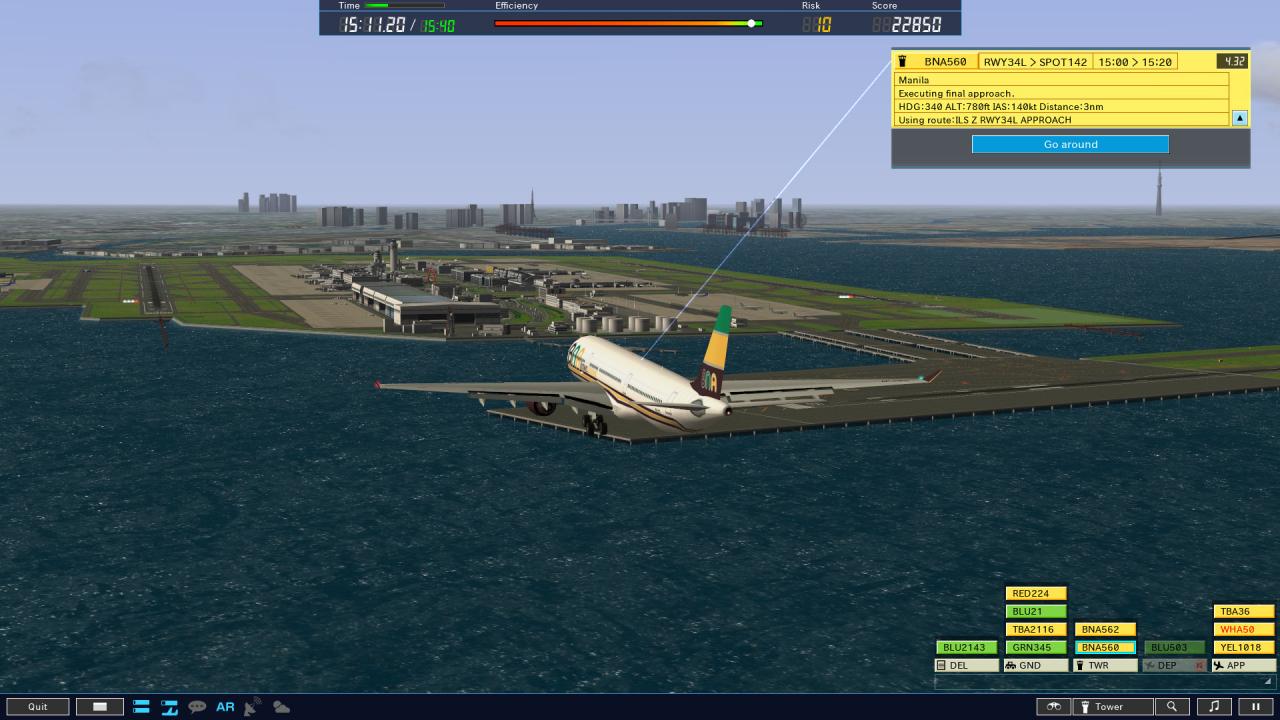
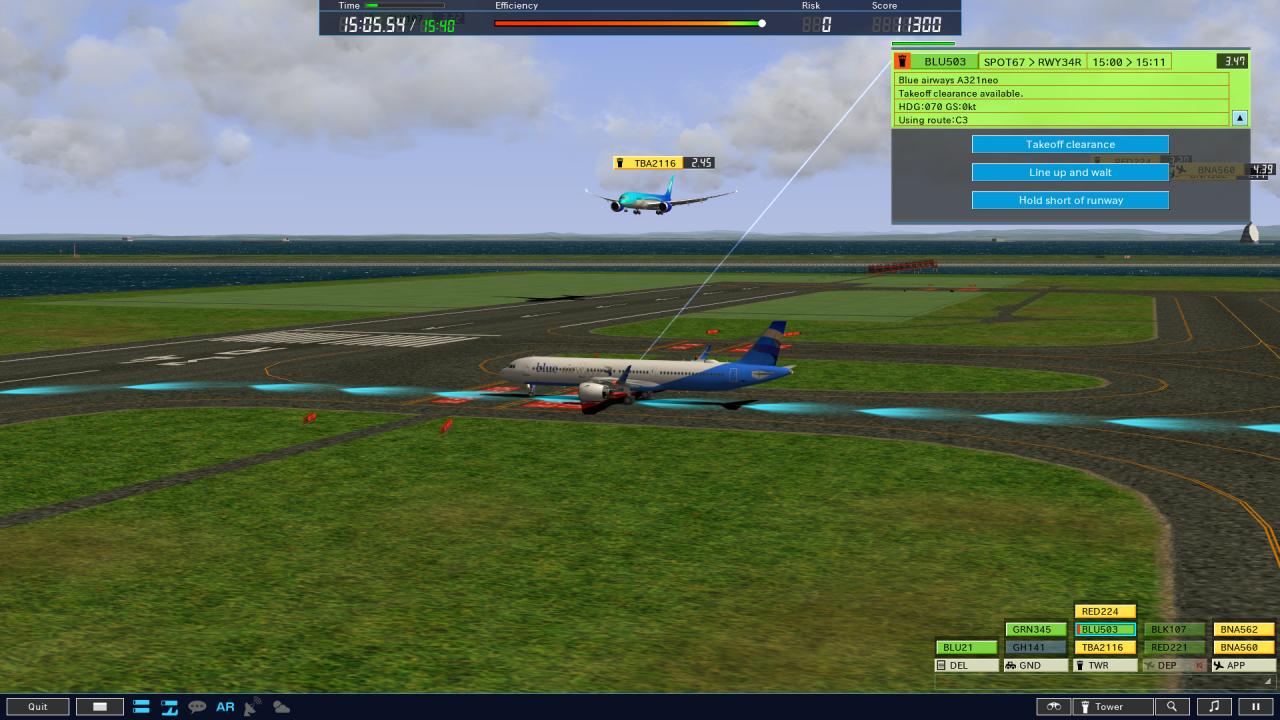
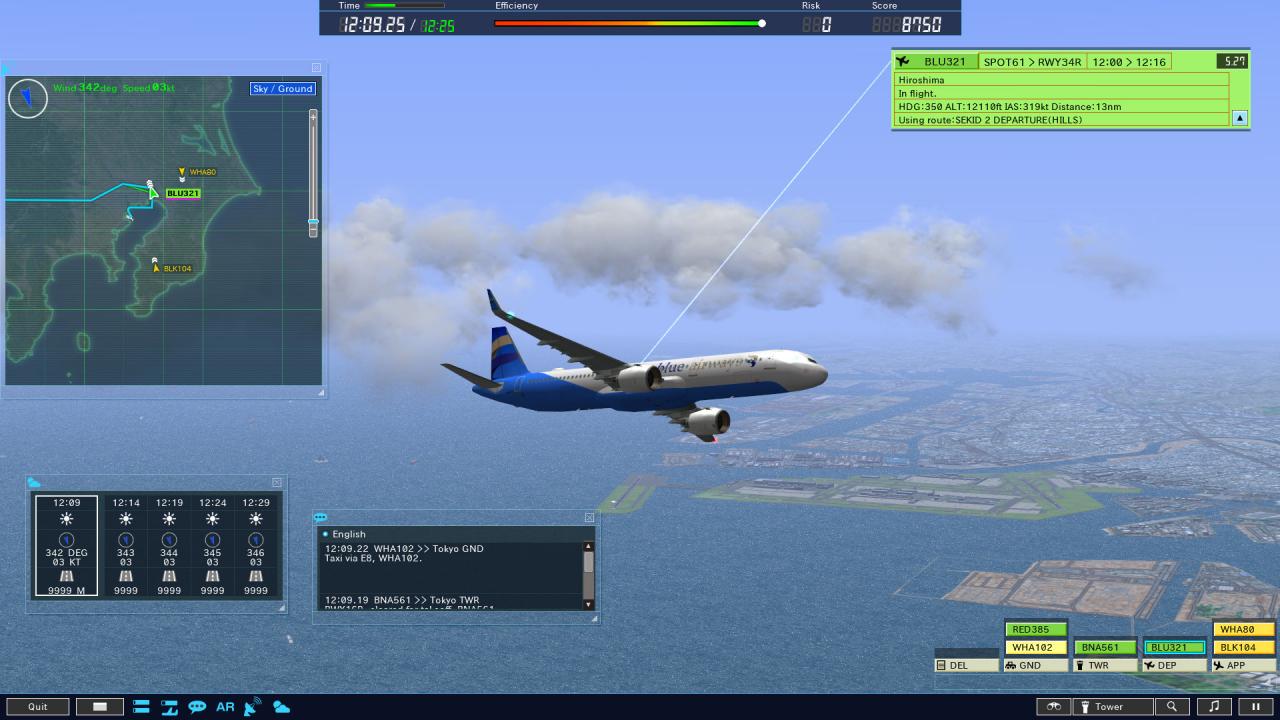
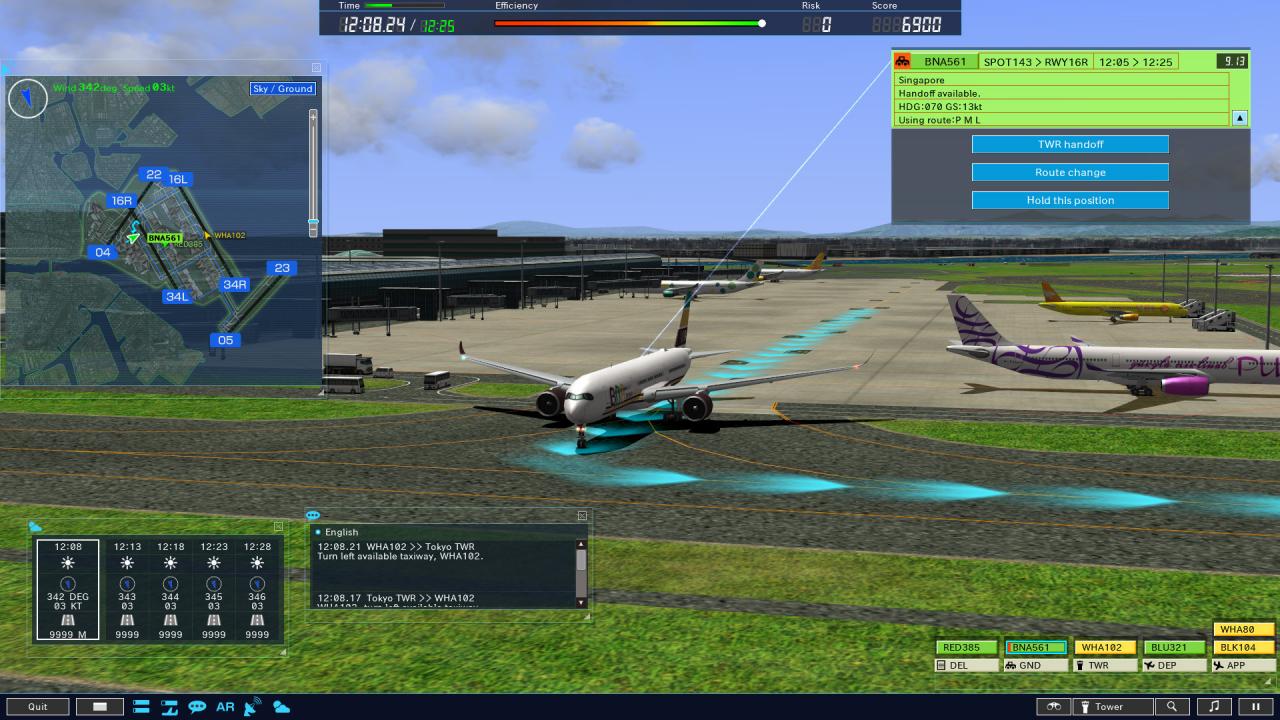
Since its release in 1998, this air traffic control game has established itself as a long seller, strongly supported by numerous users both inside and outside of aviation fandom. For the safe flight of aircraft, air traffic controllers play a vital role. We focus on the duties of these controllers in our game scenarios. To clear the stages, a player should issue directions as a tower controller for safe and effective flight of aircraft. The operation is quite simple, just select an aircraft and click Instruction buttons. Yet as the situation keeps changing according to the directions issued and the timing, clearing the stage always requires precise and correct judgment. Even after game over, you can resume from the middle of the game replay. Various Stages AvailableAdding to the Game Stage of various play levels, the Extra Stage gives you some special conditions to further liven up the play. You can also select time, wind direction, and section you like for your own Original Stage. Airport CoveredThe game is set in Haneda Airport (HND/RJTT) in Tokyo, which represents Japan!It is Japan's largest airport both in its reputation and in its performance, as it sports no less than four runways, handling over 80 million passengers annually (domestic/international), with over 400, 000 flight slots.
Screenshots
Details
| Platform | Steam |
| Release Date | 15 Oct 2020 |
| Region | Region Free |
| Type | Digital CD Key |
| Delivery | ⚡ Instant |
| Languages | English |
Why CDKeysIsland
⚡ Instant Delivery
Get your game key immediately after purchase via email. No waiting, no delays.
🔑 100% Genuine Key
We sell only legitimate digital keys. No accounts, no grey market tricks.
🛡️ Lifetime Warranty
Every key comes with a lifetime warranty. If it doesn't work, we fix it — always.
🏴☠️ Permanent Ownership
Your key is yours forever with no restrictions, subscriptions or expiry dates.
I am an Air Traffic Controller 4 PC Steam Account
- Download and install Steam on your PC
- Sign in to your Steam account (or create one for free)
- Click "Add a Game" in the bottom-left corner → "Activate a Product on Steam"
- Enter your unique key from the Orders page
- Game is added to your library — ready to download!