
About the Game
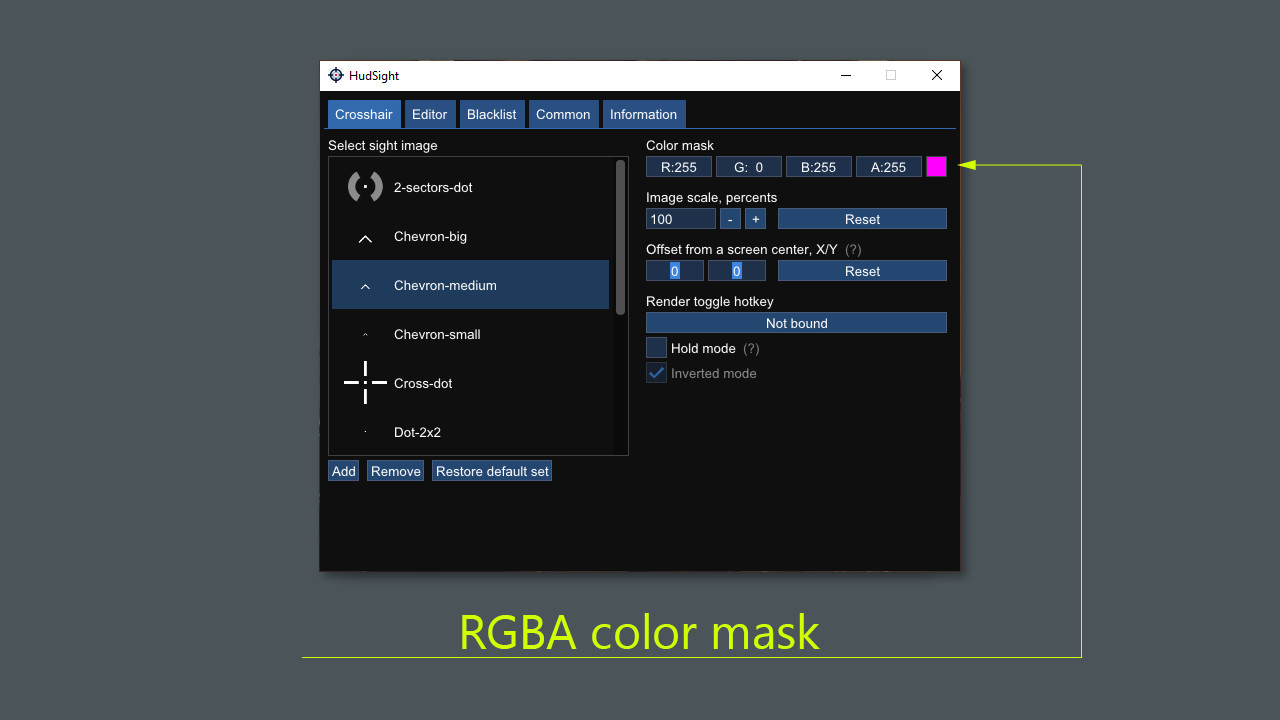
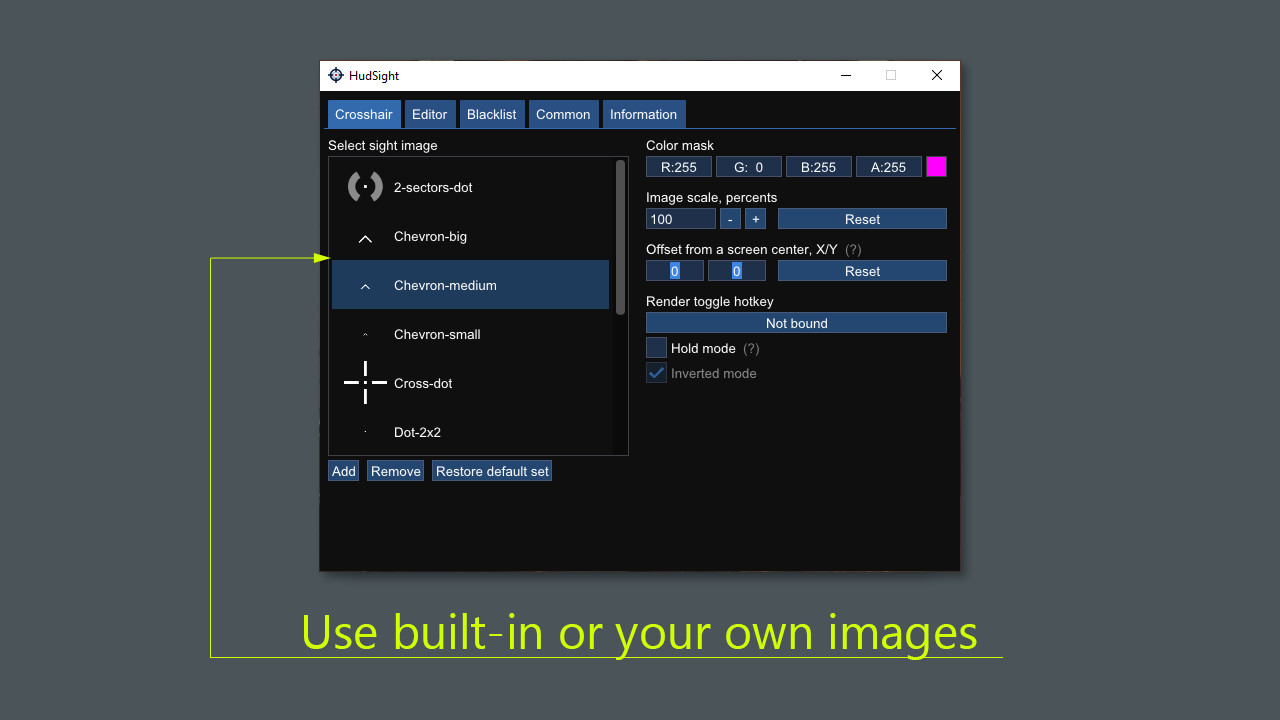
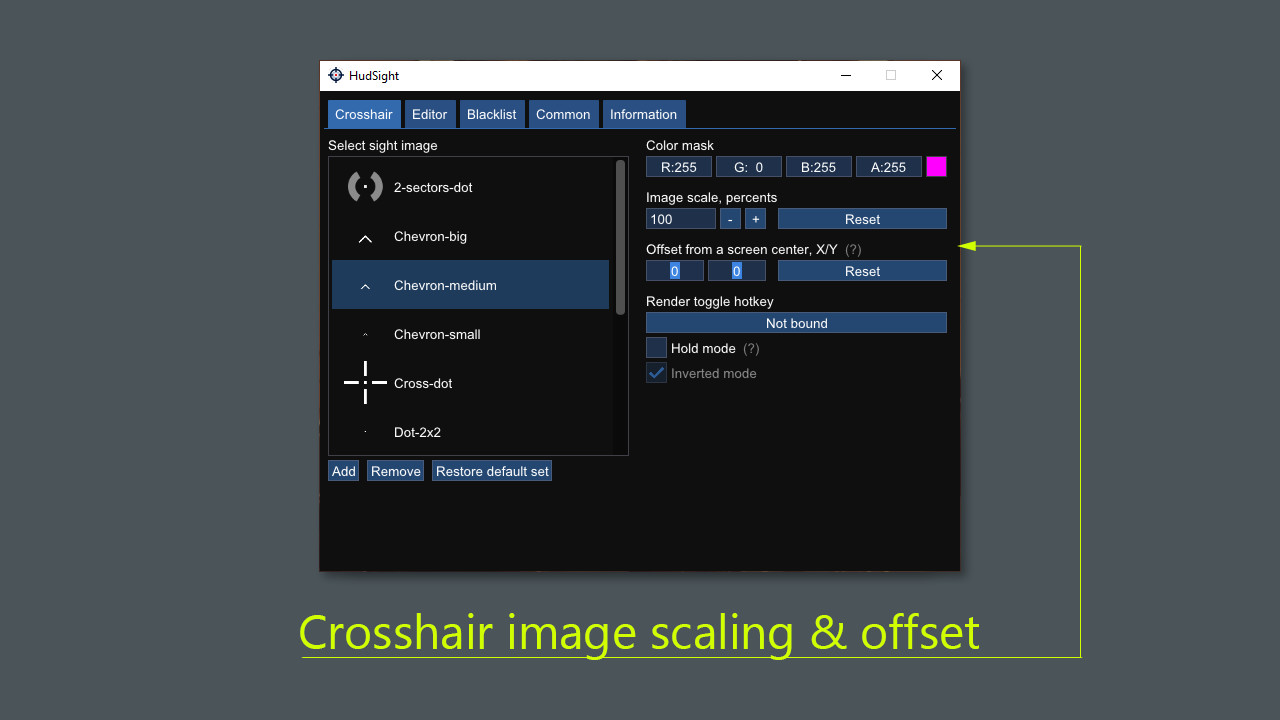
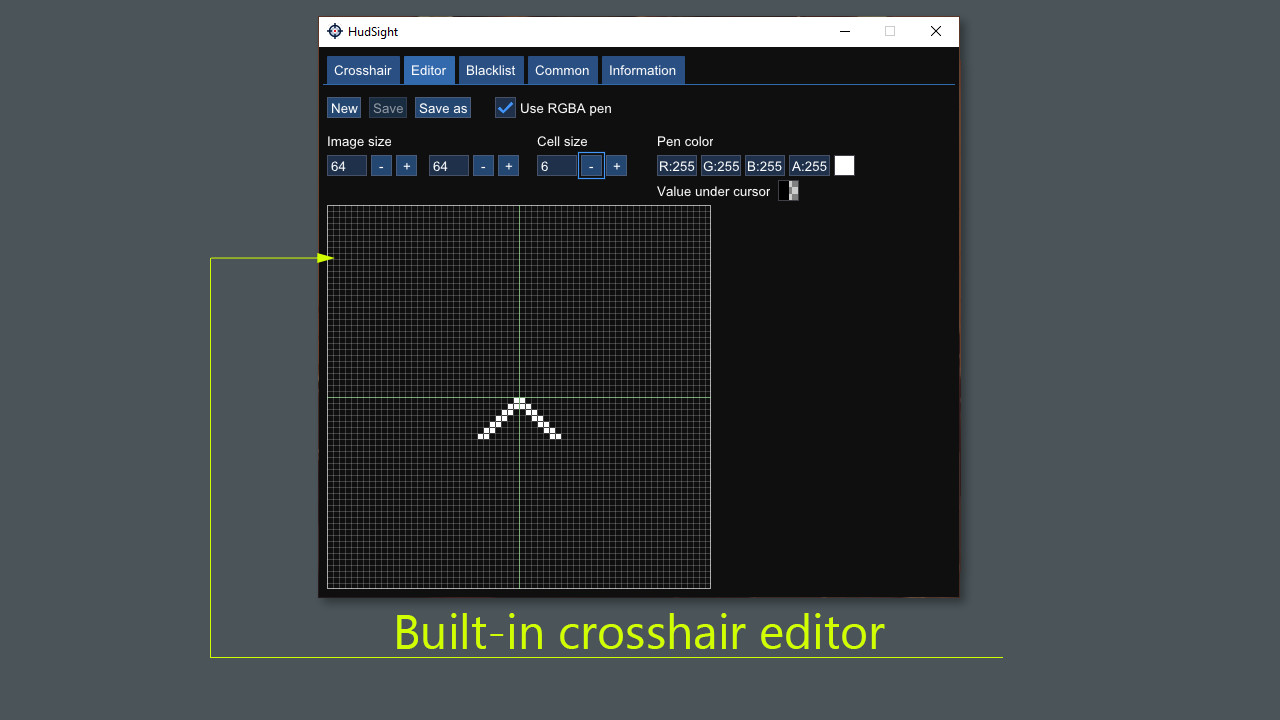
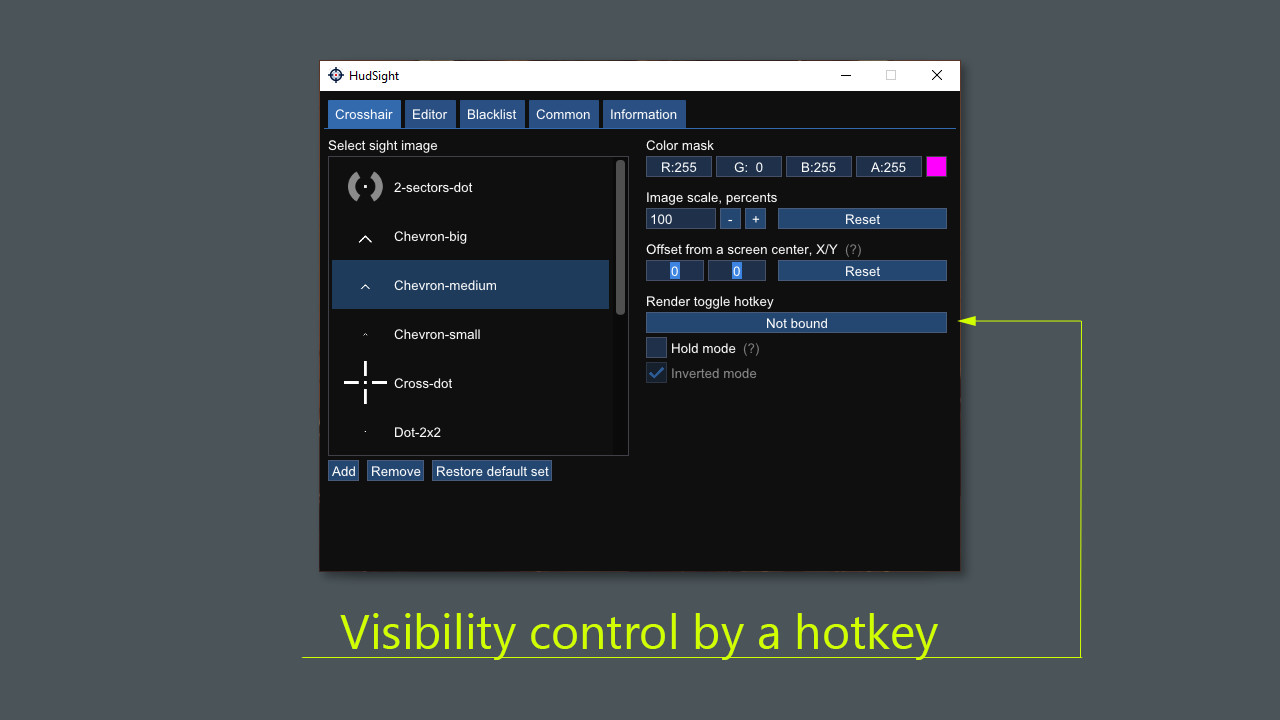
HudSight tool draws your custom crosshair directly in a game screen.Our software uses overlay rendering technique which works both in full screen exclusive and windowed modes. Everyone knows that a game running in the full screen mode gets better performance and lowest possible input lag. But there is a problem with common "on top" overlay tools. They cannot work in this full screen mode. HudSight can do it.Set one of pre-installed crosshairs or select your own image and that's all! Run a game and software will do the rest of work - your image will be automatically centered on the game screen.HudSight supports games based on DirectX 9, 10, 11, 12, OpenGL and Vulkan graphics. 32 and 64-bits games are welcome. It works on Windows 7, 8 and 10. Games compatibility Some games don't allow 3rd party overlays. For example, Destiny 2 or Forza Horizon 4. Some games allow overlays but with limitations, as example - CSGO which must be started with -allow_third_party_software key in the command line Anti-cheats compatibility HudSight works in the same manner as most of recording/streaming tools. This tool is not a cheat, it doesn't change games files or game play, it just draws an overlay (like Steam service). You only need to be sure that the Terms of Service of a game you play do not deny such enhancement.
Screenshots
Details
| Platform | Steam |
| Release Date | 05 Jan 2021 |
| Region | Region Free |
| Type | Digital CD Key |
| Delivery | ⚡ Instant |
| Languages | English |
Why CDKeysIsland
⚡ Instant Delivery
Get your game key immediately after purchase via email. No waiting, no delays.
🔑 100% Genuine Key
We sell only legitimate digital keys. No accounts, no grey market tricks.
🛡️ Lifetime Warranty
Every key comes with a lifetime warranty. If it doesn't work, we fix it — always.
🏴☠️ Permanent Ownership
Your key is yours forever with no restrictions, subscriptions or expiry dates.
HudSight - crosshair overlay PC Steam Account
- Download and install Steam on your PC
- Sign in to your Steam account (or create one for free)
- Click "Add a Game" in the bottom-left corner → "Activate a Product on Steam"
- Enter your unique key from the Orders page
- Game is added to your library — ready to download!