About the Game
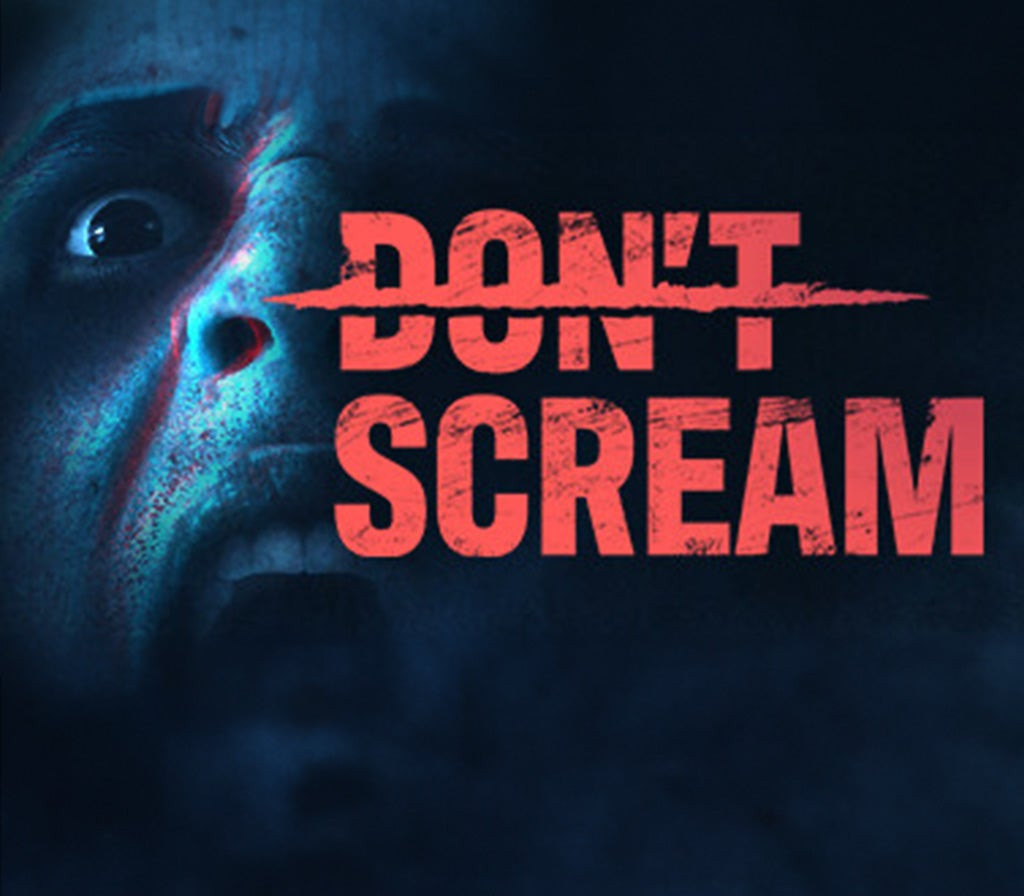
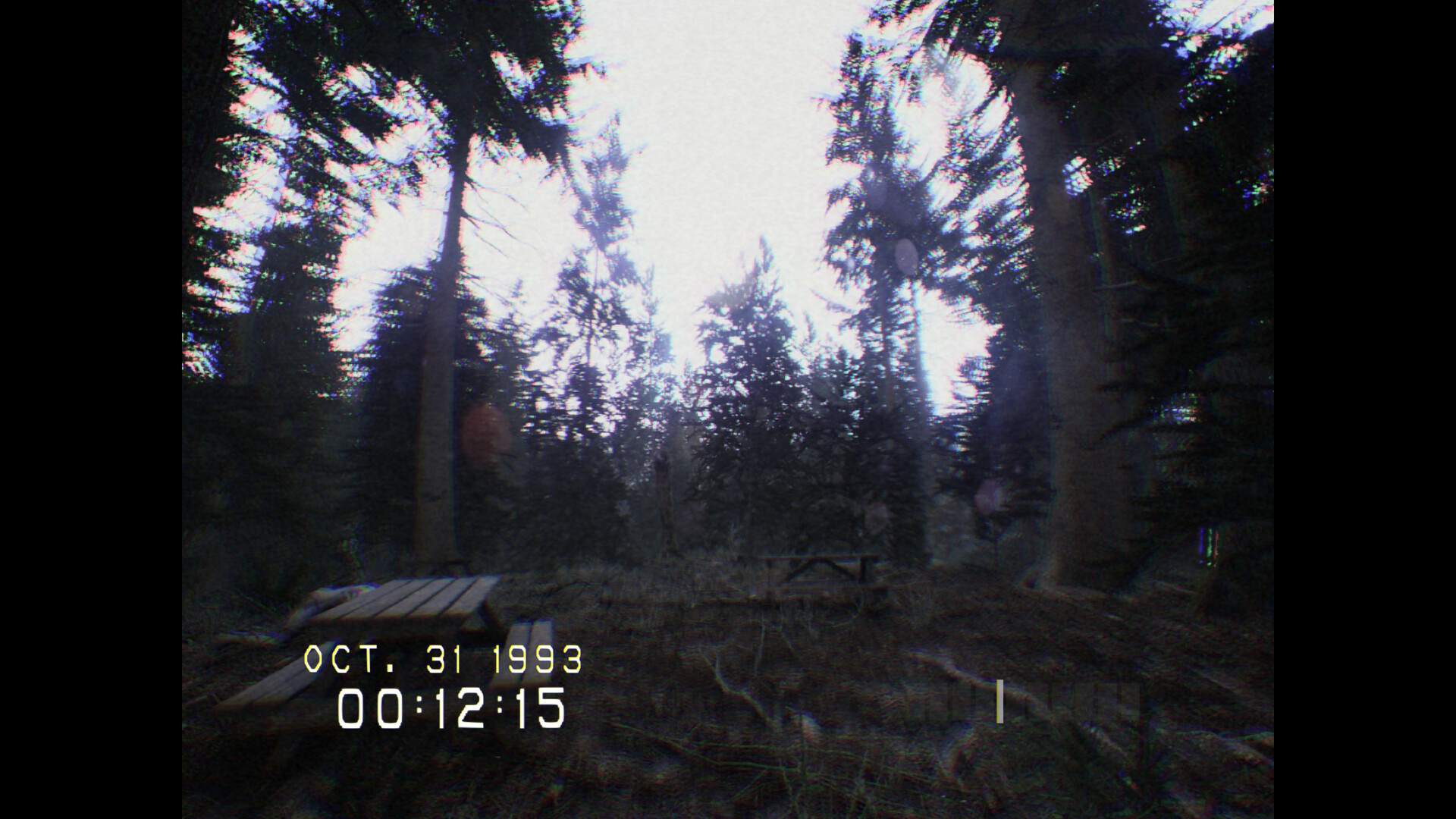
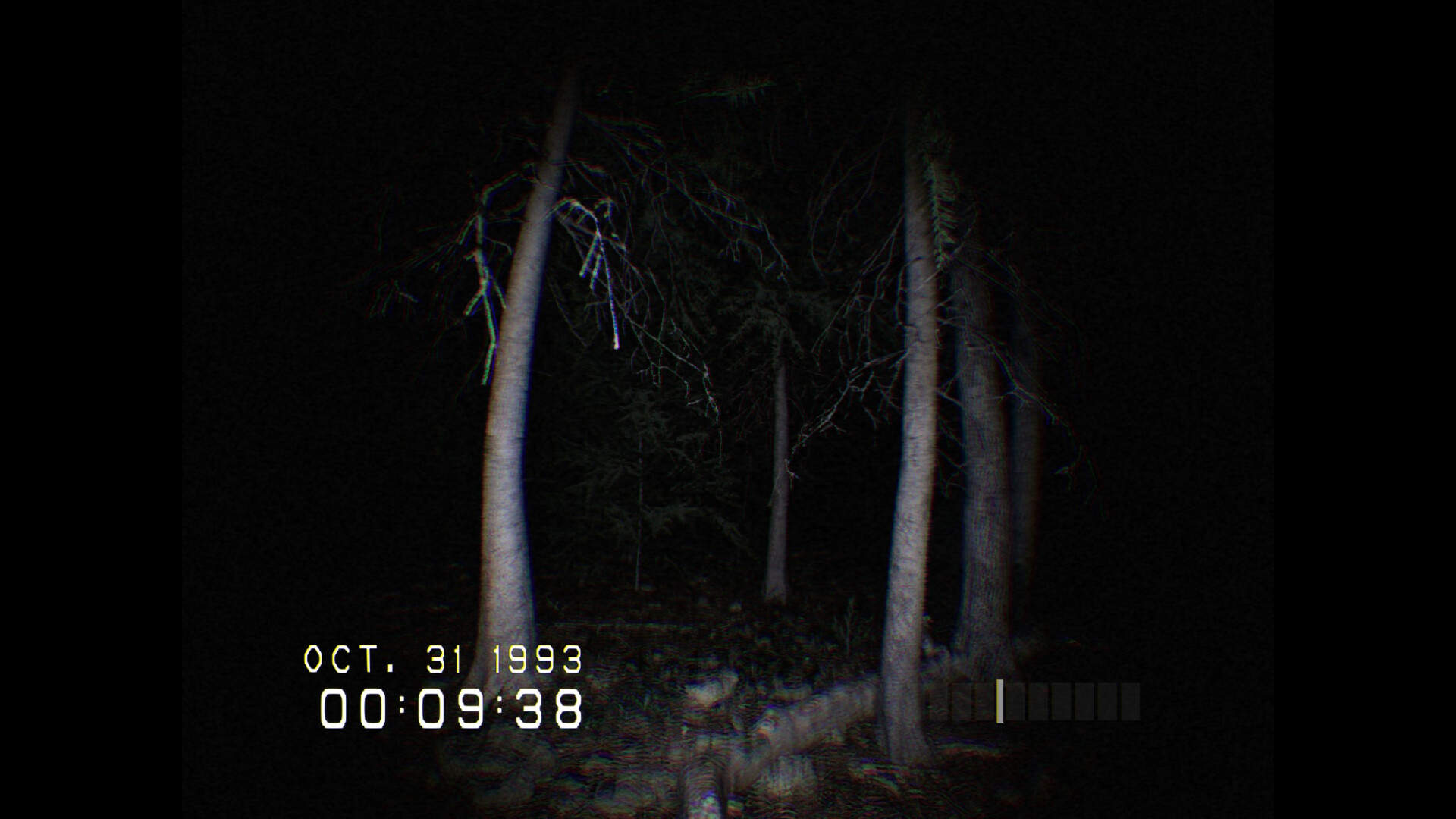
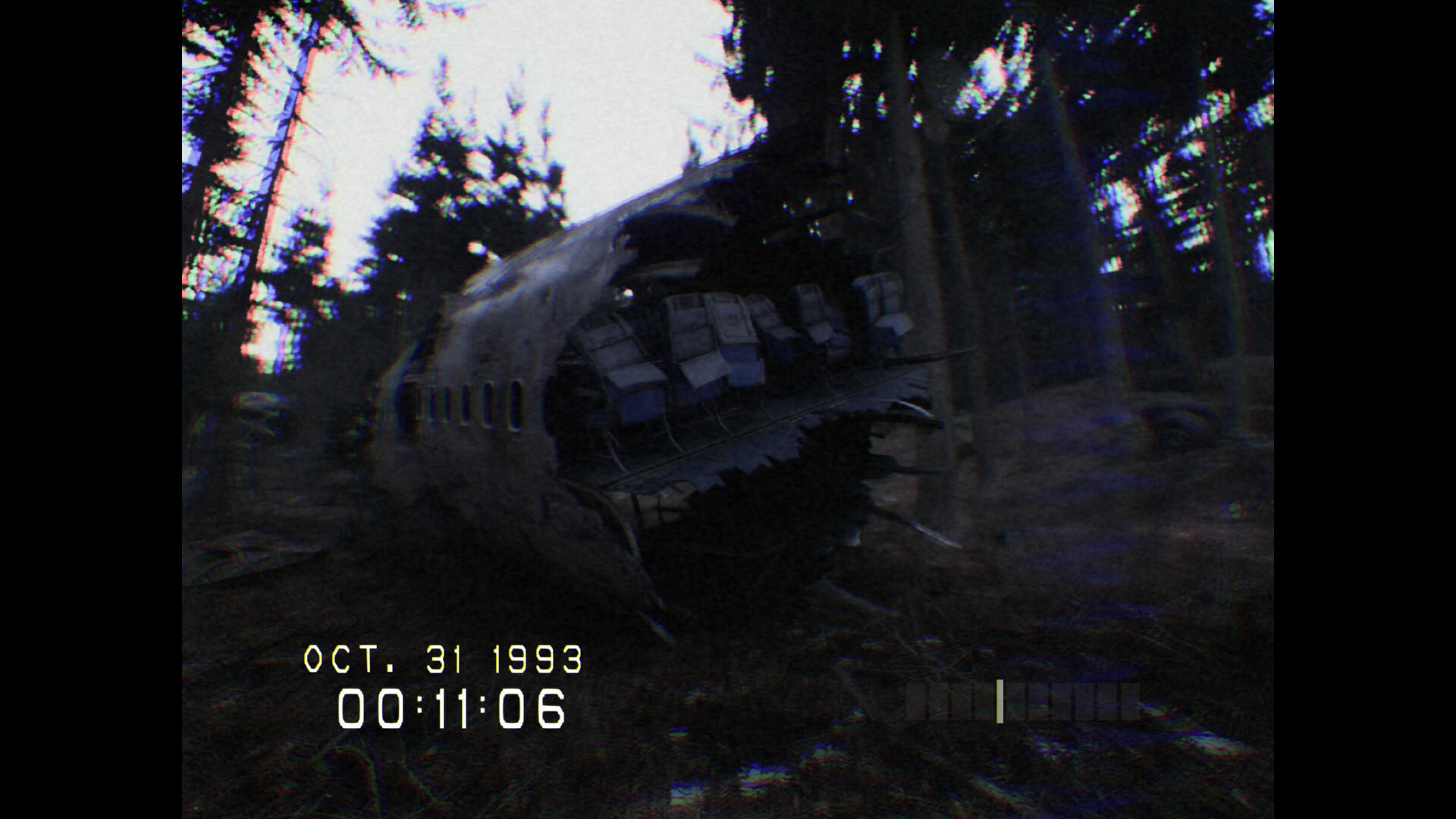
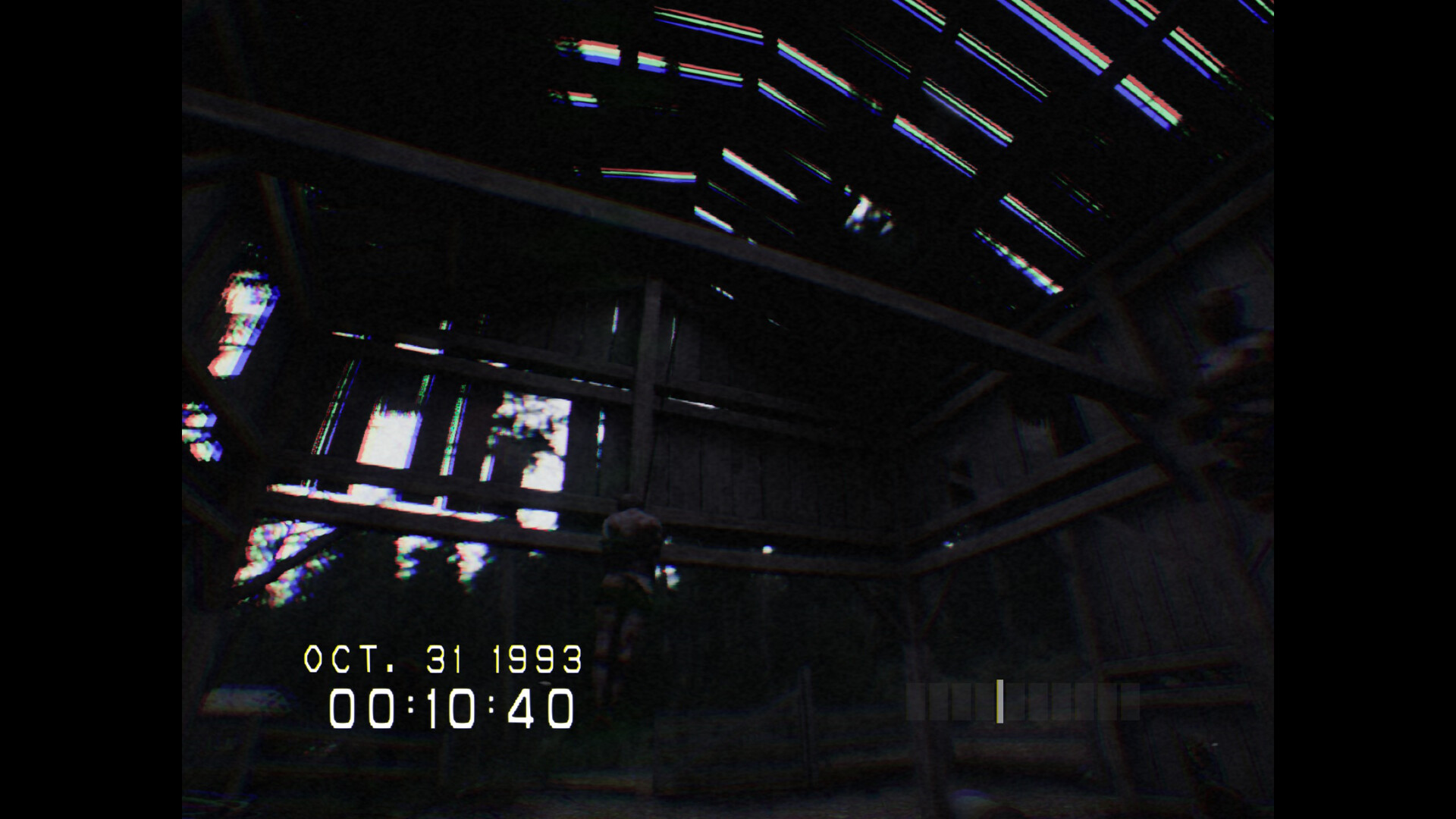
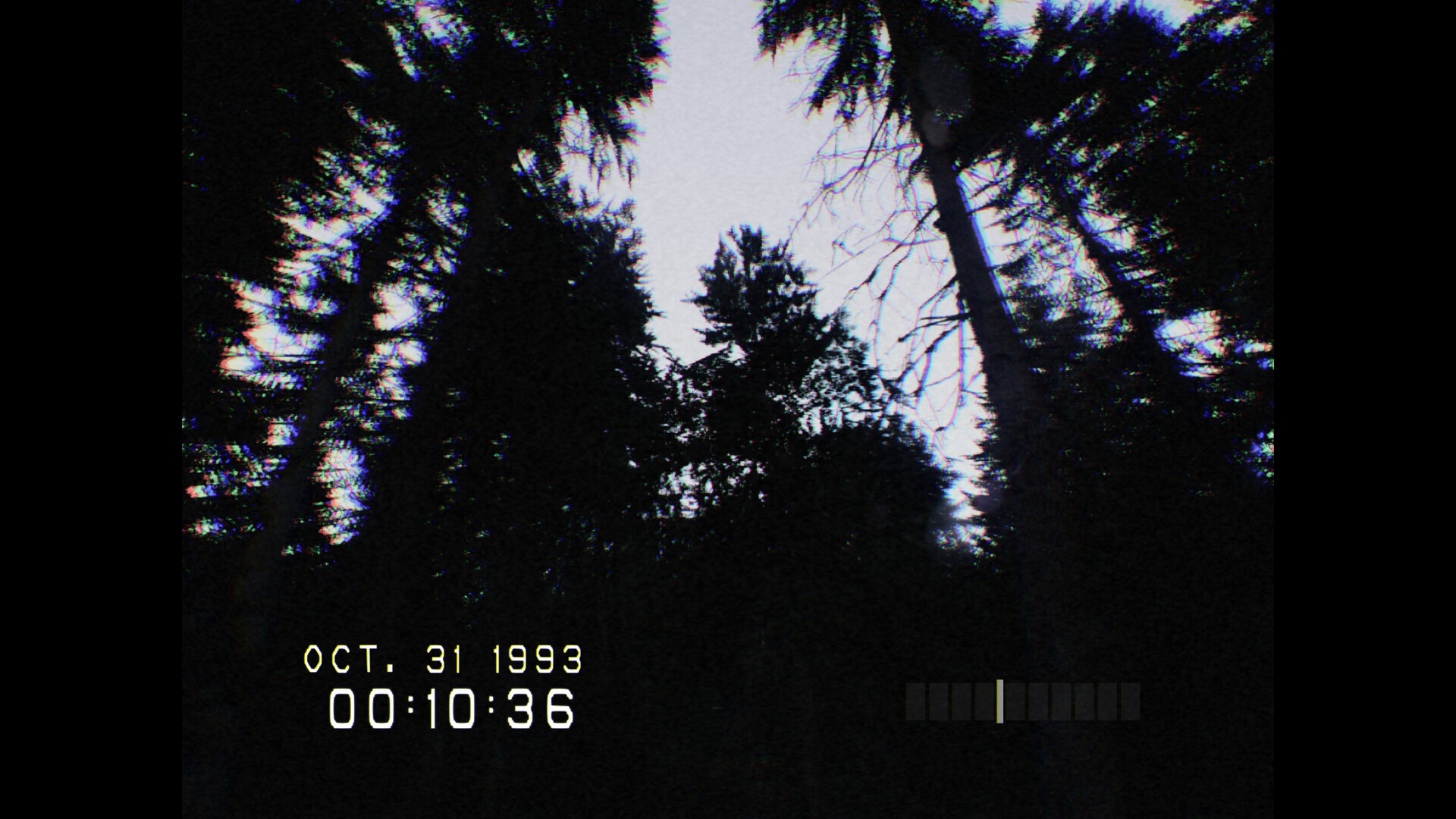
BEFORE BUYING: This is a short horror experience designed to make players jump. Think of it as a scare simulator. Don't expect a storyline; just one primary challenge: DON'T SCREAM. It's simple enough for anyone, even your mom. Seriously, challenge your mom to play! If you scream, you restart. DON’T SCREAM is an Unreal Engine 5 short horror experience inspired by '90s camcorder found footage. The challenge is simple: explore the mysterious Pineview Forest for 18 minutes without screaming.Sounds easy, right? But there's a catch. Time only progresses as you move, and you cannot predict the scares. You must calibrate your microphone in-game so that every whimper, jump, or even a minor squeak is registered as a scream, increasing the challenge. With dozens of dynamic scares, each playthrough offers a unique experience. MICROPHONE REQUIRED TO PLAY DON'T SCREAM challenges not just your nerves but your voice control. Here's what to expect: 1. Calibrate Your Microphone: Set it up in-game. It's not just tech setup; it defines your challenge. A mere squeak or quiet gasp should be flagged as a scream, causing you to restart. 2. Mind Your Voice: You can talk during gameplay, but keep it low – slightly softer than normal. Too loud and it’s game over. 3. Play Fair: You could bypass calibration to shout through scares, but it'd spoil the thrill. For a genuine horror experience play as designed.
Screenshots
Details
| Platform | Steam |
| Release Date | 27 Oct 2023 |
| Region | Region Free |
| Type | Digital CD Key |
| Delivery | ⚡ Instant |
| Languages | English |
Why CDKeysIsland
⚡ Instant Delivery
Get your game key immediately after purchase via email. No waiting, no delays.
🔑 100% Genuine Key
We sell only legitimate digital keys. No accounts, no grey market tricks.
🛡️ Lifetime Warranty
Every key comes with a lifetime warranty. If it doesn't work, we fix it — always.
🏴☠️ Permanent Ownership
Your key is yours forever with no restrictions, subscriptions or expiry dates.
DON'T SCREAM PC Steam Account
- Download and install Steam on your PC
- Sign in to your Steam account (or create one for free)
- Click "Add a Game" in the bottom-left corner → "Activate a Product on Steam"
- Enter your unique key from the Orders page
- Game is added to your library — ready to download!