About the Game
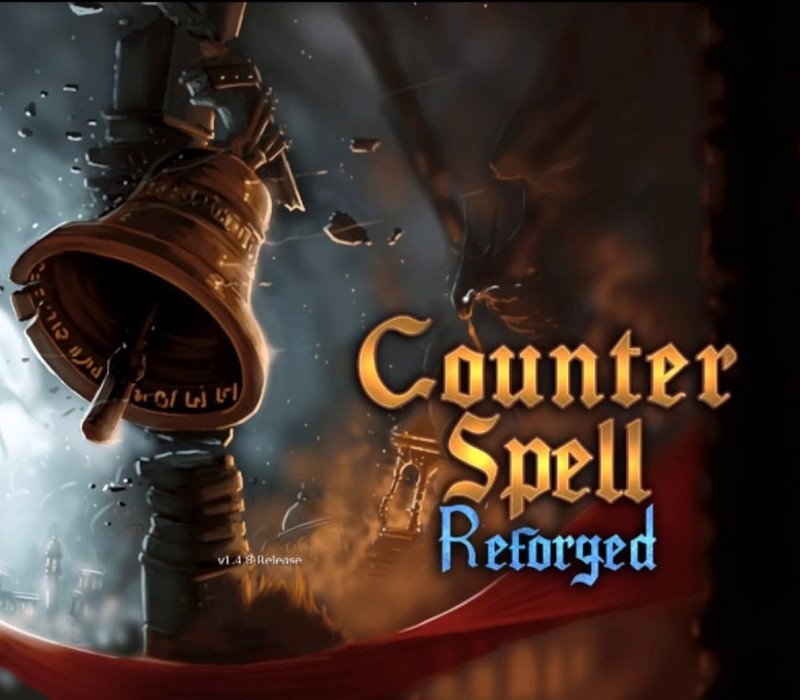
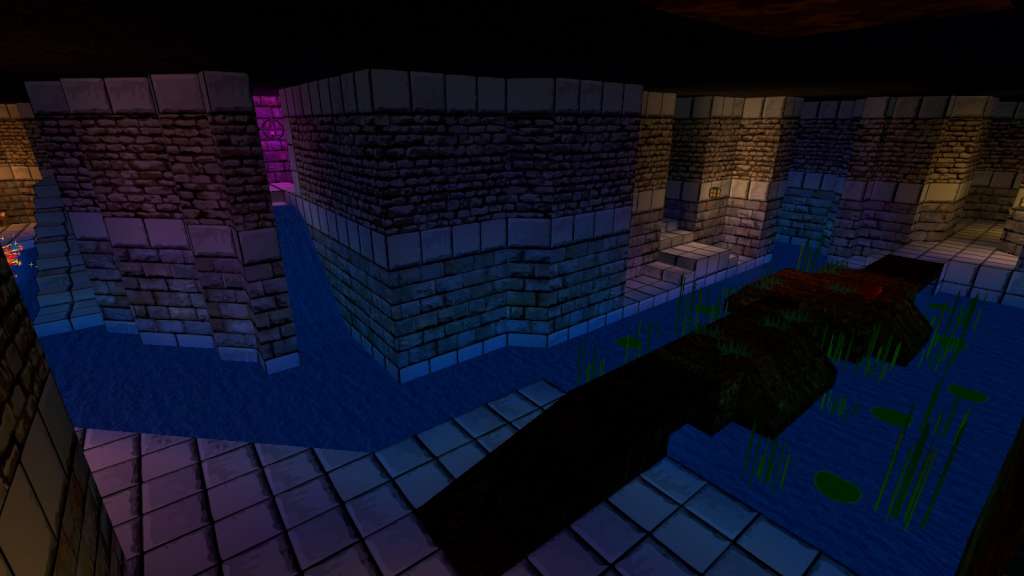
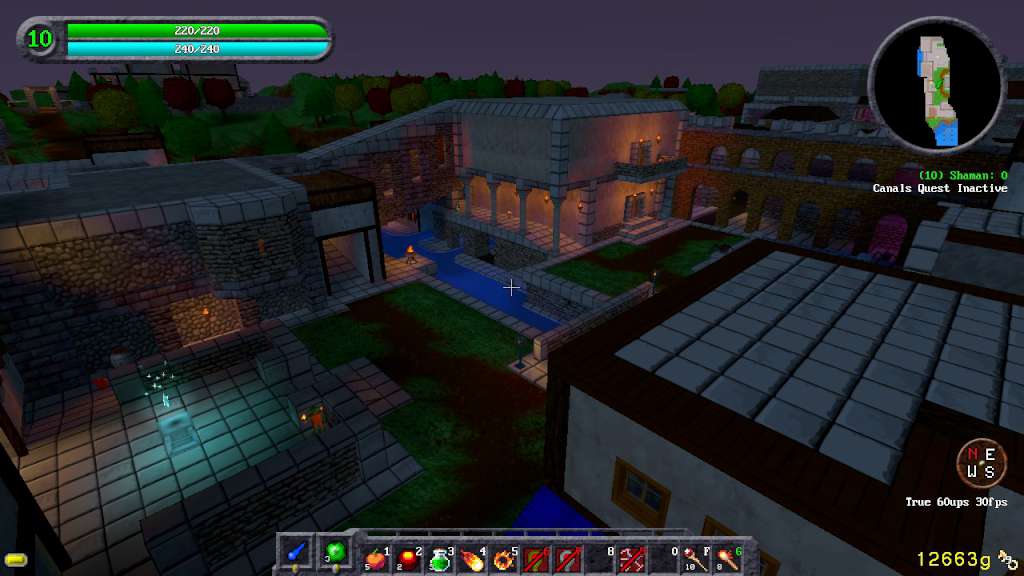
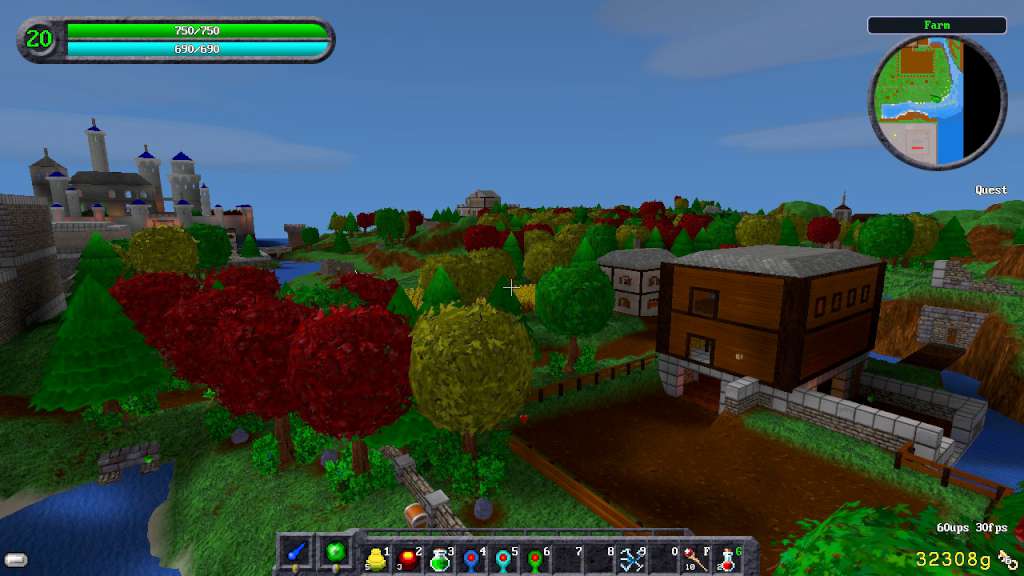
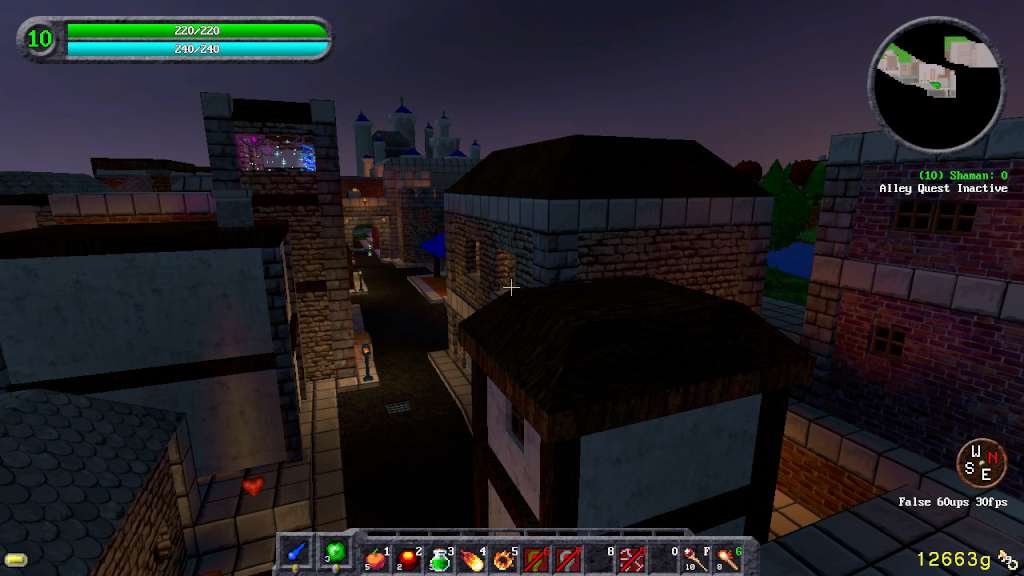
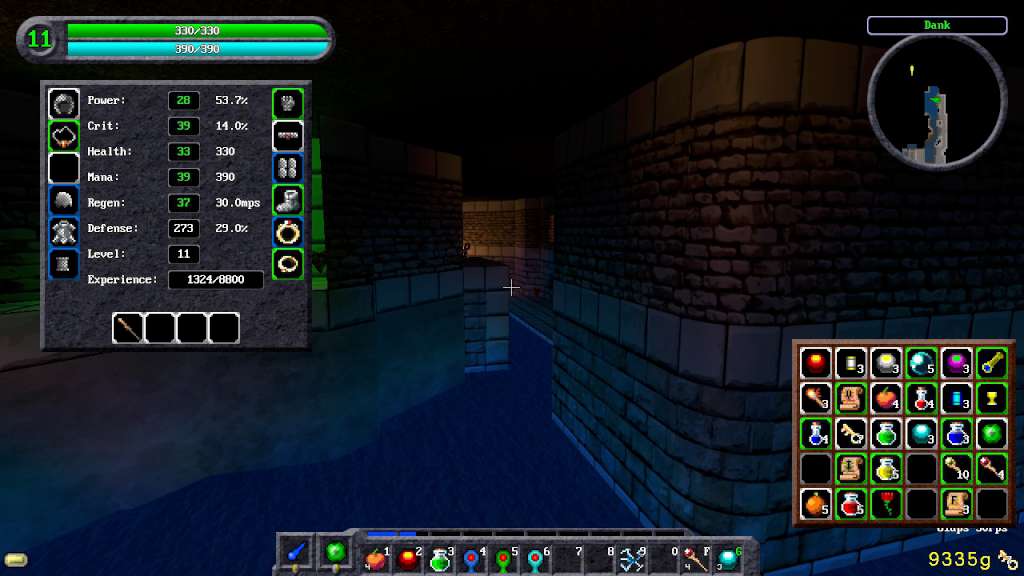
"Counter Spell" combines elements of classic role playing games with modern stealth-based shooters. The player can choose from six different classes, each with their own unique spells, abilities, and perks.Single player, multiplayer coop, and competitive multiplayer are all supported with different game modes for each. A wide array of spells and items make for fun and intense matches. Throw flasks of wildfire at your opponents, lay cleverly placed traps, or just rain fireballs down upon them. An open, streaming world makes for an exciting sandbox to adventure in! Counter Spell Classic is the original Counter Spell realm. It contains over twenty zones, over forty quests, and is about a half square kilometer in size. There are several mini-bosses and a final boss to defeat. It offers a fully fleshed out and complete game, and is still occasionally updated. The Classic Realm's graphics are more basic and generally provide better performance for players with older machines. Features Six Classes (Mage, Priest, Shaman, Warlock, Warrior, Rogue) Eleven Game Modes (Quest, Adventure, Deathmatch, Rescue, Overlord, Survival, Defense, Kingslayer, Tag, Capture, Reaper) 60+ Spells 500+ Items 20+ Unique Zones plus a Random Dungeon Option 15 Enemy Types Talent System Achievements & Stats Level Editor Steam Workshop
Screenshots
Details
| Platform | Steam |
| Release Date | 01 Apr 2015 |
| Region | Russia |
| Type | Digital CD Key |
| Delivery | ⚡ Instant |
| Languages | English |
Why CDKeysIsland
⚡ Instant Delivery
Get your game key immediately after purchase via email. No waiting, no delays.
🔑 100% Genuine Key
We sell only legitimate digital keys. No accounts, no grey market tricks.
🛡️ Lifetime Warranty
Every key comes with a lifetime warranty. If it doesn't work, we fix it — always.
🏴☠️ Permanent Ownership
Your key is yours forever with no restrictions, subscriptions or expiry dates.
Counter Spell RU/CIS PC Steam Gift
- Download and install Steam on your PC
- Sign in to your Steam account (or create one for free)
- Click "Add a Game" in the bottom-left corner → "Activate a Product on Steam"
- Enter your unique key from the Orders page
- Game is added to your library — ready to download!