Buying Steam keys online is the smartest way to build your game library without emptying your wallet. But with so many sites selling keys, how do you tell the legit sellers from the shady ones? This guide covers everything you need to know about buying Steam keys safely.
What Are Steam Keys?
A Steam key (also called a CD key) is a unique code that activates a game on your Steam account. Publishers generate these keys and sell them to authorized distributors, who then sell them to you — often at significant discounts compared to Steam direct prices.
How to Spot a Legitimate Key Seller
When buying Steam keys online, look for these signs of a trustworthy seller:
- Source transparency: Legitimate sellers disclose where their keys come from — authorized distributors only.
- Region information: Honest sellers clearly state any regional restrictions. At CDKeysIsland, every product page shows exactly which countries the key works in.
- Price consistency: If a brand-new AAA game is being sold for 2 EUR, something is wrong. Real discounts are typically 10-70% off Steam prices.
- Working support: Can you contact the seller if something goes wrong? We offer email support for every purchase.
- Clear refund policy: Know your rights before you buy.
Understanding Region Locks
Some Steam keys are region-locked — meaning they can only be activated in specific countries. This is the single most important thing to check before buying. Here's what you need to know:
Types of Region Restrictions
- Global / Worldwide: Works everywhere. The safest option.
- Europe only: Activates in EU countries plus UK, Norway, Switzerland.
- Region-specific: Only works in listed countries. Always check the product page.
Every product on CDKeysIsland shows the exact activation region and any country restrictions. Look for the region badge on the product page — always check it before activating your key.
Steam vs Other Platforms
Not all PC games are on Steam. Here's a quick overview:
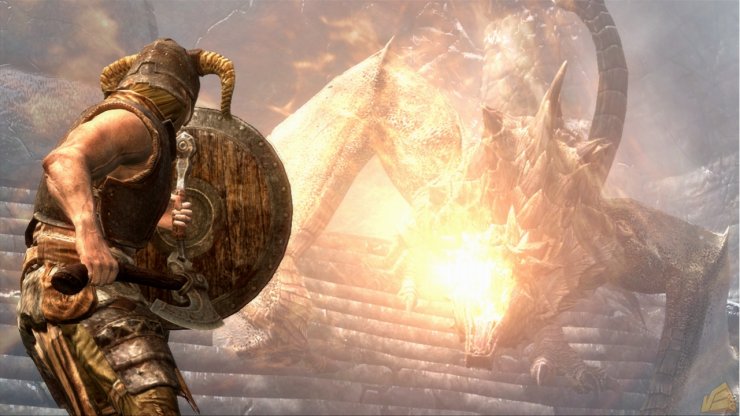
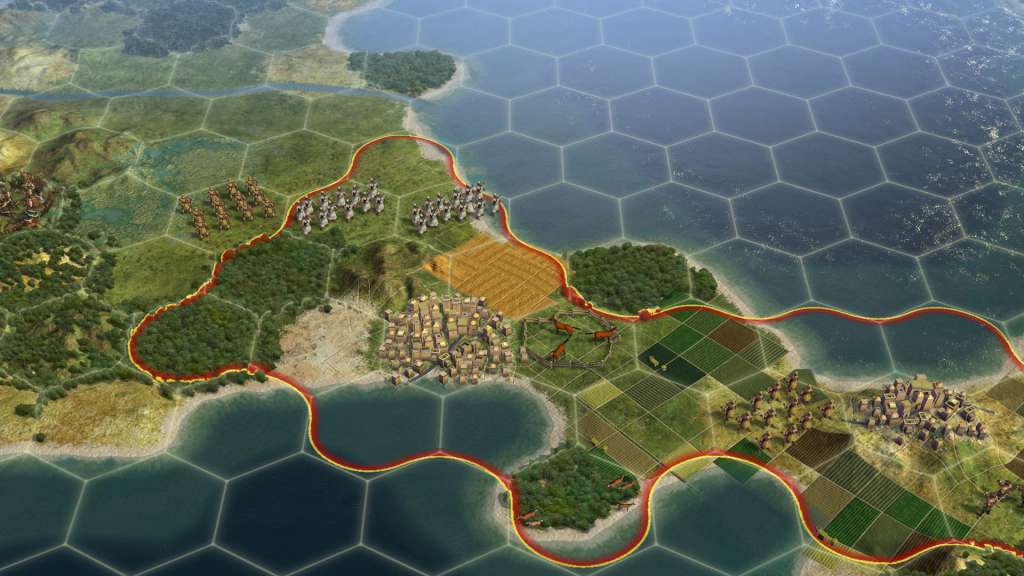
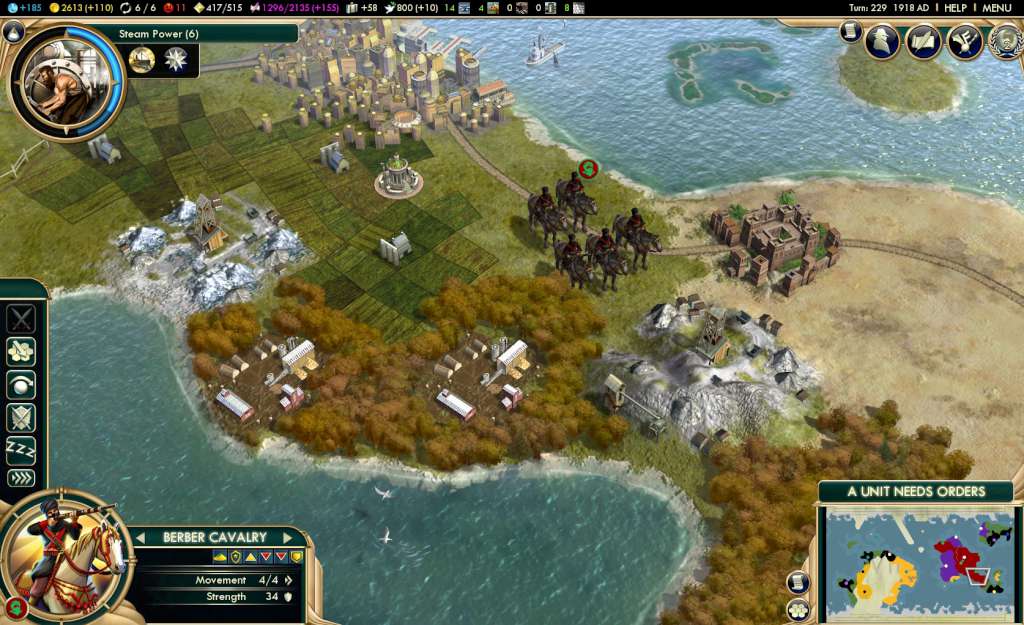
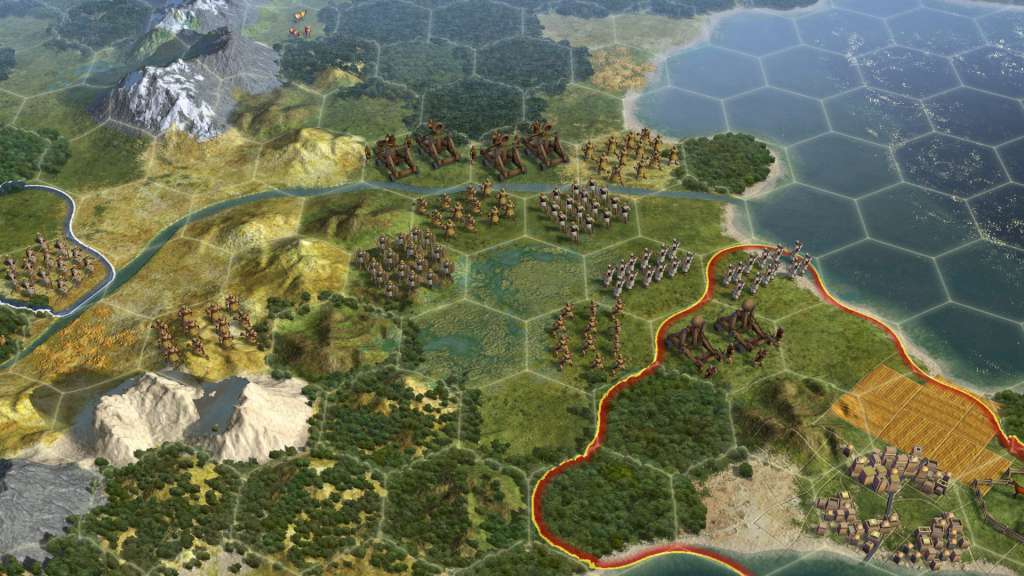
- Steam: The largest platform. Most games are here. Our catalog has thousands of Steam keys like Skyrim$9.89Buy Nowand Civilization V$5.40Buy Now7 images ›



 .7 images ›



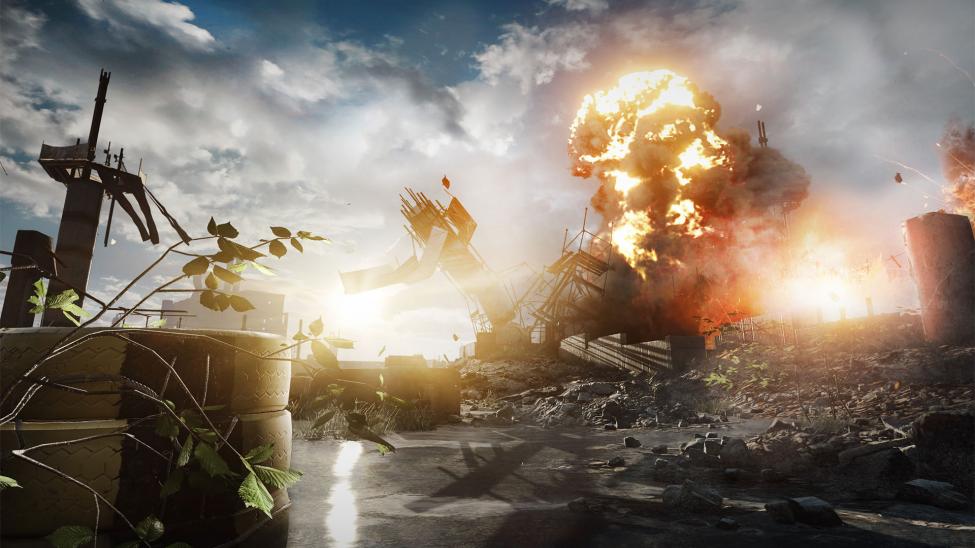
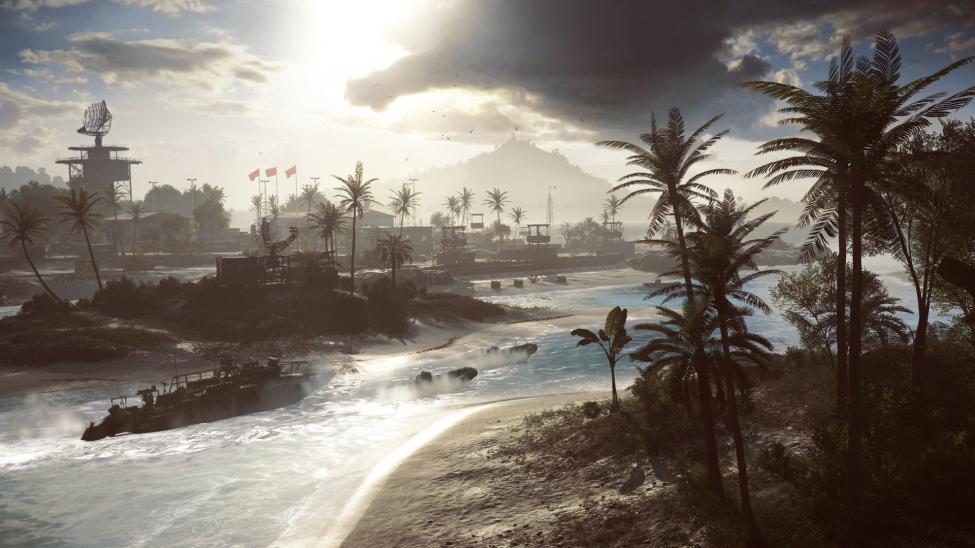
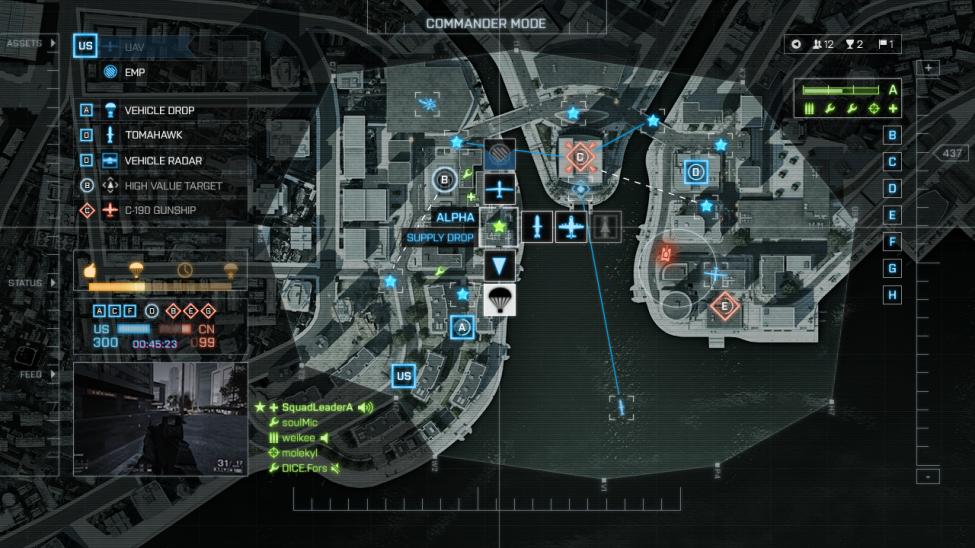
- EA App: EA games require EA's own launcher. Games like Battlefield 4$6.92Buy Nowactivate on EA App, not Steam.7 images ›



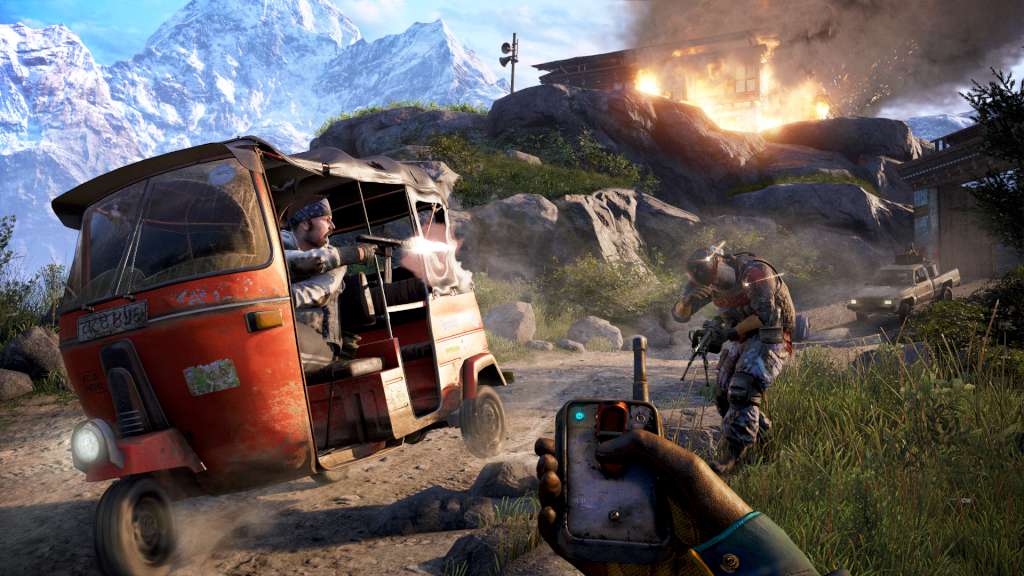
- Ubisoft Connect: Ubisoft titles use their own platform. Games like Far Cry 4$9.00Buy Nowactivate here.7 images ›



How to Activate a Steam Key
- Open Steam and log into your account
- Click "Games" in the top menu, then "Activate a Product on Steam"
- Follow the wizard, paste your key, and click Next
- The game is added to your library permanently
Once activated, the game stays on your account forever — even if the key seller stops selling it.
Red Flags to Avoid
- "Too good to be true" prices: A 50 EUR game for 3 EUR? Probably a stolen or resold key.
- No region information: If the seller doesn't tell you where the key works, walk away.
- Account sales: Never buy a Steam account. These get banned and you lose everything.
- No HTTPS: If the checkout page isn't secure, your payment info is at risk.
Why Choose CDKeysIsland?
We source all keys from Kinguin's authorized distribution network, always show region information, and provide instant delivery on every purchase. Our catalog includes thousands of games for Steam, EA App, Ubisoft Connect, and more. Browse our deals and start saving today.

Comments (0)
No comments yet. Be the first to share your thoughts!
Leave a Comment