About the Game
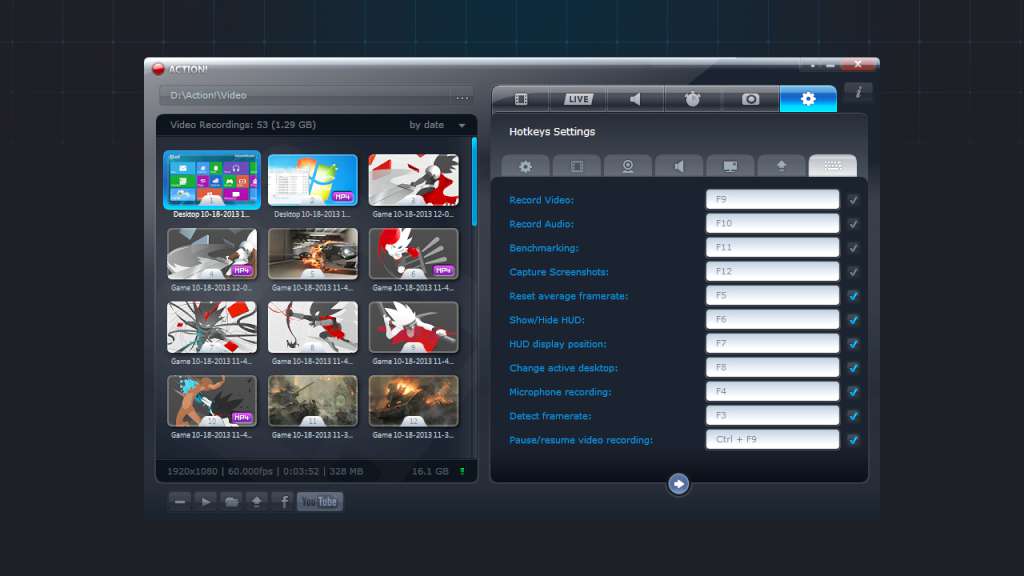
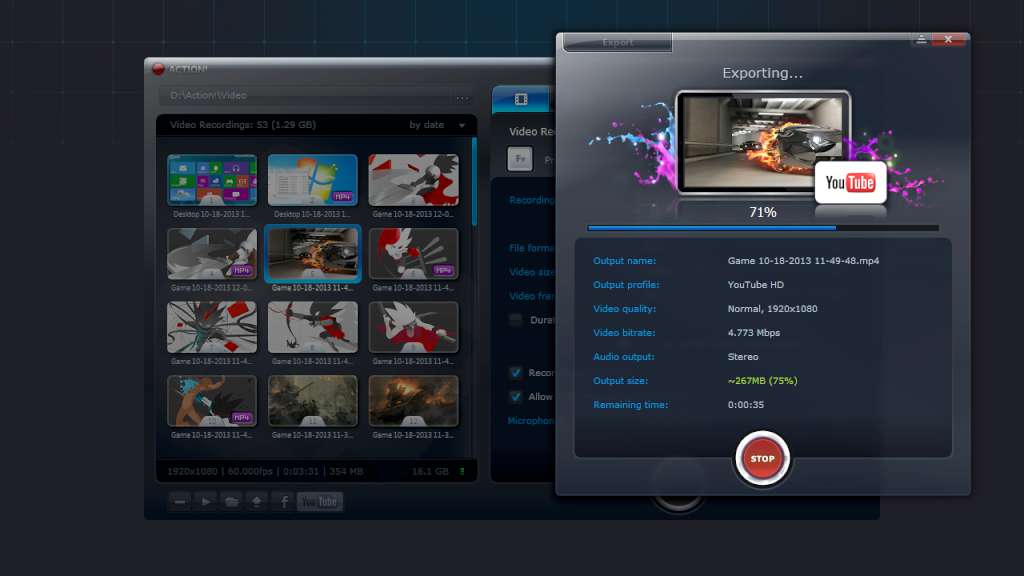
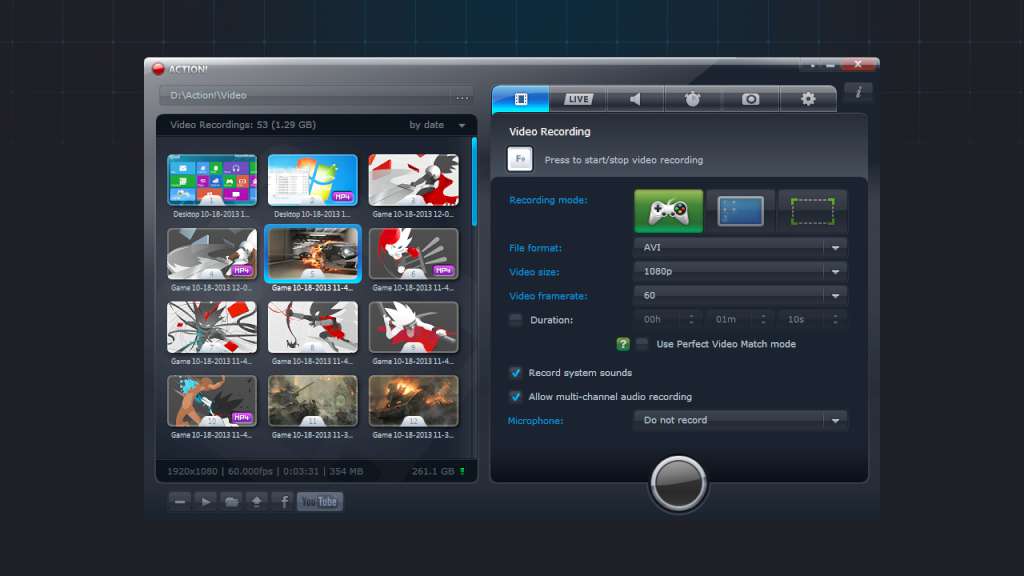
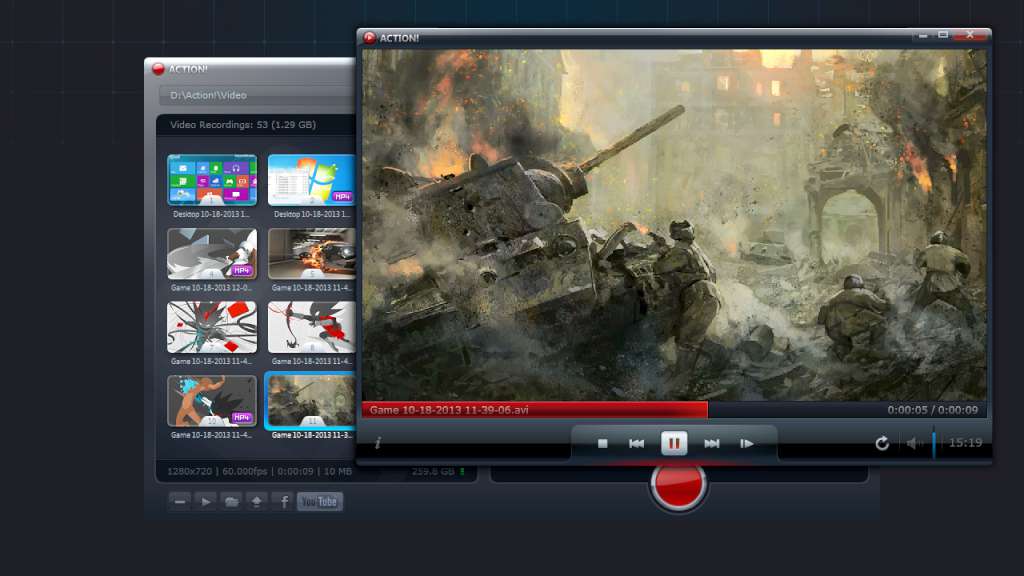
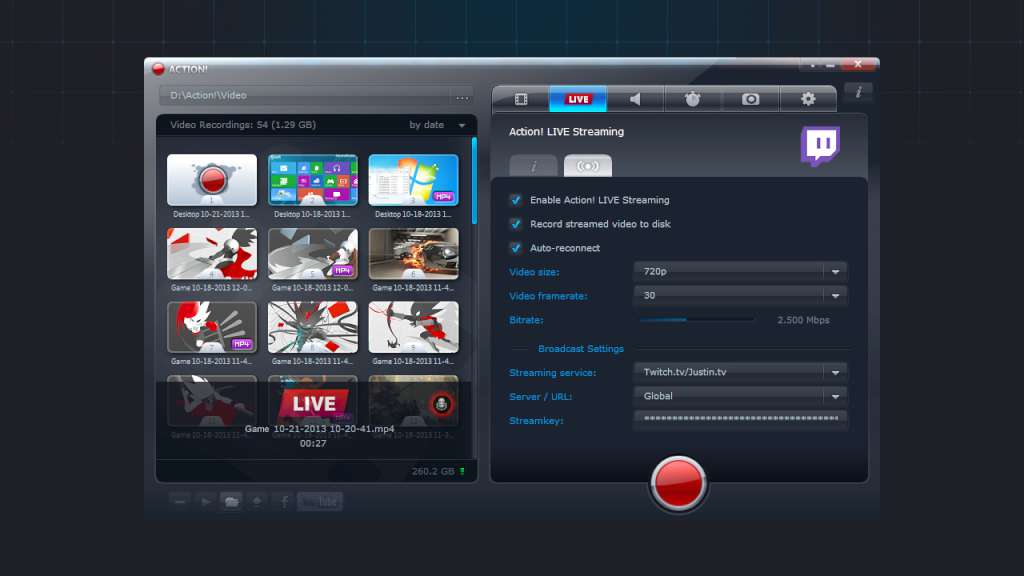
Action! - The world's No. 1 gameplay recorder! With Action! you can record and stream your gameplay, fullscreen Windows desktop, selected Windows desktop region, web player videos, music, benchmark and display game framerates, add live audio commentary, add webcams and much more! With outstanding performance and sleek design Action! defines a new standard of user experience for real-time gameplay recording and streaming software. Features Recording gameplay of DirectX 8/9/10/11/12 and OpenGL games LIVE Streaming games to Twitch.tv, YouTube, hitbox and more services! Display and benchmark FPS and average FPS for games Direct gameplay recording to MP4 (H.264/AVC) format with Intel Quick Sync Video, NVIDIA NVENC and AMD APP acceleration! Adding webcam to gameplay recordings Recording fullscreen Windows desktop with full support for Windows 8, Windows 8.1 and Windows 10 Remote Action! function to play all your PC games in HD on your Android devices! (Remote Action! requires to purchase additional subscription) Remote Action! function to remotely control Windows PC in HD on your Android devices! (Remote Action! requires to purchase additional subscription) Recording selected region of Windows desktop Recording web player videos Perfectly smooth web player video recordings with Perfect Video Match Mode Save game benchmark results to CSV file Recordings pause/resume option Adding custom logo/overlay graphics Logitech G13/G15/G19 keyboards LCD display support Live audio commentary with microphone Microphone mixing level adjustment Recording audio only Fullscreen games and desktop screenshots to JPG, PNG or BMP Capturing selected region desktop screenshots Option to detect framerate of source web player video Exporting video recordings to popular formats, devices, YouTube and Facebook CUDA, NVIDIA NVENC, AMD APP and Quick Sync Video acceleration for video exporting Upload to YouTube and Facebook User friendly and stylish interface Smooth and easy recording playback with built in Action! player Ultimate performance, low CPU usage and high FPS video recording Mouse clicks visualizations Recorded webcams preview in Action! HUD Custom hotkeys Displaying detected 3D engine for games and applications Multicore CPU Support
Screenshots
Details
| Platform | Steam |
| Release Date | 05 Aug 2014 |
| Region | Region Free |
| Type | Digital CD Key |
| Delivery | ⚡ Instant |
| Languages | English |
Why CDKeysIsland
⚡ Instant Delivery
Get your game key immediately after purchase via email. No waiting, no delays.
🔑 100% Genuine Key
We sell only legitimate digital keys. No accounts, no grey market tricks.
🛡️ Lifetime Warranty
Every key comes with a lifetime warranty. If it doesn't work, we fix it — always.
🏴☠️ Permanent Ownership
Your key is yours forever with no restrictions, subscriptions or expiry dates.
Action! - Gameplay Recording and Streaming PC Steam Account
- Download and install Steam on your PC
- Sign in to your Steam account (or create one for free)
- Click "Add a Game" in the bottom-left corner → "Activate a Product on Steam"
- Enter your unique key from the Orders page
- Game is added to your library — ready to download!