1 / 2
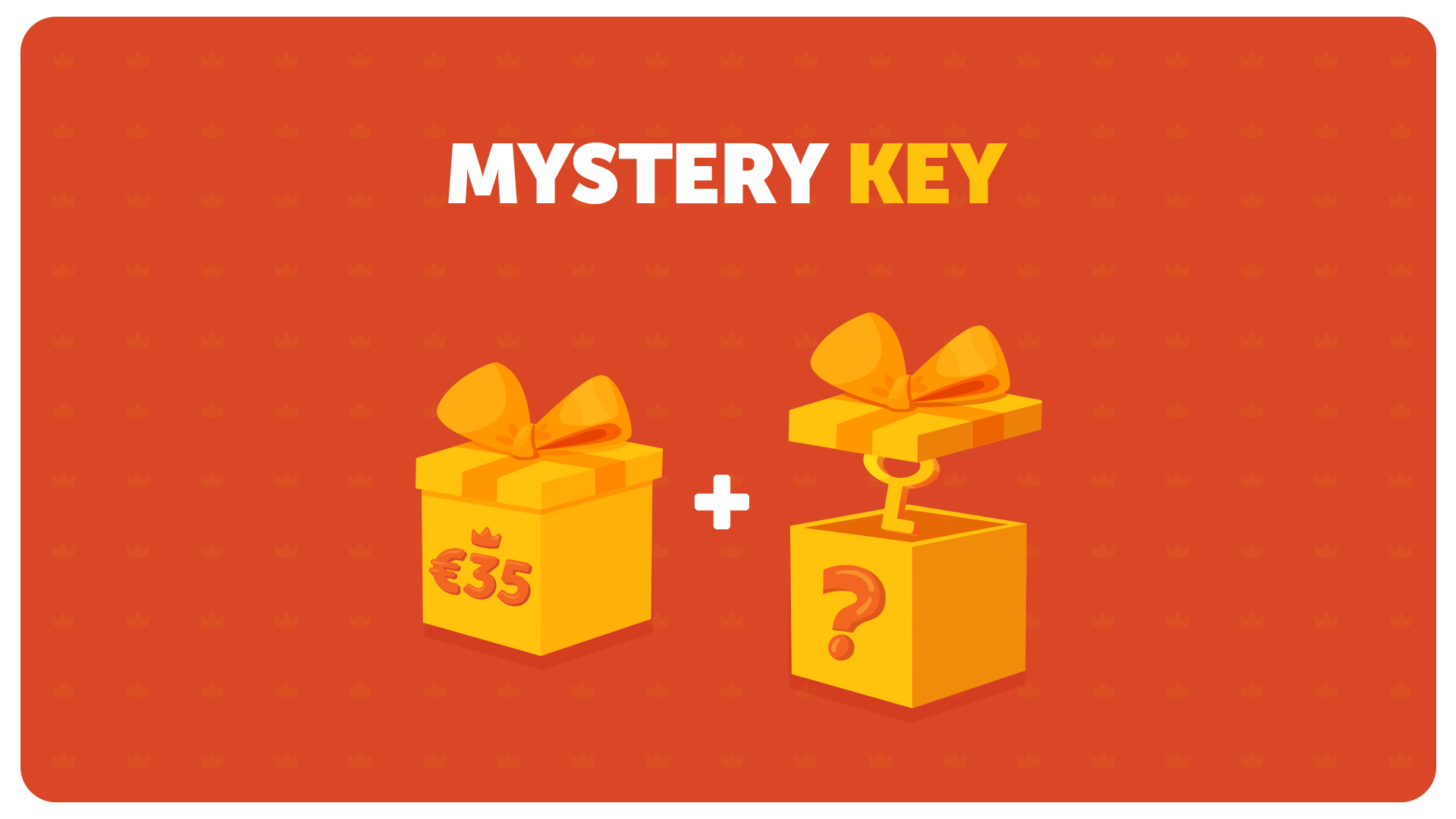
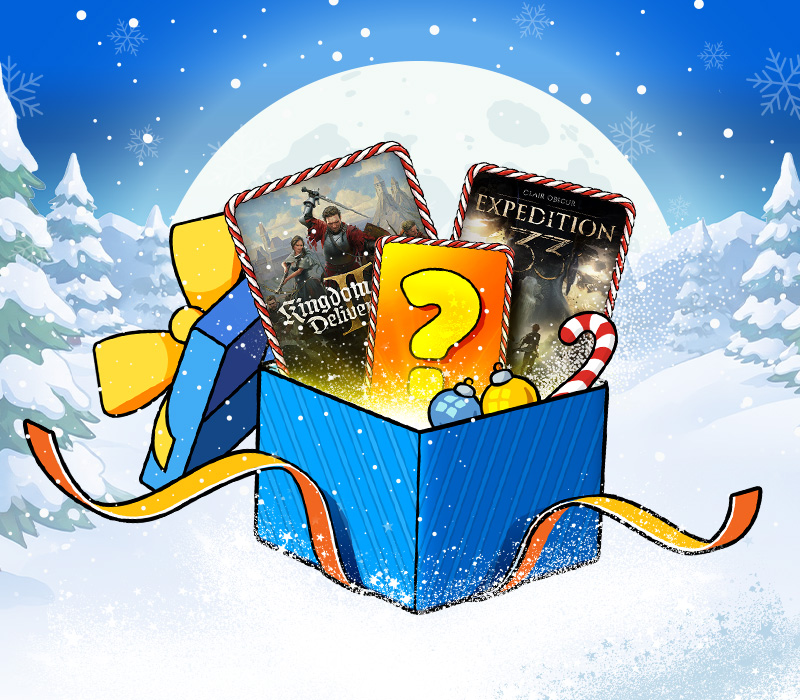
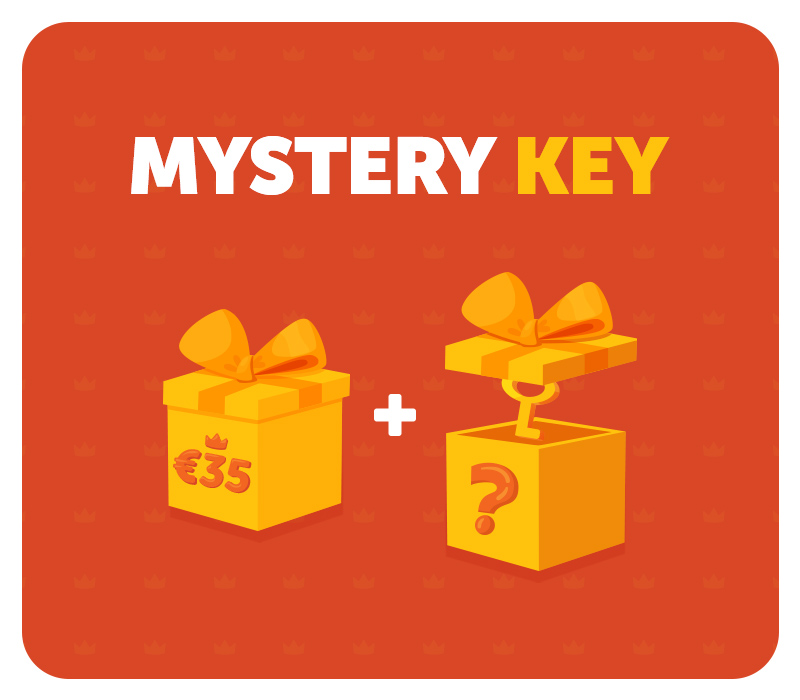
Experience the thrill of surprise with our the Mystery Key! Each Mystery Key gives you a chance to receive one of the following items: Hot Random Action Game Key Hot Random RPG Game Key What could be your Mystery Key? Fantastic game key to add to your collection? The only way to find out is to grab one now! It’s an exclusive offer. Don’t wait – get your Mystery Key!
| Platform | Kinguin |
| Region | Worldwide |
| Type | Digital CD Key |
| Delivery | ⚡ Instant |
⚡ Instant Delivery
Get your game key immediately after purchase via email. No waiting, no delays.
🔑 100% Genuine Key
We sell only legitimate digital keys. No accounts, no grey market tricks.
🛡️ Lifetime Warranty
Every key comes with a lifetime warranty. If it doesn't work, we fix it — always.
🏴☠️ Permanent Ownership
Your key is yours forever with no restrictions, subscriptions or expiry dates.
Kinguin
Worldwide
Mystery Key
$15.65
In Stock
· 35 available
Instant digital delivery via email
100% genuine CD key
Lifetime warranty included
Worldwide
Click here for activation instructions
In case of discount codes or euro vouchers: Apply Discount Code in Cart during checkout process and get a discount on your next purchase! Discount codes and euro vouchers are valid till 15.01.2018 and can be used only one time per customer! In case of games follow the instruction for the proper platform: Uplay: Go to: http://uplay.ubi.com and download Uplay client. Install Uplay Client on your PC. Start the application, login with your Account name and Password (create one if you don't have). Please follow these instructions to activate a new retail purchase on Uplay: Click the Settings Choose Activate Product Follow the onscreen instructions to complete the process. Steam: Go to: http://store.steampowered.com/ and download STEAM client. Click "Install Steam" (from the upper right corner) Install and start application, login with your Account name and Password (create one if you don't have). Please follow these instructions to activate a new retail purchase on Steam: Launch Steam and log into your Steam account. Click the Games Menu. Choose Activate a Product on Steam... Follow the onscreen instructions to complete the process. Origin: Go to: http://www.origin.com/us/about . Click "Download Origin" (from the upper left corner) Install and start application, login with your Account name and Password(create one here: http://store.origin.com/ if you don't have). From the "Origin" drop-down menu (upper left corner) choose "Redeem Product Code...", enter your code and click "Next". After successful code verification go to the "MY GAMES" tab and start downloading. Battle.net: Visit www.battle.netAt the top of the page, click "Create Account". Click To account administration. After logging in to your account, click the Add Game button. Enter your key games in a free field and click ACTIVATE GAME. Run the Blizzard Downloader to download the game.
🏴☠️ You May Also Like